EasyManua.ls Logo

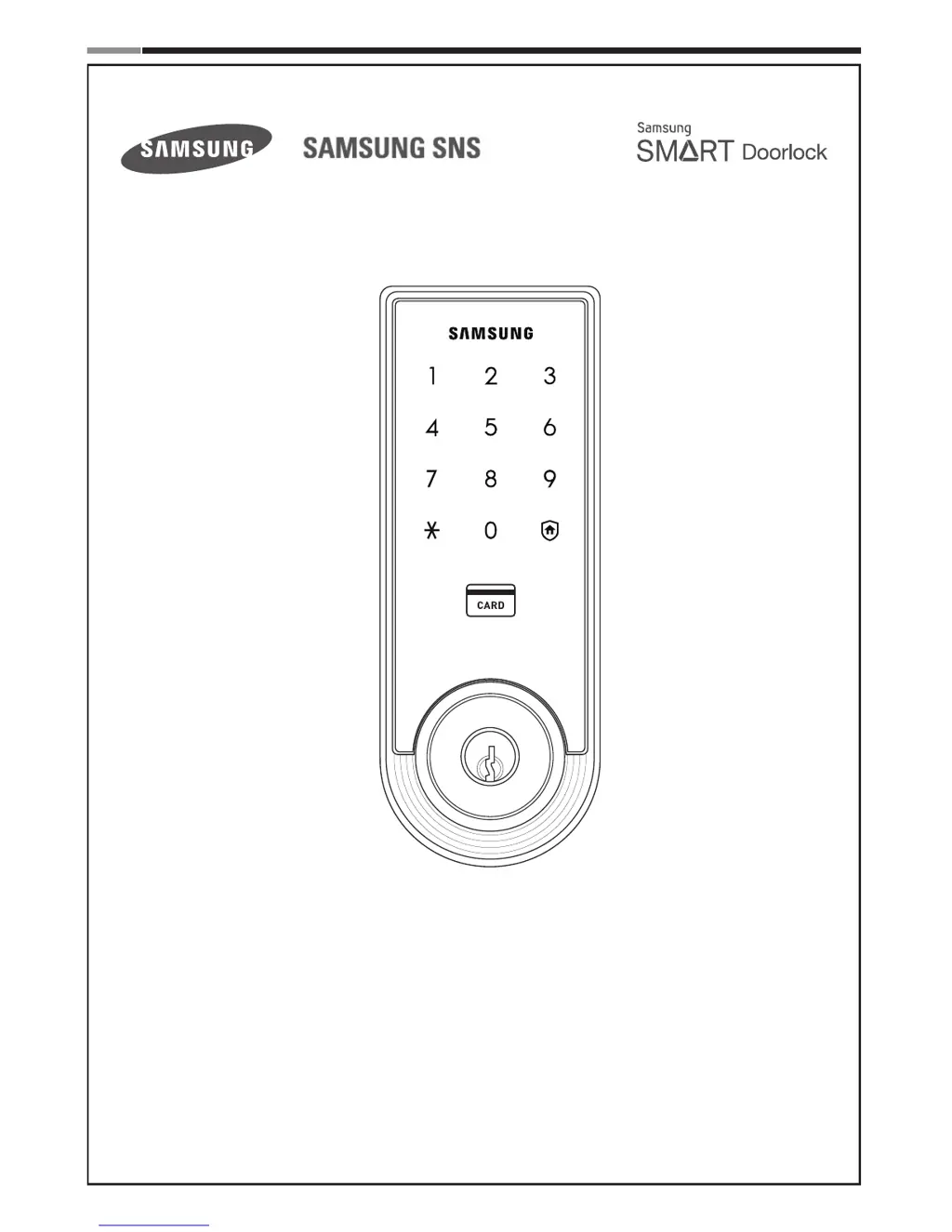
Samsung Smart Door Lock SHS-3320 - User Manual

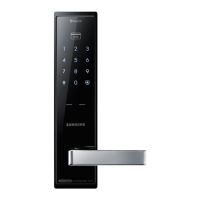
Samsung Smart Door Lock SHS-3320
28 pages
Print Icon
To Next Page IconTo Next Page
Loading...
Please review all included documentation and use the product as intended. Safety precautions must be
followed to avoid personal injury or property damage.
Samsung Smart Door Lock
SHS
-
3320
User Guide

Questions and Answers

  • S
    Sheryl JonesAug 14, 2025
    Why doesn't my Samsung Door locks lock automatically?
    • M
      Mark ReillyAug 14, 2025
      If your Samsung Door lock isn't automatically locking, check the following: * Ensure that the Auto Locking feature is enabled. * Verify the lock has been correctly installed. * Check the batteries to ensure they are not discharged, as the Auto Locking function deactivates when batteries are completely discharged.
  • M
    martinkennethAug 17, 2025
    What to do if I can’t register the User PIN Code on Samsung Smart Door Lock SHS-3320 Door locks?
    • A
      anita35Aug 18, 2025
      If you're unable to register a User PIN Code on your Samsung Door lock, it might be due to these reasons: * The User Number is already in use: Delete the existing User Number and attempt to register it again. * Ensure that the User PIN Code is 4~12 digits long.
  • A
    Austin GonzalezAug 20, 2025
    How to troubleshoot a Samsung Door lock with no power?
    • C
      Crystal AndersonAug 20, 2025
      If your Samsung Door lock has no power, first ensure the batteries are fully charged. If the issue persists, check that the Exterior Unit cable is securely connected.
  • Y
    ybarkerAug 25, 2025
    What to do if I can't unlock my Samsung Door locks with my PIN Code or Card?
    • Z
      Zachary SantiagoAug 25, 2025
      If you are unable to unlock your Samsung Door lock with your PIN Code or Card, verify whether the Double-locking function has been activated.
  • C
    Courtney SmithAug 27, 2025
    Why does my Samsung Smart Door Lock SHS-3320 make a 'Too~~t, too~~t' sound when I touch the touchscreen?
    • M
      mjohnsonAug 27, 2025
      If you hear the 'Too~~t, too~~t' warning sound when you touch the Touchscreen on your Samsung Door lock, check if Double-locking is enabled; if so, disable the function and try again.
  • S
    stephanie61Aug 30, 2025
    Why can't I register the User Card on my Samsung Smart Door Lock SHS-3320?
    • J
      Jimmy GarciaAug 31, 2025
      If you're having issues registering a User Card with your Samsung Door lock: * Make sure the card is touched to the card reader within 10 seconds of entering the User Number. * Verify that the registered PIN Code was entered correctly.
  • T
    toni90Sep 3, 2025
    What should I do if I can’t unlock the Samsung Smart Door Lock SHS-3320 with my Card?
    • V
      Vicki FullerSep 3, 2025
      If you cannot unlock your Samsung Door lock with your card, it's possible that the card is either unregistered or not being recognized. Ensure the card correctly touches the card reader.
  • C
    Carolyn SimmonsSep 6, 2025
    Why does my Samsung Smart Door Lock SHS-3320 Door locks play Fur Elise when activated?
    • A
      Anna HaleSep 6, 2025
      If your Samsung Door lock plays the 'Fur Elise' melody upon activation, replace the batteries with new ones within a week.
  • C
    christopher36Sep 9, 2025
    What to do if there is no response when I touch the Touchscreen on Samsung Door locks?
    • W
      William Bender DDSSep 10, 2025
      If your Samsung Door lock touchscreen is unresponsive: * Use a pin to press the hole on the right of the external power contact of the Exterior Unit. * If the issue persists, contact the service center.

Summary

Introduction & Helpful Tips

Introduction to Samsung Smart Door Lock

Product overview and key features of the Samsung Smart Door Lock SHS-3320.

Essential Usage Tips

Essential advice for safe and proper use of the door lock.

Installation Guide

Required Components and Tools

Lists all necessary parts and tools for installing the door lock.

Component Visuals

Visual diagrams of the door lock components and their arrangement.

Door Preparation Steps

Door Status and Hand Orientation Check

Verifies door thickness compatibility and determines the correct lock orientation.

Marking for Drilling

Guide on using the template to mark drilling points on the door.

Drilling Instructions

Detailed instructions for drilling holes into the door for the lock mechanism.

Strike Plate Installation

Steps for correctly installing the strike plate on the door frame.

Lock Installation Procedures

Deadbolt and Blade Installation

Steps for installing the deadbolt and setting the internal blade.

Mounting Plate and Cable Connection

Instructions for attaching the mounting plate and connecting internal cables.

Magnetic Sensor Setup

Guide for properly installing the magnetic sensor for door detection.

Optional Video Intercom Link

Instructions for connecting the door lock to a Samsung video intercom system.

Complete Installation Steps

Comprehensive step-by-step guide for completing the lock installation.

Programming and Operation

Basic Lock Operation

Explains how to operate the lock using PIN codes or access cards.

Programming Features

Component Identification

Identifies and describes the external and internal parts of the door lock.

Programming Symbols Explained

Explains the meaning of symbols used during programming.

Sound Indicators and Alerts

Details the various sounds the lock makes and their meanings.

Key Definitions and Features

Security Feature Definitions

Defines Double Authentication, Intrusion Detection, Malfunction Prevention, and Out-of-Home Security.

Operational Feature Definitions

Explains Double-locking, Locking Modes, Thumbturn Lever, Master PIN, and OPEN/CLOSE button.

Power and Indicator Definitions

Defines Emergency Power Contact and Indicator Lamp functions.

Settings Management and Defaults

User Settings and Factory Defaults

Compares user-configurable settings with the lock's factory default values.

Random Security Functionality

Explains how the random security feature enhances PIN code protection.

System Control Functions

Describes the Registration, Restart, and Resetting buttons, and Sound Settings.

User Code and Card Programming

Changing Master PIN Code

Step-by-step guide to changing the primary administrator PIN code.

Registering User PIN Codes

Instructions for adding new PIN codes for users.

Registering User Access Cards

Process for registering RFID or access cards for users.

Deleting User Codes and Cards

Steps to remove registered user PIN codes or access cards.

Advanced Security Functions

Configuring Out-of-Home Security

How to activate the function to deter intruders when away.

Managing Double-locking

Instructions for enabling and disabling the double-locking feature.

Additional Function Settings

Options for mute, sound levels, and enabling/disabling authentication modes.

Miscellaneous Information

Factory Reset Procedure

Steps to restore the lock to its original factory default settings.

Emergency Power Access

How to power the lock using a 9V battery during outages.

Lock Restart Functionality

Procedure for restarting the lock if it becomes unresponsive.

Troubleshooting Common Issues

Power and Basic Operation Problems

Solutions for issues like no power or incorrect PIN entry.

PIN and Card Registration Issues

Troubleshooting steps for problems during user code or card registration.

Door Access Failures

How to resolve issues where the door does not open with correct credentials.

Lock Malfunction and Error Sounds

Explains causes for lock malfunctions and interprets various warning sounds.

Auto Locking and Touchscreen Issues

Troubleshooting for auto-locking failures and unresponsive touchscreens.

User Registration Table

Product Specifications and Compliance

Technical Specifications

Details voltage, weight, dimensions, and operation methods.

FCC Compliance Information

Regulatory compliance notice regarding FCC rules for digital devices.

Limited Product Warranty

Drilling Template (2-3;8 Backset)

Drilling Template (2-3;4 Backset)

Samsung Smart Door Lock SHS-3320 Specifications

General IconGeneral
BrandSamsung
ModelSmart Door Lock SHS-3320
CategoryDoor locks
LanguageEnglish

Related product manuals