8
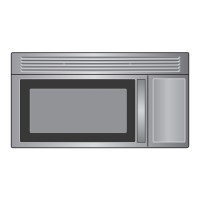
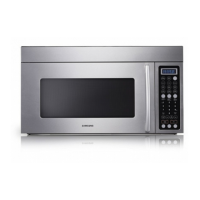
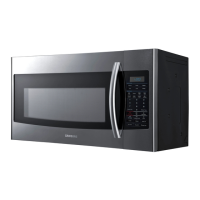
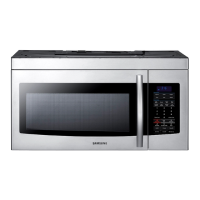
Your New Microwave oven
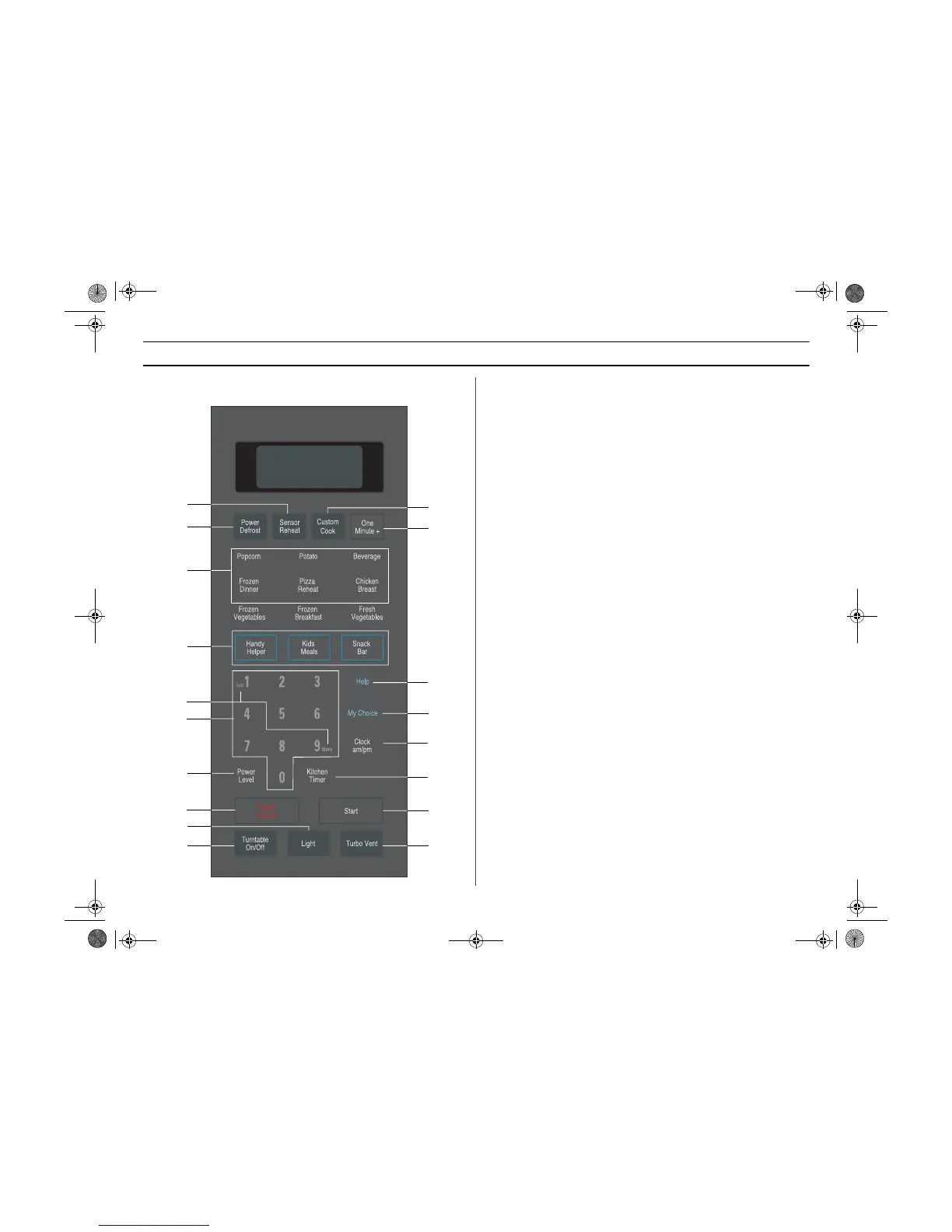
Control Panel Buttons
1. Sensor Reheat p.12
2. Power Defrost p.13
Sets weight of food to be defrosted.
3. Sensor Cook Buttons p.12
Sensor settings to cook popular foods.
4. Handy Helper, Kids Meals, Snack Bar p.13
Selects type of dish to be reheated.
5. More/Less p.15
Increase or decrease cooking time.
6. Number Buttons
Set cooking times or amounts and power levels other than high.
7. Power Level p.15
Press this pad to set a power level other than high.
8. Clock am/pm p.10
Sets current time
9. Light On/Night/Off Button p.16
10. Turntable On/Off Button p.16
11. One Minute + p.11
Press once for every minute of cooking at High power.
12. My Choice p.9
Press to set non-cooking feature.
13. Custom Cook p.11
Press twice to program your favorite recipe.
Press once to cook with that recipe.
14. Start
Press to start cooking.
15. Kitchen Timer p.11
Sets kitchen or convenience timer.
16. Pause/Cancel p.11
Press to pause oven or correct a mistake.
17. Help p.11
Press to see help information about the feature you are using.
18. Vent Fan Turbo/Hi/Low/Off Button p.16
1
2
3
10
4
6
7
12
13
8
16
14
18
17
15
11
9
5
SMH7178STD DE68-00356G.fm Page 8 Thursday, March 25, 2004 1:29 PM



 To Next Page