using the menu
28_ using the menu
TOUR
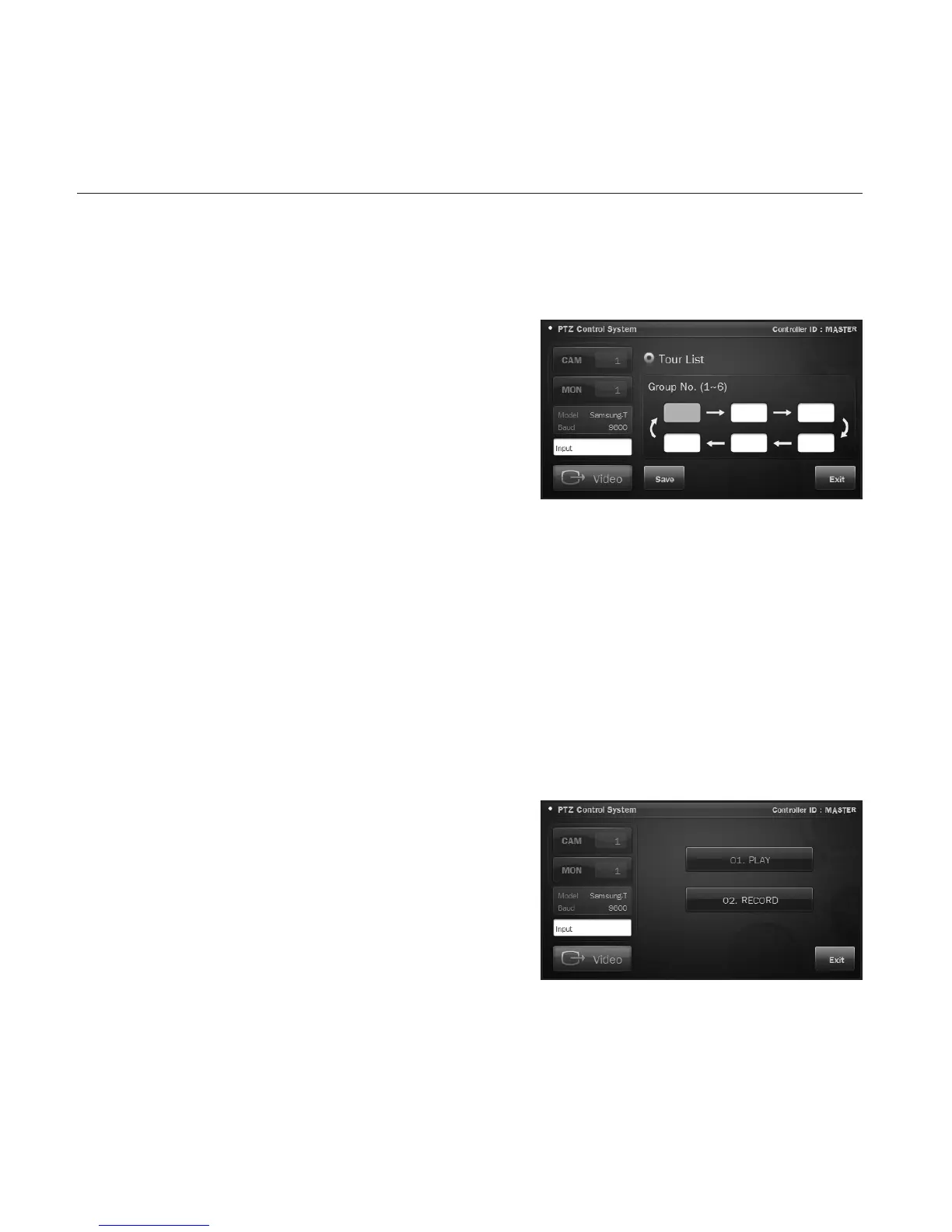
You can make a tour of at least one group before executing the groups in sequence.
To set a tour
1. Select <TOUR> from the menu screen.
2. Select <Tour Setting>.
3. Each time you press the number of a group that you
want to add to the tour, the group will be added to the
tour.
`
You can add up to 6 groups to a tour.
4. Press <Save> to apply your settings.
To execute the tour function
1. Select <TOUR> from the menu screen.
2. Select <Tour Executing>.
3. The tour function will be executed.
TRACE
With the joystick or camera buttons, you can instruct the controller to record the camera movement for
a specific time and repeat the movement.
To set a trace
1. Select <TRACE/PATTERN> from the menu screen.
2. Select <RECORD>.
3. Specify a trace number to record.
4. With the joystick or camera buttons, control the
camera movement as you wish.










 To Next Page