menu setting
40_ menu setting
FIRMWARE UPDATE
You can update the current firmware using the firmware files in the USB memory.
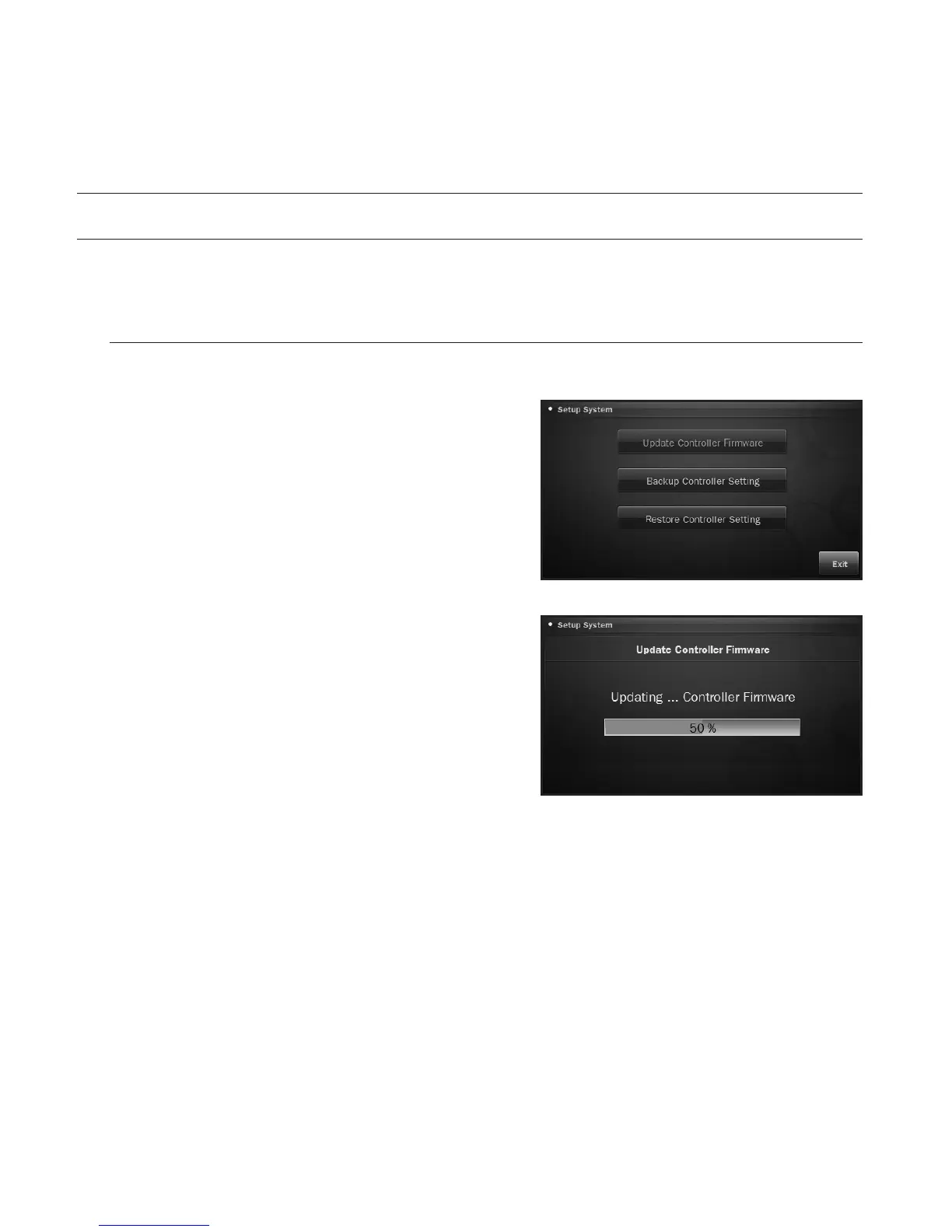
To update the controller firmware
You can download the latest firmware files and update the controller.
1. Connect the USB memory containing the latest
firmware files to the system controller.
2. From the menu setup screen, press <Update>.
3. Press <Update Controller Firmware>.
4. From the update screen, press <OK>.
The update status will be displayed in the progress
bar.
5. Wait until the system restarts after the update.
M
`
Do not disconnect the USB memory or power cable during
the update. Otherwise, it may fail to update the firmware or
cause a system failure.










 To Next Page