English _35
● MENU SETTING
DVR SETTING
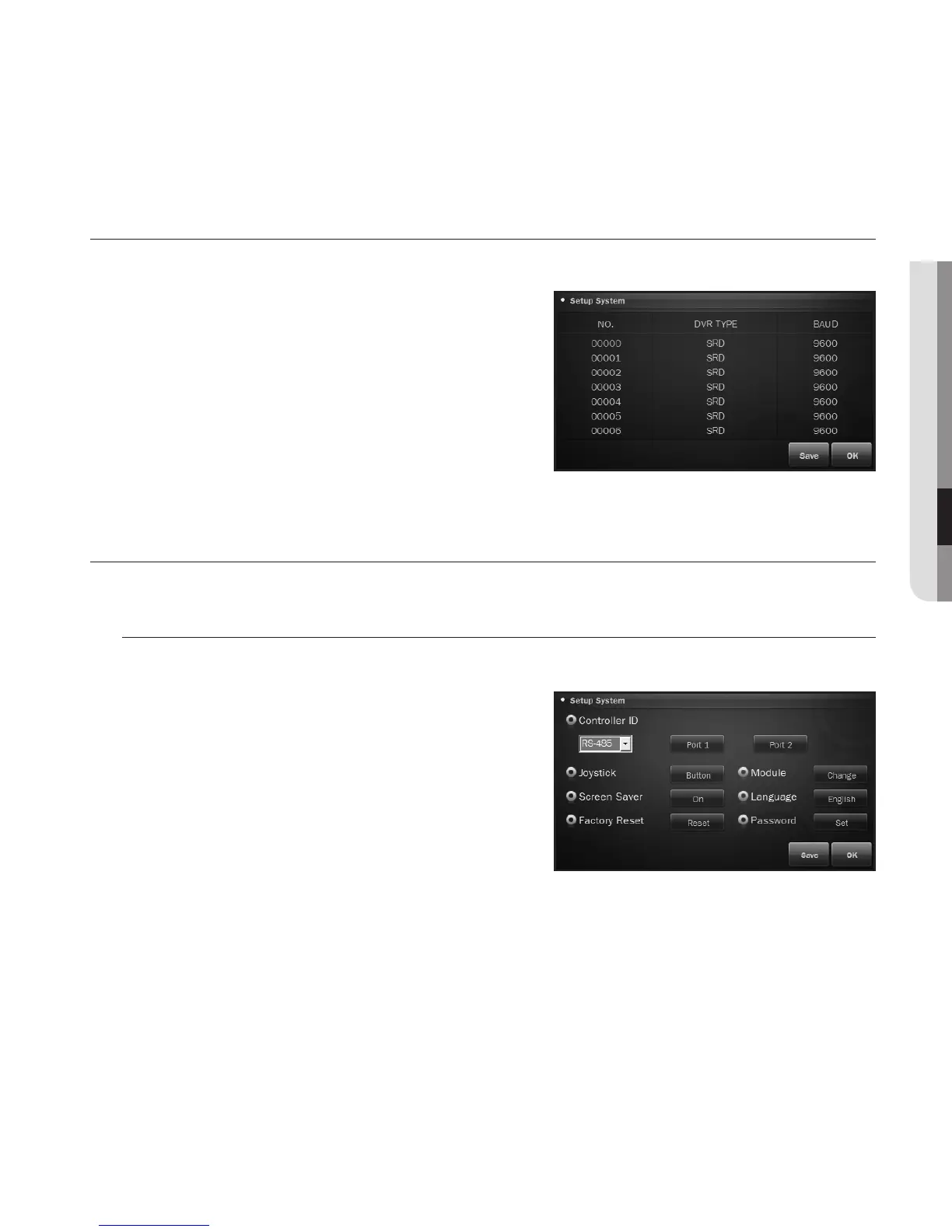
From the DVR setup screen, you can specify the DVR type and baud rate.
1. From the setup main screen, press <DVR>.
2. Use the direction buttons or joystick to select a camera
number and specify the DVR type.
3. Specify the baud rate.
4. When done, press <Save>.
5. To exit the DVR Setup screen, press <OK> or [ESC].
M
`
Before moving to a different page, save your settings.
CONTROLLER SETTING
Controller ID
You can select RS-485 or RS-422 for the communication system.
1. Select RS-485 or RS-422 for the communication
system between controller and external devices.
2. Press the port button to specify the port ID.










 To Next Page