using the menu
32_ using the menu
CONTROLLING MATRIX
To control monitor and camera in Matrix mode
You can control the monitor and camera in Matrix mode.
1. Press [MTX].
2. Select a monitor number and press [MON].
3. Select a camera number and press [CAM].
The selected monitor will play the video of the selected
camera.
To play the current video on the previous monitor
Enter a number for the camera to select.
1. Press the camera number in the Matrix setup screen and press [CAM].
2. The previous monitor will play the video of the currently selected camera.
Auto Select
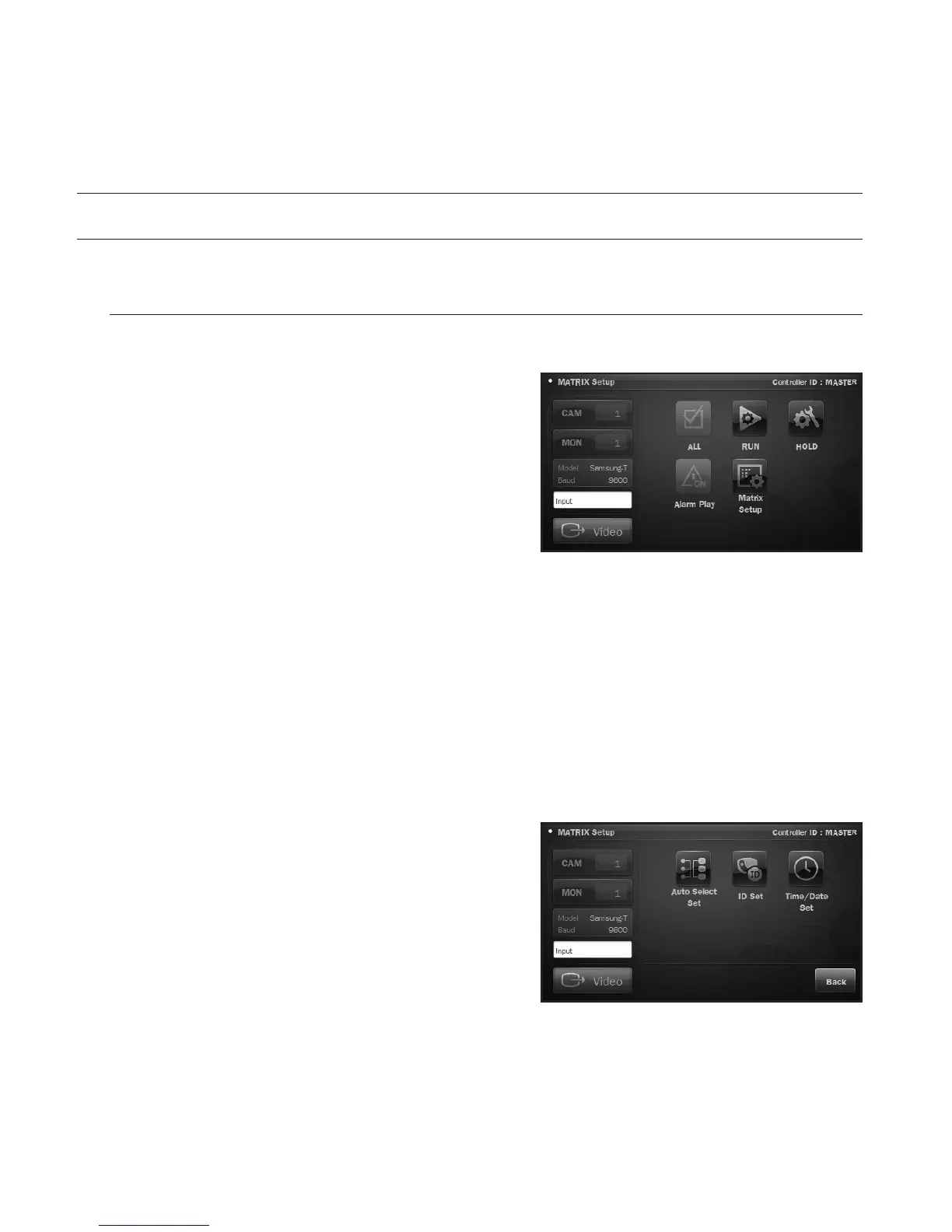
You can make a schedule of operations in the Matrix setup menu.
1. Select a monitor number in the Matrix setup menu and
press [MON].
2. From the menu screen, press <Auto Select Set>.










 To Next Page