English _33
● USING THE MENU
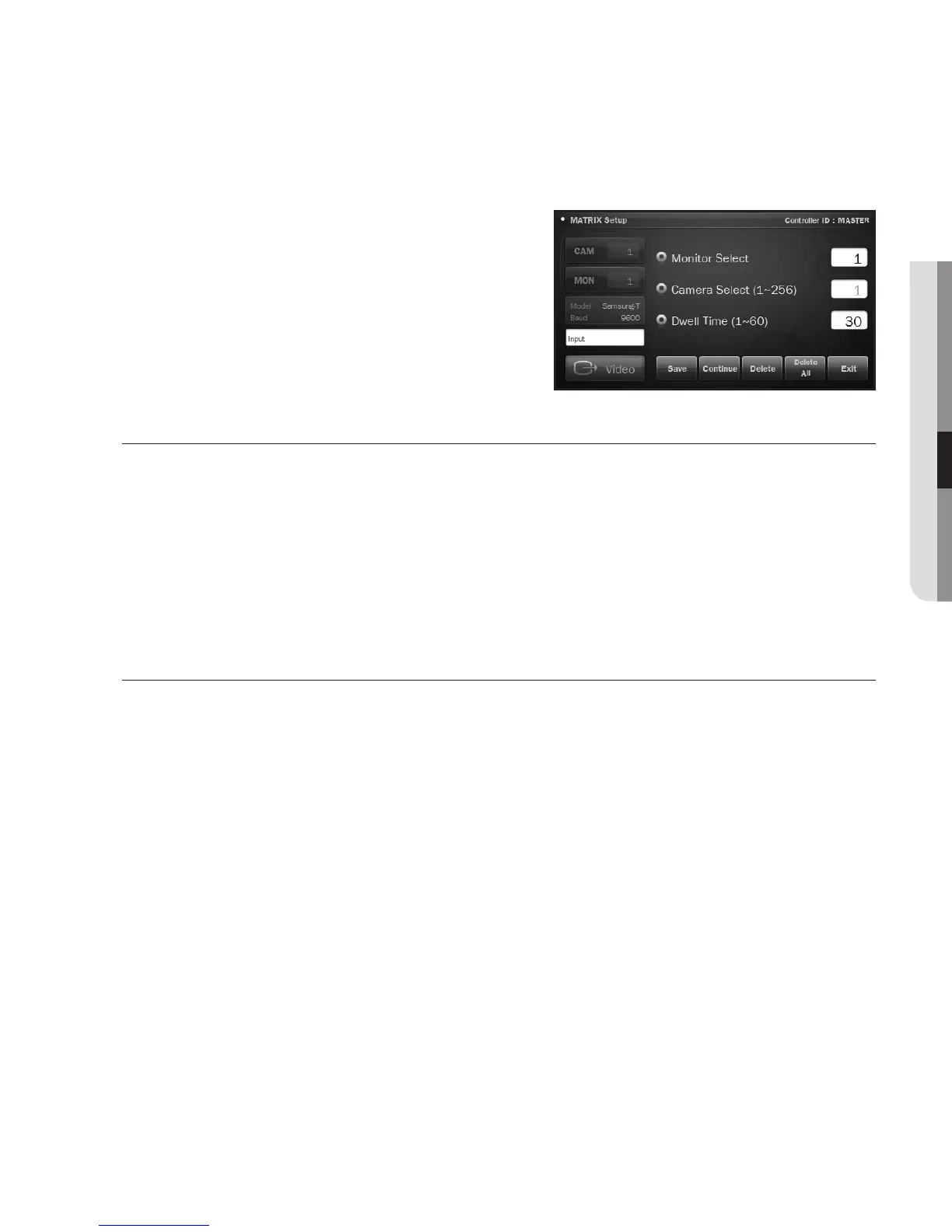
3. When the <Auto Select Set> screen appears, select
a monitor and a camera to connect and specify the
dwell time.
4. When camera #1 settings are completed, press
<Continue> and specify the dwell time for camera #2.
5.
When completing the dwell time setting, press <Save>.
RUN / HOLD
RUN/HOLD will run or hold the Auto Select setting that you have made.
Press the combination of <All> + <RUN> to run Auto Select as you set.
Press the combination of <All> + <HOLD> to stop operating Auto Select and wait for your input.
M
`
To instruct an operation for an individual monitor, press a combination of “monitor number” + <RUN> or
“monitor number”+<HOLD>.
Alarm Play
If the sensor is triggered in Alarm Play mode, the siren will sound if the alarm unit has set the siren to
ON, or you can control external devices using the indicators if the alarm unit has set the indicator control
output.
To release the alarm of the alarm unit, press <Alarm Play> again.










 To Next Page