English _41
● MENU SETTING
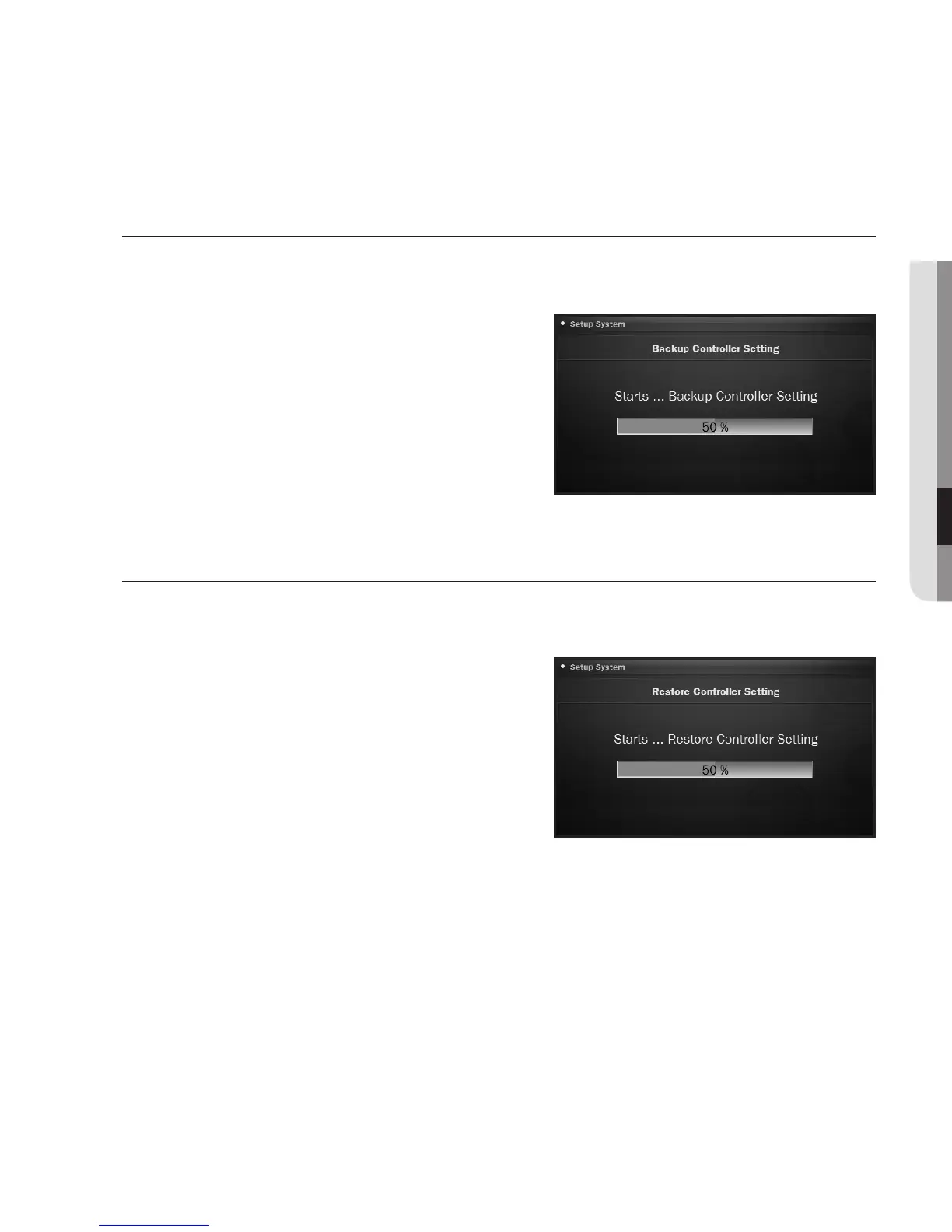
To backup the controller settings
If you want to change the controller or replace the camera, you can save the settings of the controller as
a file and load the controller settings into a new camera.
1. From the menu setup screen, press <Update>.
2. Press <Backup Controller Setting>.
3. Press <OK>.
The backup process begins.
M
`
Do not disconnect the USB memory or power cable during
the backup. Otherwise, it may fail to backup the controller
settings.
To restore the controller settings
If you have set the controller improperly or reset it, you can upload the current settings to a different
controller.
1. From the menu setup screen, press <Update>.
2. Press <Restore Controller Setting>.
3. Press <OK>.
The restoration process begins.
M
`
Do not disconnect the USB memory or power cable during
the restoration. Otherwise, it may fail to restore the controller
settings.










 To Next Page