Extended functions
46
Using the Movie mode
9
Set desired options.
•
For a list of options, refer to "Shooting options". (p. 48)
10
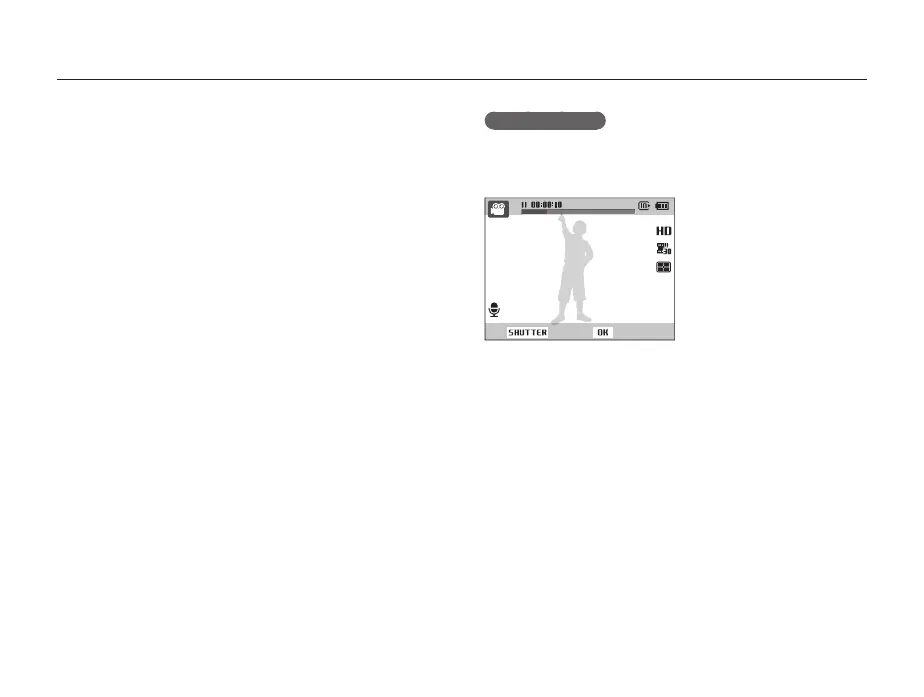
Press [Shutter] to start recording.
11
Press [Shutter] again to stop recording.
Pause recording
The camera allows you to temporarily pause a video while
recording. With this function, you can record separate scenes as
a single video.
Stop Record
• Press [o] to pause while recording.
• Press [o] to resume.



 To Next Page