Shooting options
55
Changing the camera’s focus
Learn how to adjust the camera’s focus to suit the subject and the shooting conditions.
Using auto focus
To capture sharp photos, select the appropriate focus option
according to your distance from the subject.
1
In Shooting mode, press [
c
].
Normal (AF)
Spsv
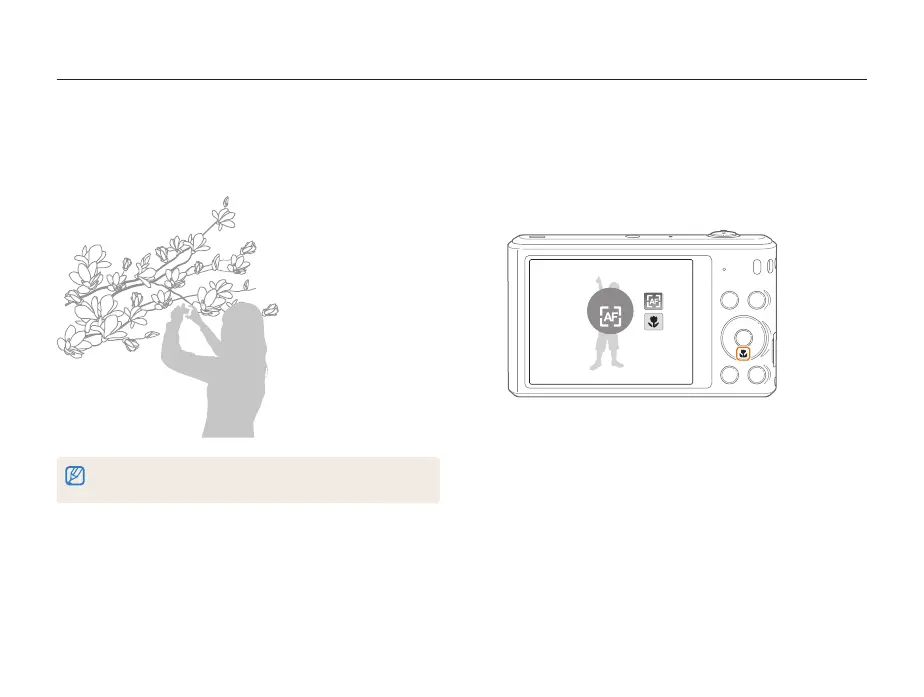
Using macro
Use macro to capture close-up photos of subjects, such as
flowers or insects.
•
Try to hold the camera firmly to prevent blurry photos.
•
Turn off the flash if the distance to the subject is less than 40 cm.
psv



 To Next Page