Note
Not available when Dynamic Contrast is set to On.
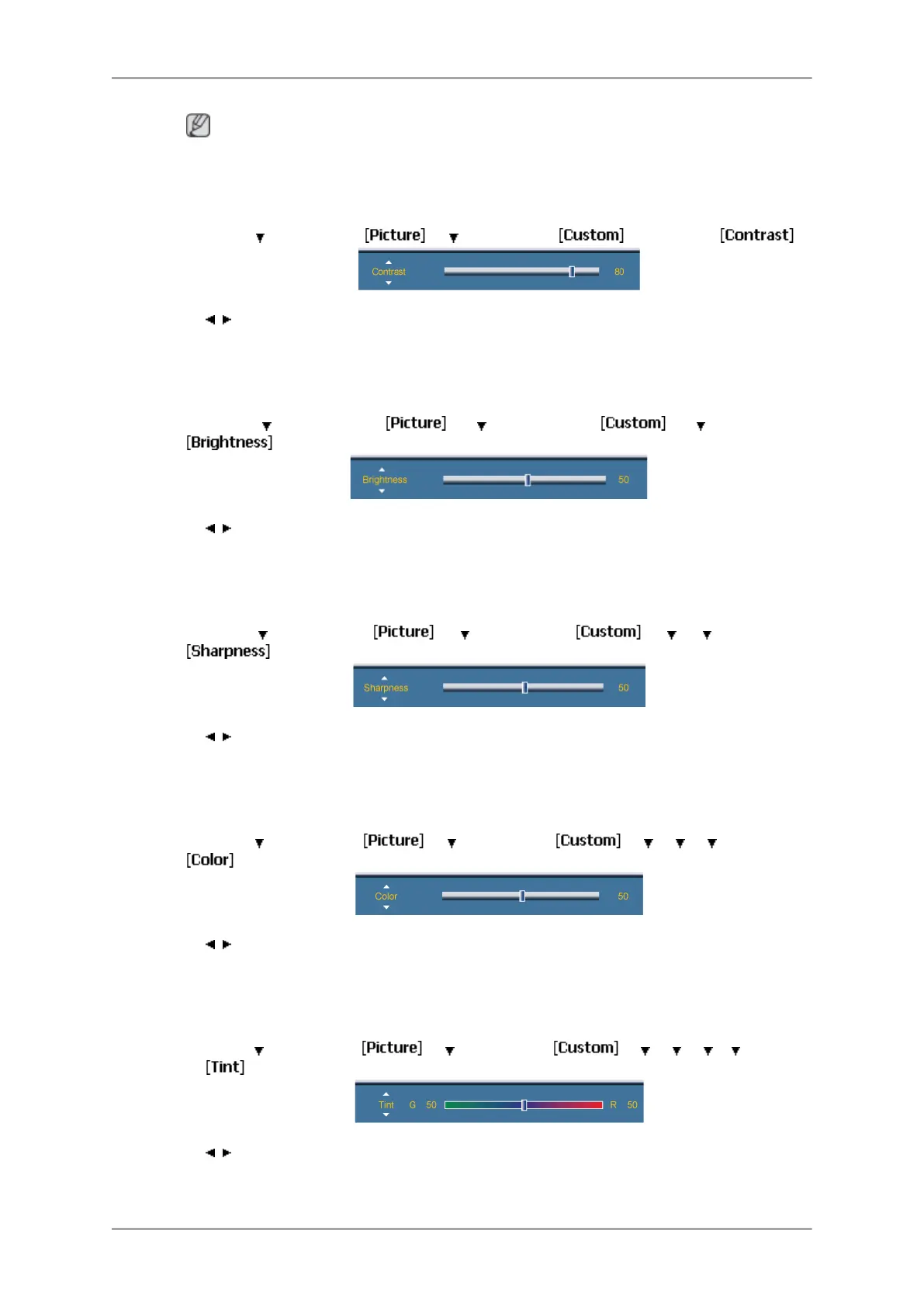
Contrast
MENU → → ENTER → → → ENTER → → ENTER→
→ , → ENTER
Adjusts the Contrast.
Brightness
MENU → → ENTER → → → ENTER → → → ENTER →
→ , → ENTER
Adjusts the Brightness.
Sharpness
MENU →
→
ENTER →
→ →
ENTER →
→ → →
ENTER →
→ , → ENTER
Adjusts the picture Sharpness.
Color
MENU →
→ ENTER → → → ENTER → → → → → ENTER →
→ , → ENTER
Adjusts the picture Color.
Tint
MENU → → ENTER → → → ENTER → → → → → → ENTER
→
→ , → ENTER
Adds a natural tone to the display.
Adjusting the LCD Display
67







 To Next Page