Sound
Available Modes
•
PC
•
AV
•
Component
•
HDMI
•
MagicInfo
Note
For an EX model,
• MagicInfo can only be enabled when a network box is connected.
•
The HDMI port and network box cannot be connected at the same time.
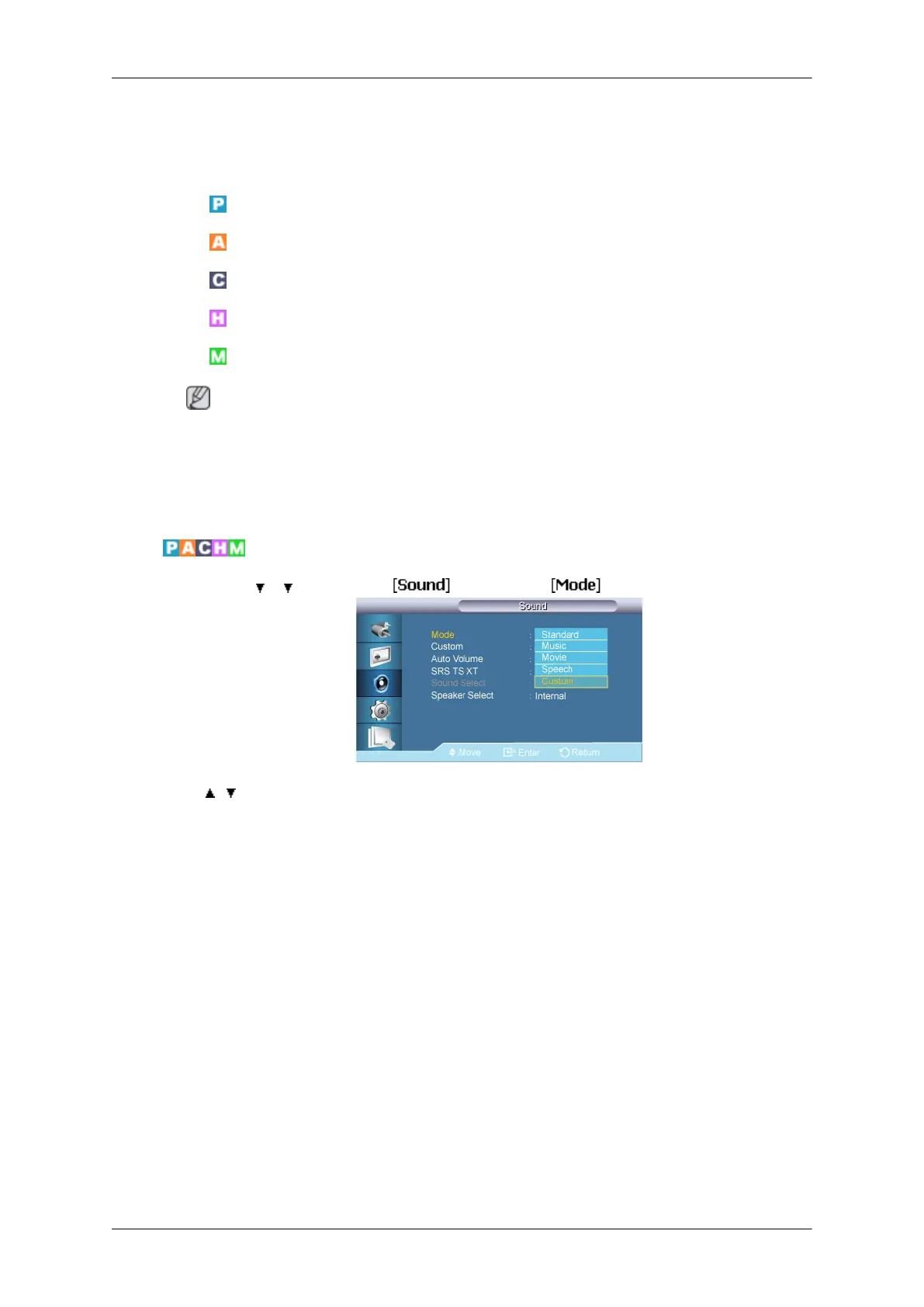
Mode
MENU → → → ENTER → → ENTER →
→ , → ENTER
The LCD Display has a built-in high fidelity stereo amplifier.
1. Standard
Selects Standard for the standard factory settings.
2. Music
Selects Music when watching music videos or concerts.
3. Movie
Selects Movie when viewing movies.
4. Speech
Selects Speech when watching a show that is mostly dialog (i.e., news).
5. Custom
Selects Custom
if you want to adjust the settings according to your personal preferences.
Adjusting the LCD Display
74







 To Next Page