2. Connect
a set of audio cables between the [AUDIO IN] on the LCD Display and the
AUDIO OUT jacks on the DVD player.
Note
•
Select AV for the connection to a DVD player using the SOURCE button on the front of
the LCD Display or on the remote control.
• Then, start the DVD Player with a DVD disc inserted.
• A RGB to AV cable is optional.
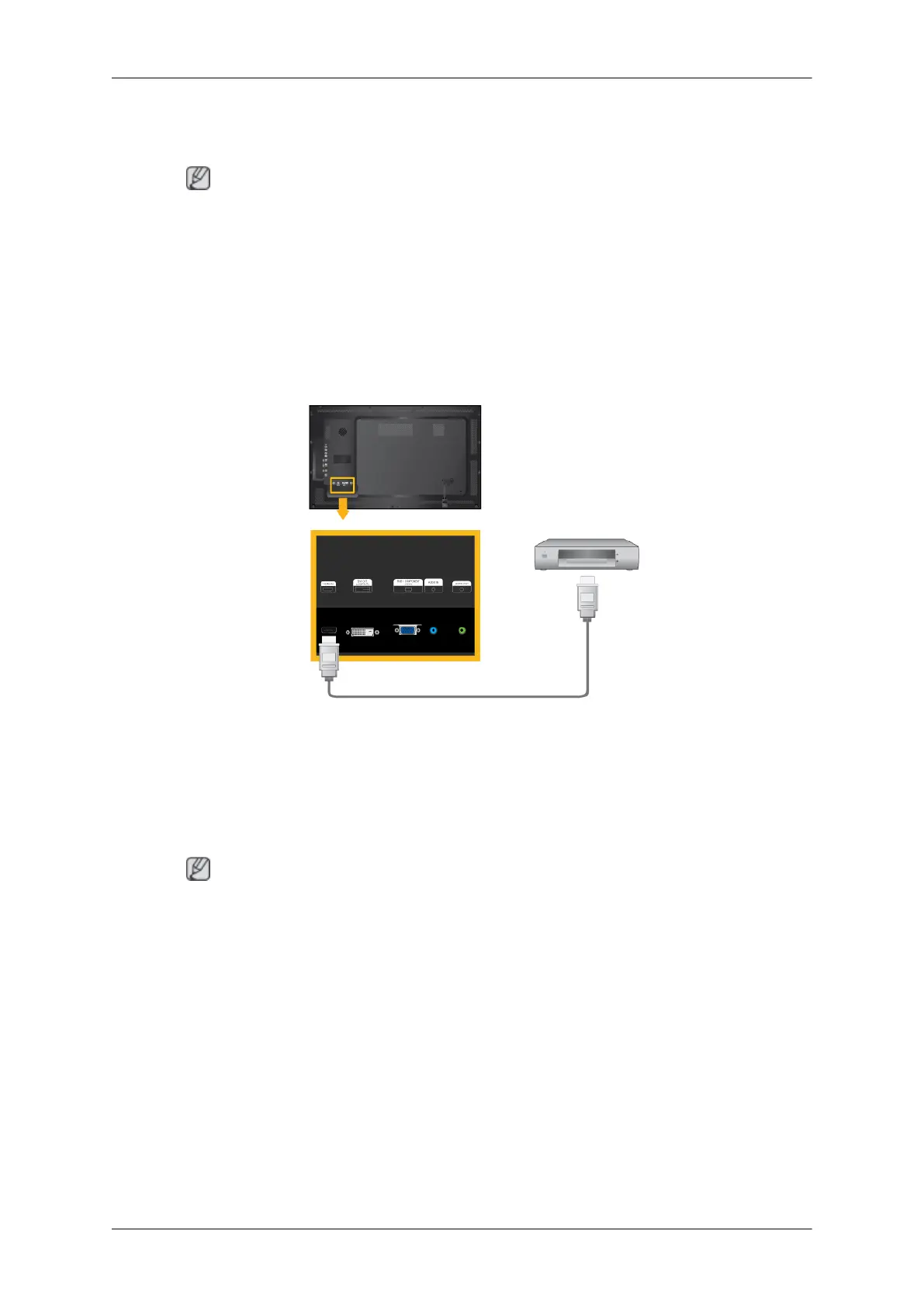
Connecting Using a HDMI Cable
1. Connect
input devices such as a Blu-Ray/DVD player to the [HDMI IN] terminal of the
LCD Display using an HDMI cable.
2. Select HDMI using the SOURCE button on the front of the LCD Display or on the remote
control.
Note
In HDMI mode, only PCM format audio is supported.
Connections
37







 To Next Page