→ , → ENTER
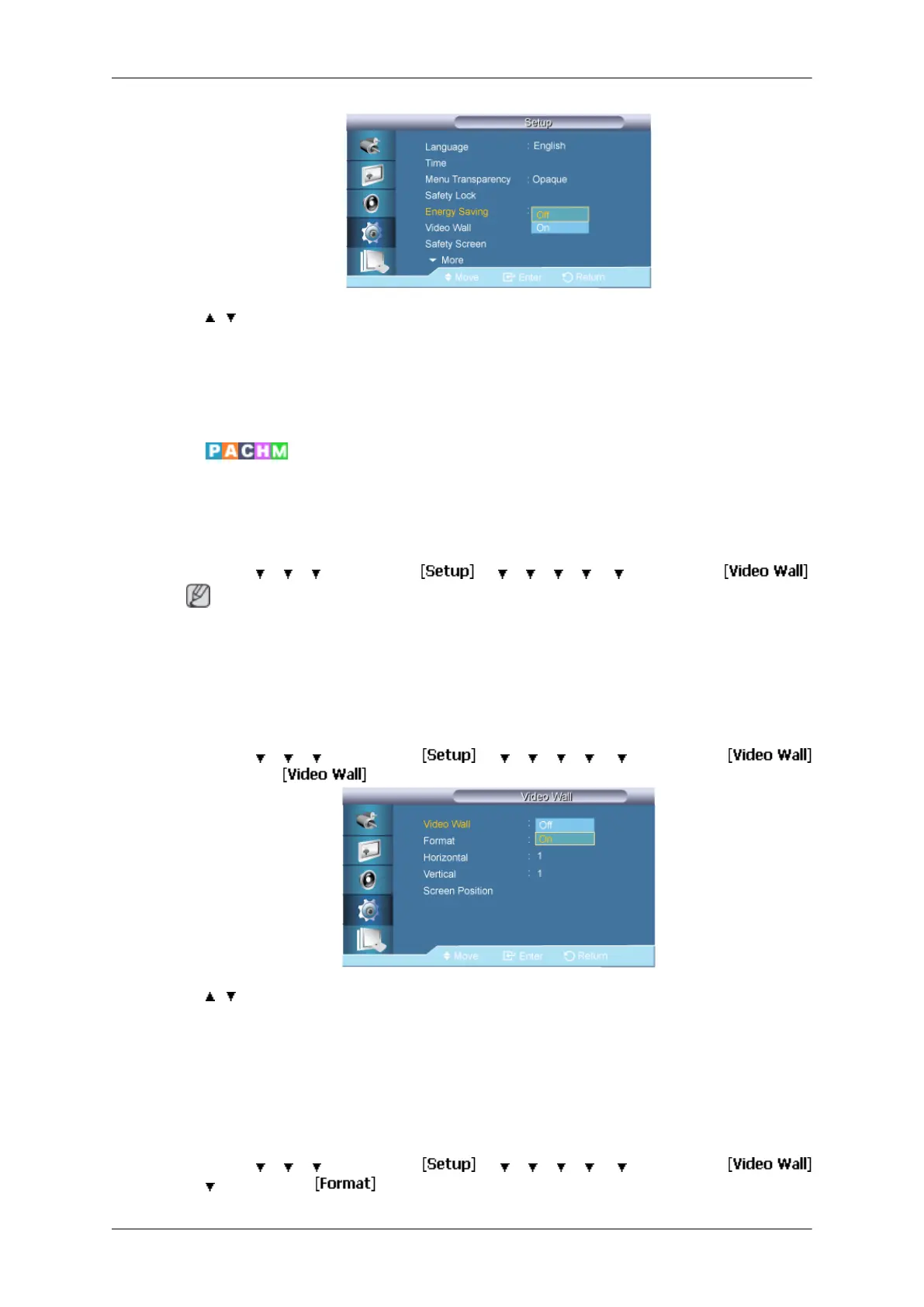
This feature adjusts the power consumption of the unit in order to save energy.
1. Off
2. On
Video Wall
A Video Wall
is a set of video screens connected together, so that each screen shows a part
of the whole picture or where the same picture is repeated on each screen.
When the Video Wall is on, you can adjust the Video Wall screen setting.
MENU →
→ → → ENTER → → → → → → → ENTER →
Note
•
Disabled when PIP is set to On.
• When Video Wall is running, the Auto Adjustment, Image Lock, and Size functions are
not available.
Video Wall
MENU →
→ → → ENTER → → → → → → → ENTER →
→ ENTER →
→ , → ENTER
Turns Off/On the Video Wall function of the selected display Off/On.
1. Off
2. On
Format
MENU →
→ → → ENTER → → → → → → → ENTER →
→ → ENTER →
Adjusting the LCD Display
82







 To Next Page