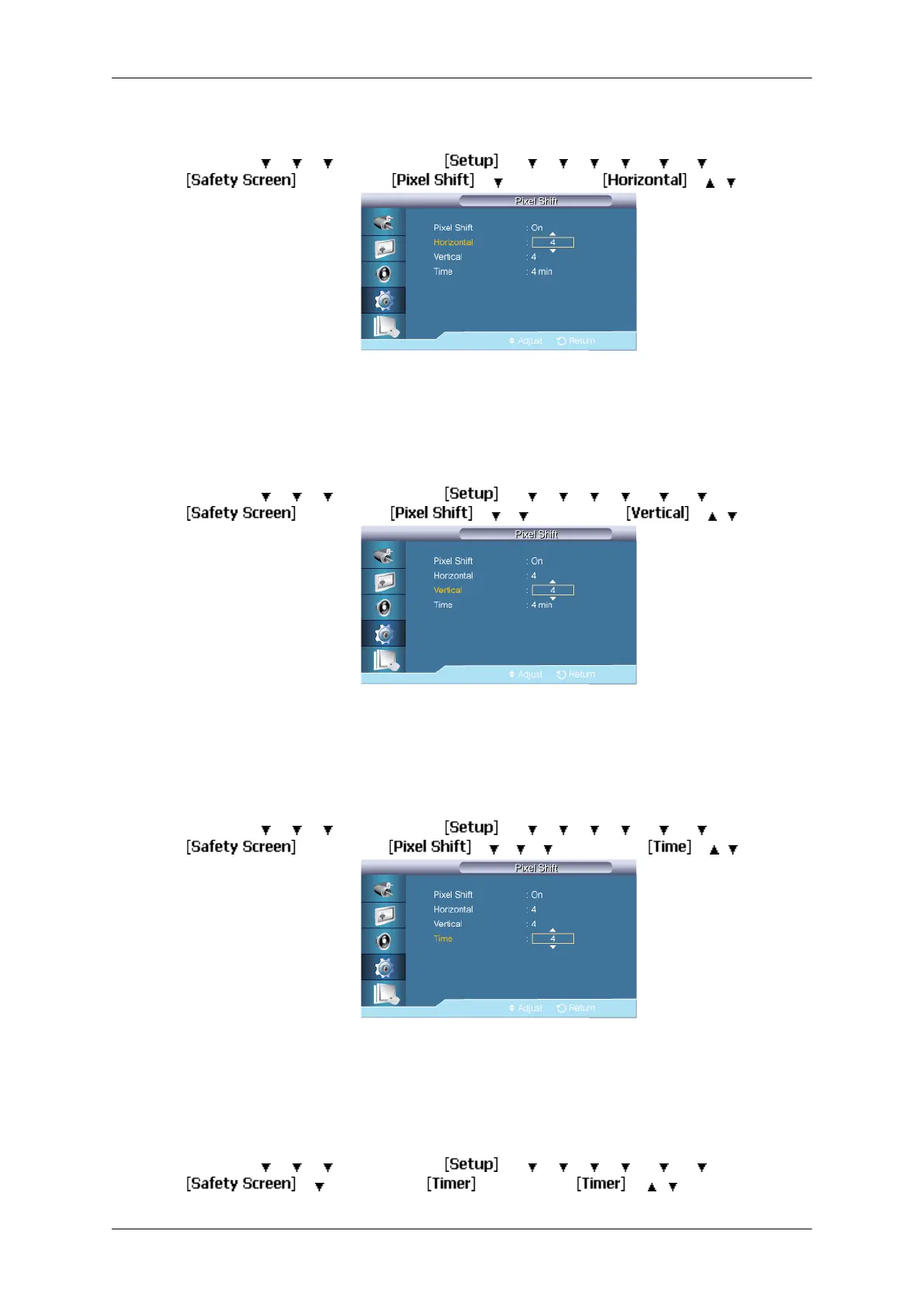
Horizontal
MENU → → → →
ENTER →
→ → → → → → →
ENTER →
→ ENTER → → → ENTER → → , → ENTER
Sets how many pixels the screen moves horizontally.
Five adjustment levels: 0, 1, 2, 3, and 4.
Vertical
MENU → → → →
ENTER →
→ → → → → → →
ENTER →
→ ENTER → → → → ENTER → → , → ENTER
Sets how many pixels the screen moves vertically.
Five adjustment levels: 0, 1, 2, 3, and 4.
Time
MENU → → → →
ENTER →
→ → → → → → →
ENTER →
→
ENTER →
→ → → →
ENTER →
→ , →
ENTER
Set the time interval for performing the horizontal or vertical movement, respectively.
Timer
Timer
MENU →
→ → →
ENTER →
→ → → → → → →
ENTER →
→ → ENTER → → ENTER → → , → ENTER
Adjusting the LCD Display
85







 To Next Page