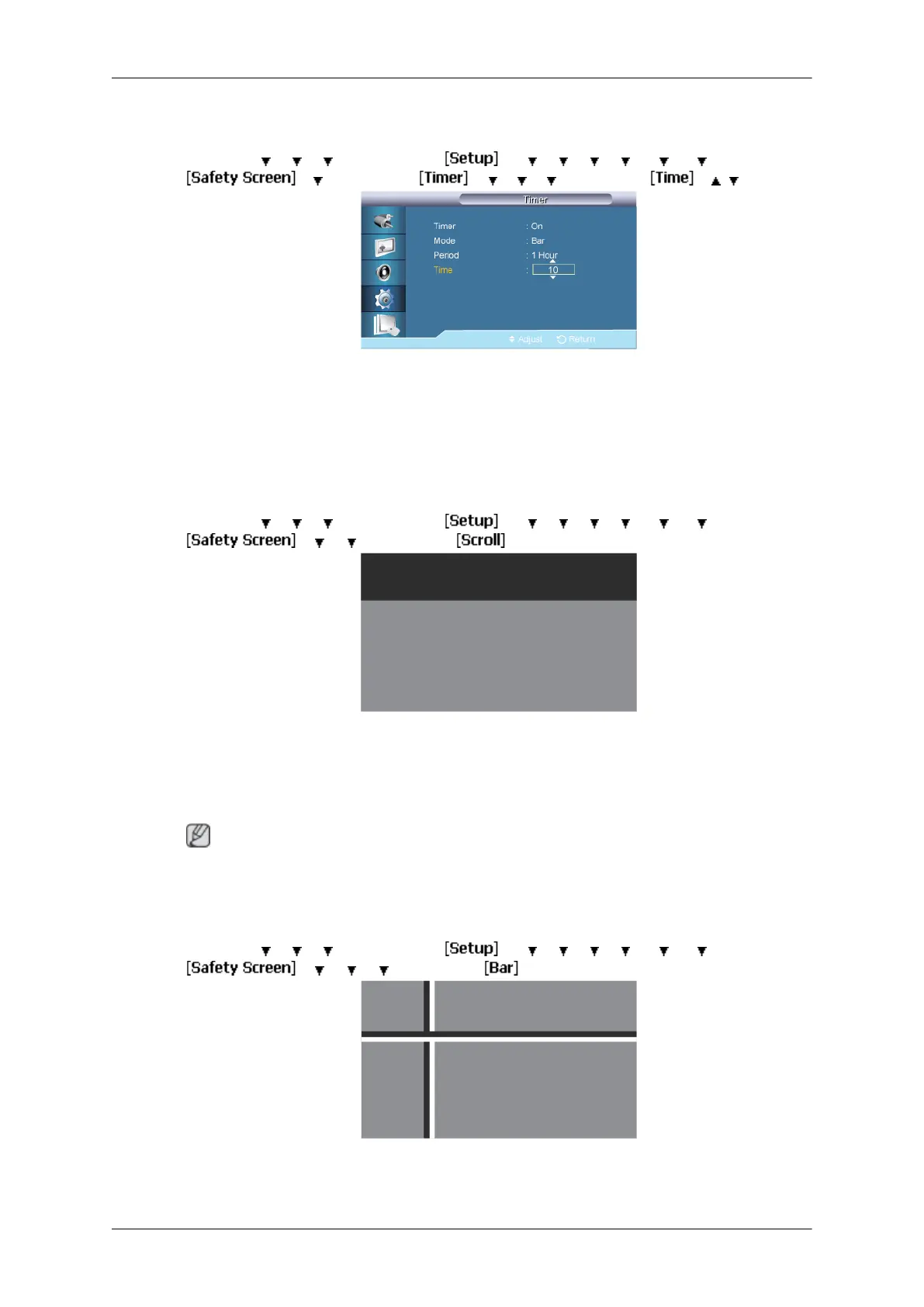
Time
MENU → → → →
ENTER →
→ → → → → → →
ENTER →
→ →
ENTER →
→ → → →
ENTER →
→ , →
ENTER
Within the set period of time specify a time for execution.
• Mode-Scroll : 1~5 sec
• Mode-Bar, Eraser : 10~50 sec
Scroll
MENU →
→ → →
ENTER →
→ → → → → → →
ENTER →
→ → → ENTER →
This function helps to remove after-images on the screen by moving all the pixels on the LCD
according to a pattern.
Use this function when there are remaining after-images or symbols on the screen, especially
when you displayed a still image on the screen for a long time.
Note
The Safety Screen function scrolls the screen for the specified period of time.
Bar
MENU →
→ → → ENTER → → → → → → → → ENTER →
→ → → →ENTER →
This function prevents after-images on the screen by moving long black and white vertical
lines.
Adjusting the LCD Display
87







 To Next Page