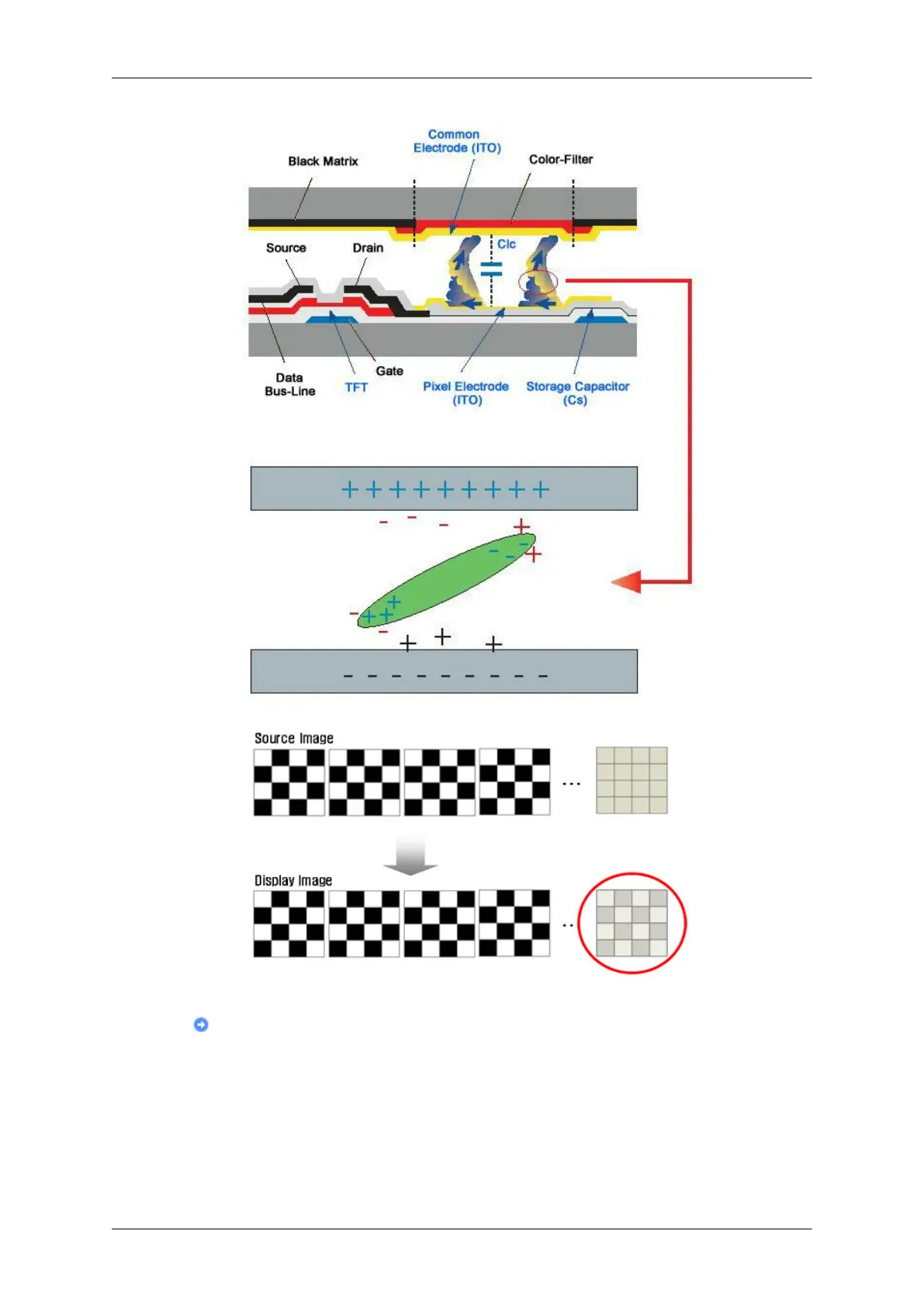
Power Off, Screen Saver, or Power Save Mode
• Turn the power off for 2 hours after 12 hours in use
• Set the Monitor to power off with the PC Display Properties Power Scheme.
• Use a Screen saver if possible - Screen saver in one color or a moving image
is recommended.
• The Image Retention Free function applied to the product is recommended.
Information
108







 To Next Page