the Pen Tip
z
If the recommended cleaning solution is not available, dilute a cleaning
solution with water at a ratio of 1:10.
Replacing the
Pen Lead
As the pen is used, the pen tip will become worn out.
If the abrasions are severe or you experiencing difficulties when using it, replace the
pen lead.
To purchase a pen lead, contact the nearest Service Center.
If the pen tip is worn and a sharp part appears at the tip, it may damage the
screen.
Replace the pen lead periodically.
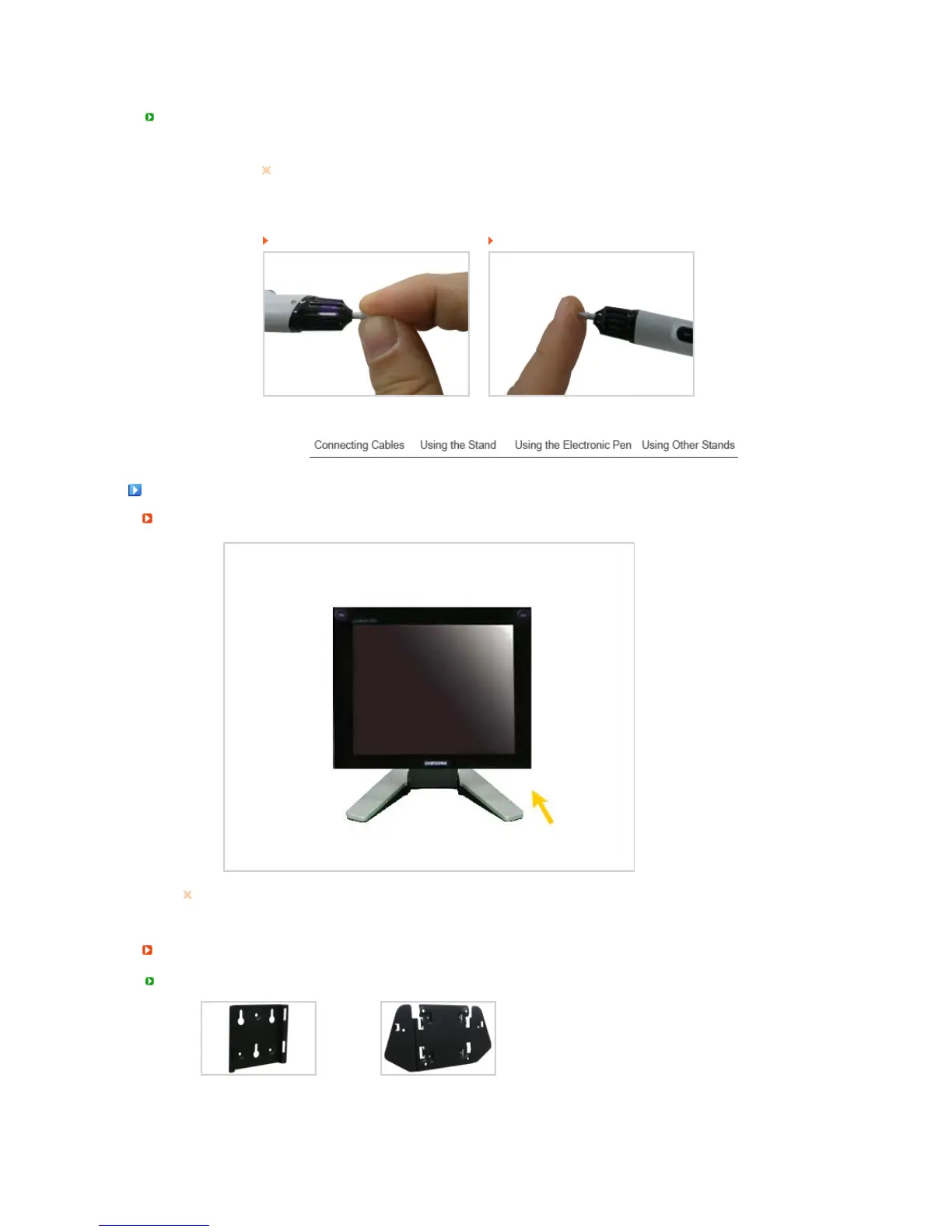
Removing the Pen Lead Installing the Pen Lead
Usin
Other Stands
Pivot Stand
When pivoting the screen, slant the screen more than 45 degrees (approximately 90
degrees) before pivoting the screen.
Installin












 To Next Page