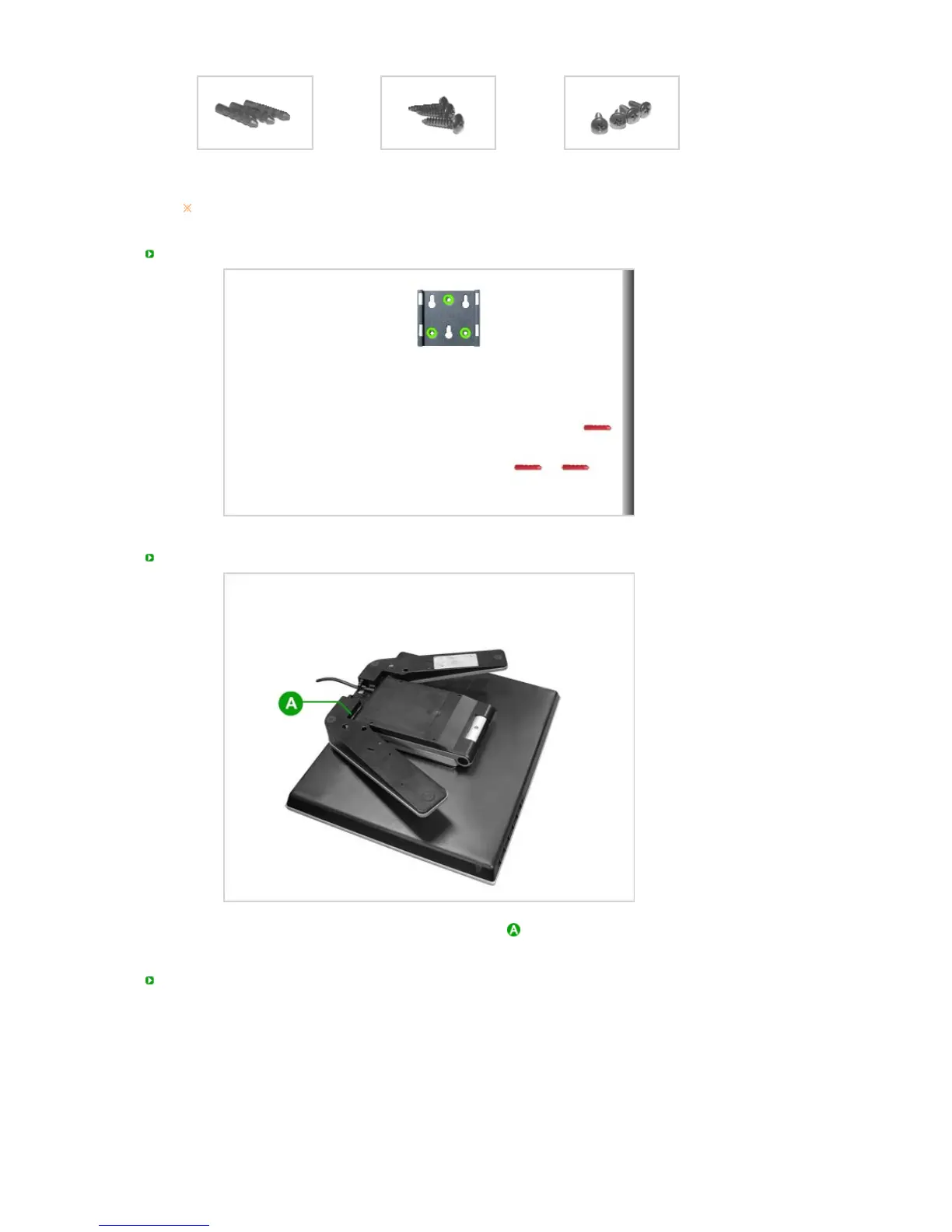
Anchors (3)
Screws (3)
(For wall mount)
Screws (4)
To purchase an optional product, contact a Samsung Electronics Service Center.
Installing the Bracket (wall mount)
Bracket (main body) Installation Method 1
Fold the monitor stand and place the bracket (main body) at the bottom of the stand. Align the groove
of the bracket (main body) and the groove of the monitor stand and fix them firmly with 2 screws.
Bracket (main body) Installation Method 2












 To Next Page