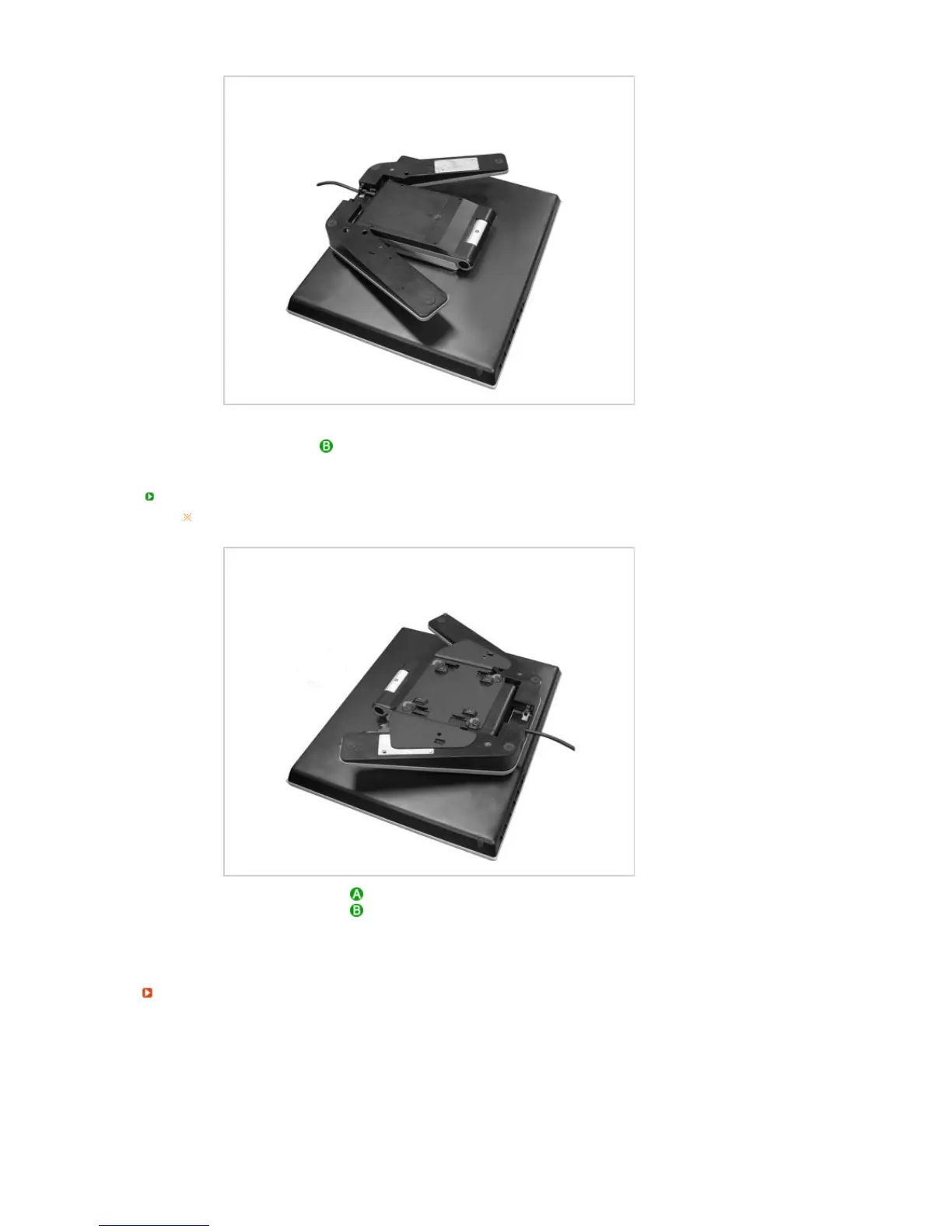
Fold the monitor stand and rotate it so that the cable connection ports face the floor. Place the
bracket (main body) at the bottom of the stand. Align the groove of the bracket (main body) and the
groove of the monitor stand and fix them firmly with 4 screws.
Connecting Other Stands
The size of the stand installation surface of the monitor is 75mm x 75mm and is
compatible with the VESA standard.
Stand Installation Surface
Stand
Align the groove of the connection part of the monitor stand and the groove of the stand (for the arm
rest, wall mount or other connection stands) and fix them firmly with the 4 screws.
When installed to the wall












 To Next Page