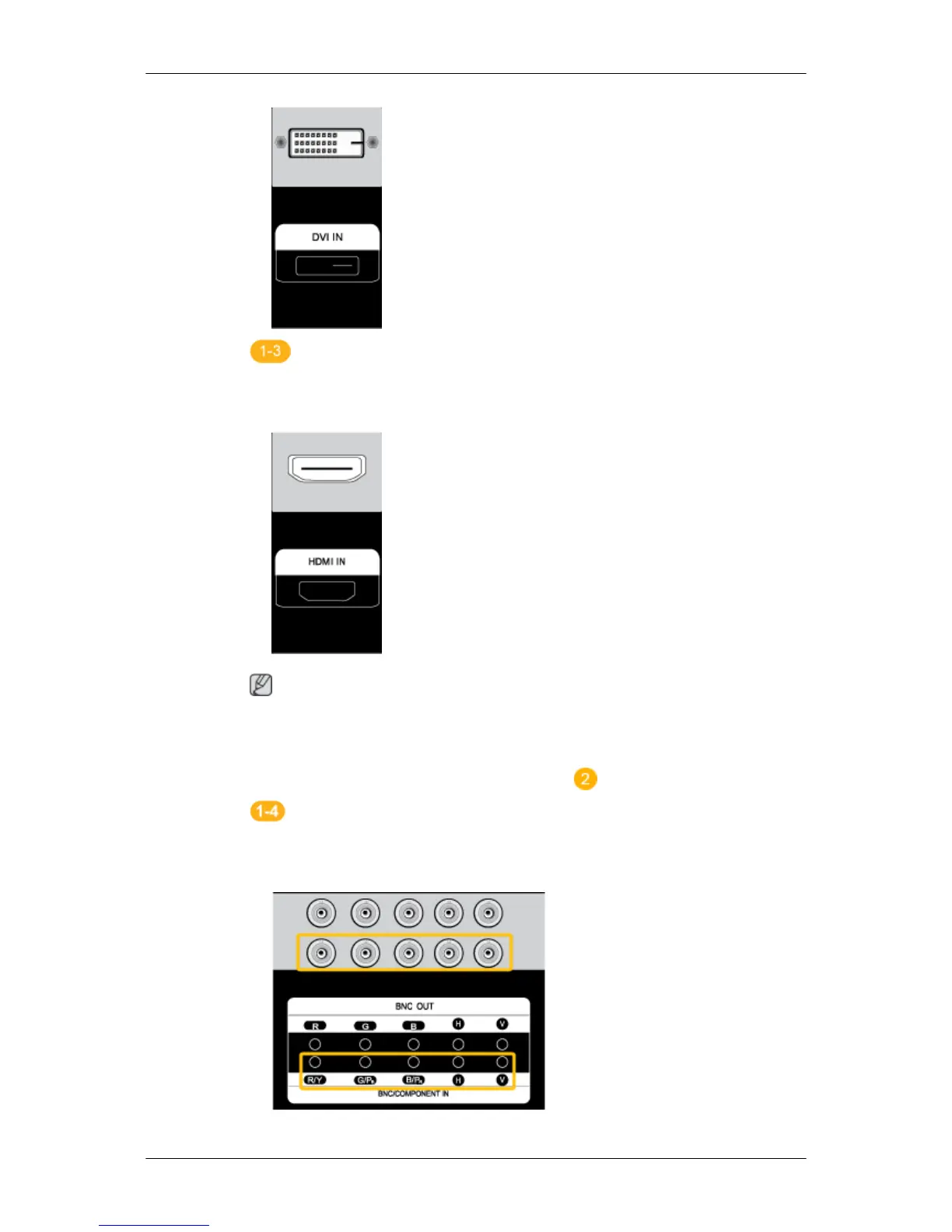
Using the HDMI (digital) output on the graphics card.
• Connect the HDMI IN port on the monitor to the HDMI port on the PC
using the HDMI cable.
Note
When the HDMI cable to the PC, ensure that you select HDMI from both
the Source List and Edit Name before selecting PC or DVI device so that
normal PC screen and sound can be outputted. Note that sound is only
available when connected according to the option that follows.
Using the BNC (Analog) connector on the video card.
• Connect the BNC/COMPONENT IN port on the monitor to the BNC port
on the PC using the BNC to BNC cable.
Connections













 To Next Page