Brightness Sensor automatically detects distribution of the inputted visual signal and adjusts
to create optimum brightness.
1. Off
2. On
Sound
Available Modes
•
PC / DVI / BNC
•
AV
•
Component
•
HDMI
•
MagicInfo
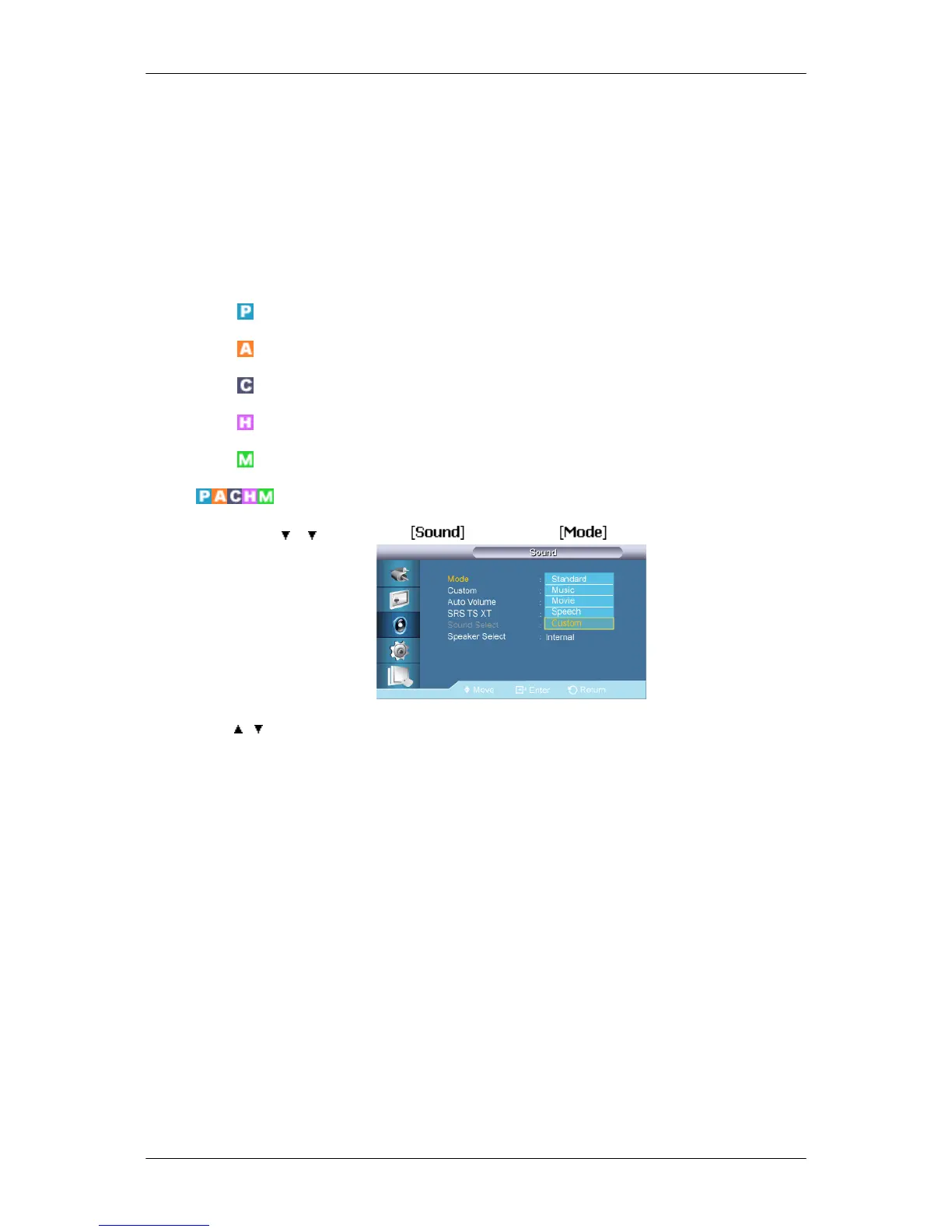
Mode
MENU → → → ENTER → → ENTER →
→ , → ENTER
The LCD Display has a built-in high fidelity stereo amplifier.
1. Standard
Selects Standard for the standard factory settings.
2. Music
Selects Music when watching music videos or concerts.
3. Movie
Selects Movie when viewing movies.
4. Speech
Selects Speech when watching a show that is mostly dialog (i.e., news).
5. Custom
Selects Custom if you want to adjust the settings according to your personal preferen-
ces.
Adjusting the LCD Display













 To Next Page