Brightness Sensor automatically detects distribution of the inputted visual signal and adjusts
to create optimum brightness.
1. Off
2. On
Picture [ AV / HDMI / Component Mode]
Available Modes
•
PC / DVI / BNC
•
AV
•
Component
•
HDMI
•
MagicInfo
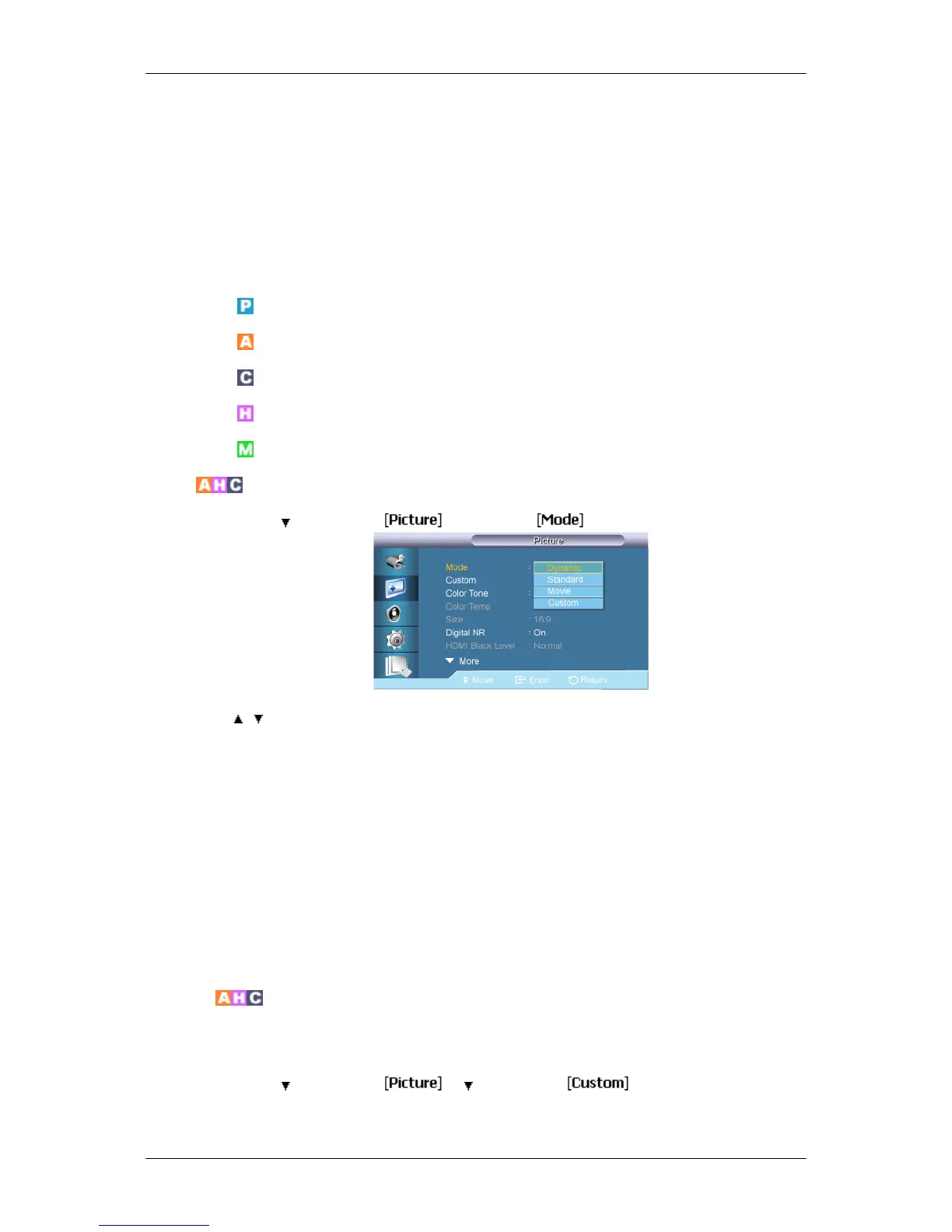
Mode
MENU → → ENTER → → ENTER →
→ , → ENTER
The LCD Display has four automatic picture settings ("Dynamic", "Standard", "Movie" and
"Custom") that are preset at the factory.
Dynamic, Standard, Movie, or Custom can be activated.
(Not available when Dynamic Contrast is set to On.)
1. Dynamic
2. Standard
3. Movie
4. Custom
Custom
By using the on-screen menus, the contrast and brightness can be changed to your personal
preference.
MENU →
→ ENTER → → → ENTER →
(Not available when Dynamic Contrast is set to On.)
Adjusting the LCD Display













 To Next Page