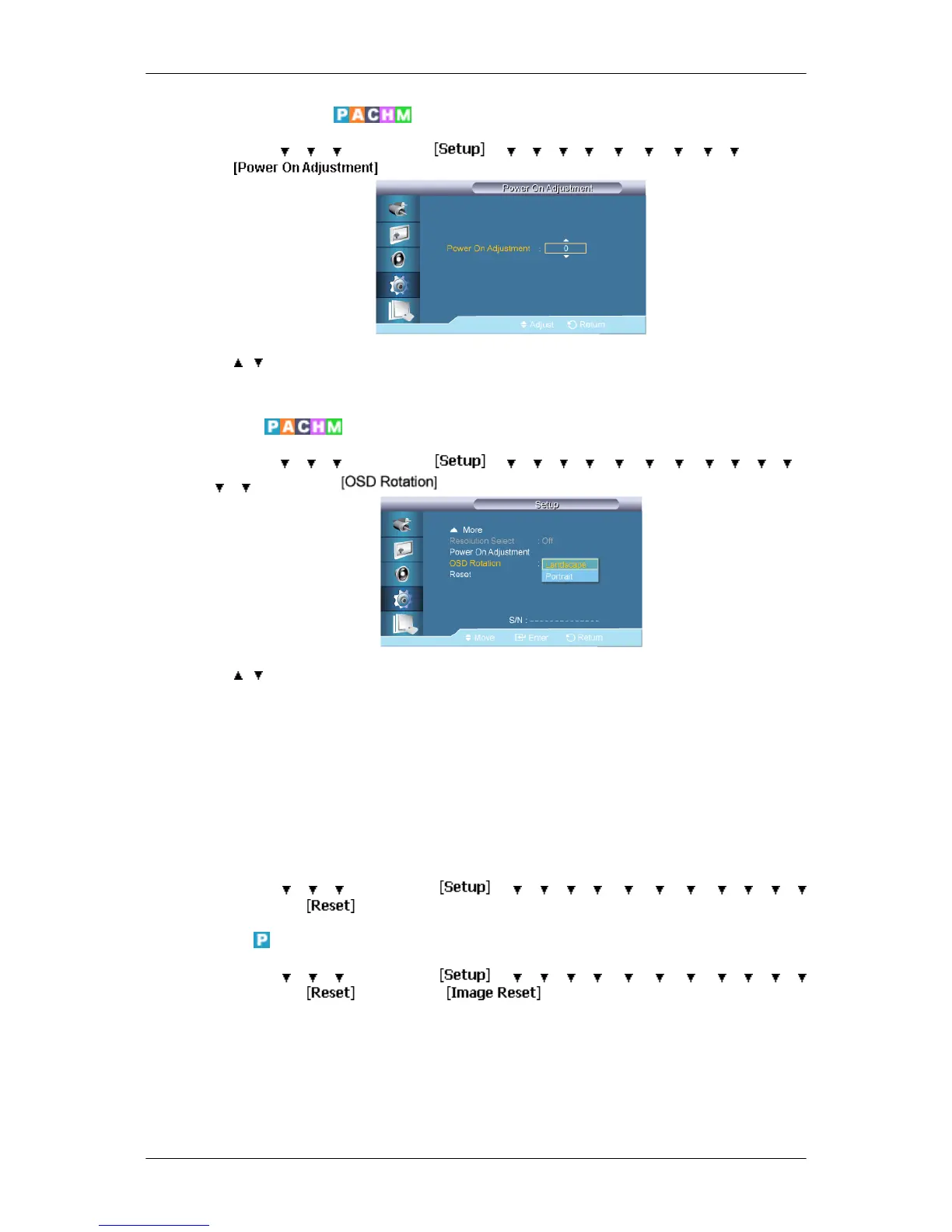
Power On Adjustment
MENU → → → → ENTER → → → → → → → → → → → ENTER
→
→ , → ENTER
Adjusts the Power On time for the screen.
OSD Rotation
MENU → → → → ENTER → → → → → → → → → → → → →
→ → ENTER →
→ , → ENTER
OSD Rotate
1. Landscape
2. Portrait
Reset
Reverts the product settings to factory defaults. The Reset function is only available when
PC / DVI is being used.
MENU →
→ → → ENTER → → → → → → → → → → → →
→ ENTER →
Image Reset
MENU → → → → ENTER → → → → → → → → → → → →
→ ENTER → → ENTER →
Adjusting the LCD Display













 To Next Page