Adjusting the Monitor
Picture
Available Modes
PC / DVI TV DTV Ext.
Component HDMI
Note
The default setting may different depending on the selected Input Mode (input signal source selected
in External Input List) and the selected resolution.
Picture : PC / DVI
MagicBright
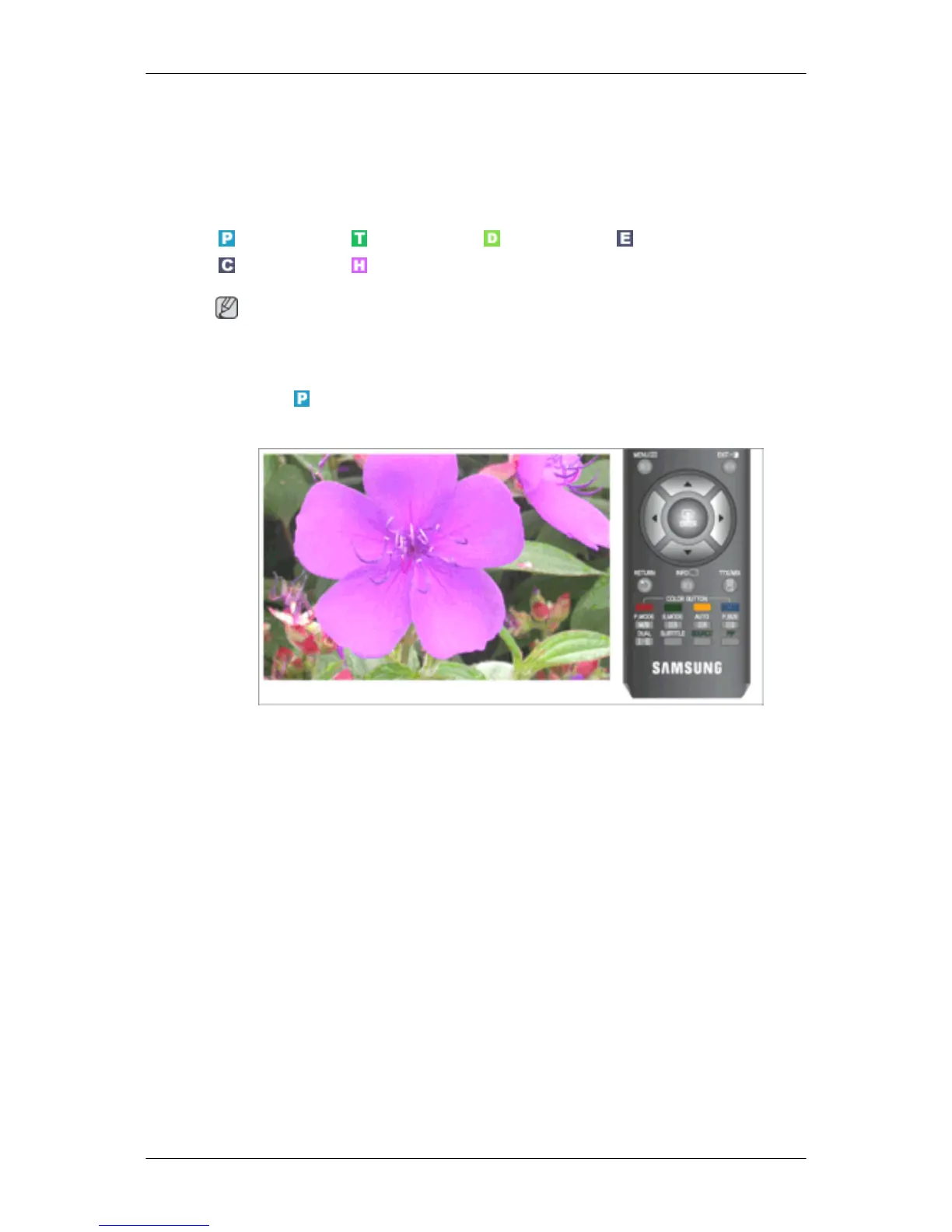
MagicBright is a feature providing optimum viewing environment depending on the contents of the
image you are watching. Currently five different modes are available: Entertain, Internet, Text,
Dynamic Contrast and Custom. Each mode has its own pre-configured brightness value.
The direct button on the remote control is 'M/B' button.
• Entertain
High Brightness
For watching motion pictures such as a DVD or VCD
• Internet
For working with a mixture of images such as texts and graphics.
• Text
For documentations or works involving heavy text.
• Dynamic Contrast
Dynamic Contrast is to automatically detect distribution of inputted visual signal and adjust to
create optimum contrast.










 To Next Page