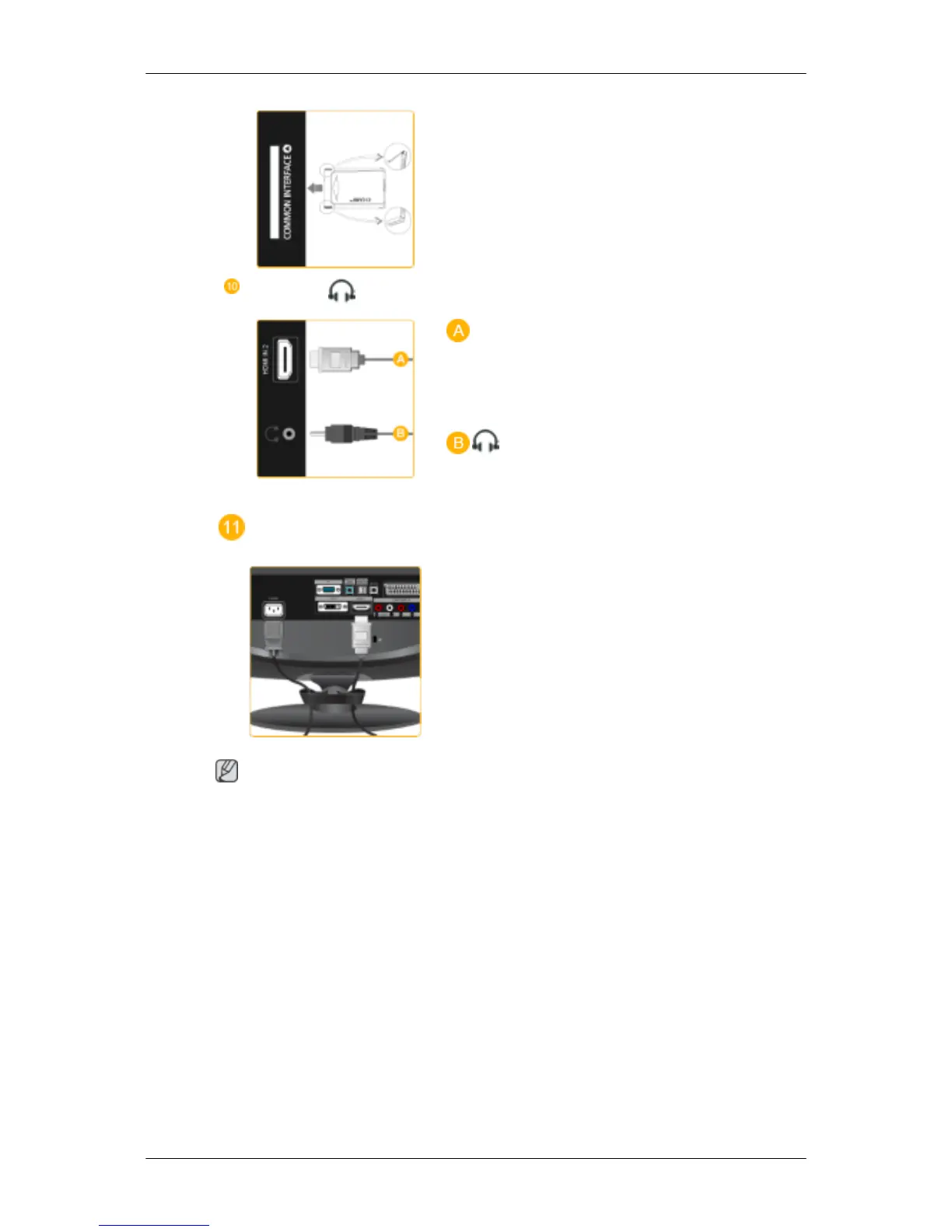
This contains information on CAM inserted in the
CI slot and displays it.
The Application Info inserting is about the CI
CARD.
You can install the CAM anytime whether the TV
is ON or OFF.
HDMI IN 2 /
HDMI IN 2
Connect the [HDMI IN 2] terminal at the back of
your product to the HDMI terminal of your digital
output device using a HDMI cable.
Connect your headphones to the Headphone con-
nection terminal.
Cable holding ring
Fix the cables using the holding ring, as shown in
the figure.
Note
See Connecting Cables for further information regarding cable connections.
Remote Control
Introduction










 To Next Page