(Available in PC Mode Only)
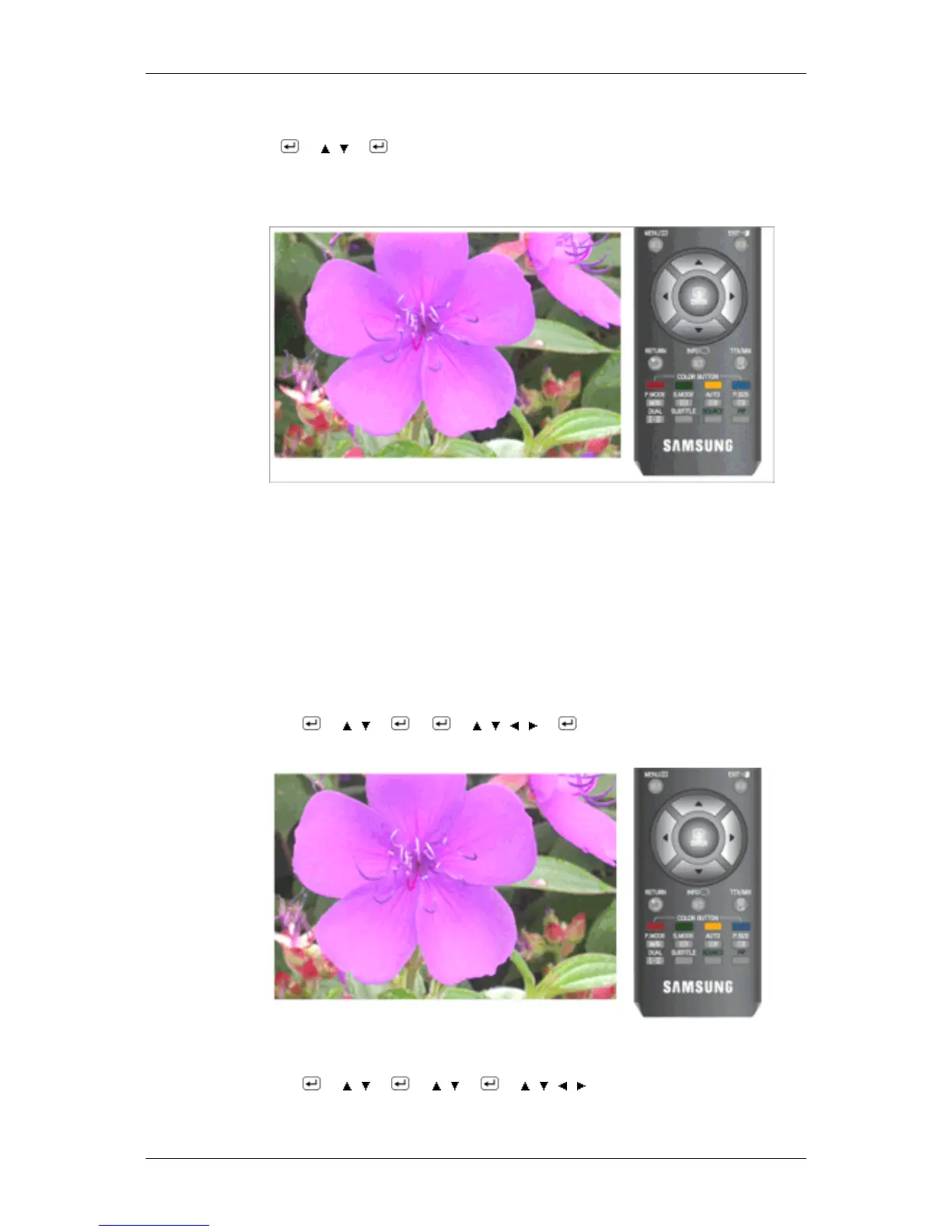
MENU → → , → → MENU,EXIT
Screen Adjustment (Available in PC mode only)
• Coarse / Fine
• Coarse
Removes noise such as vertical stripes.
Coarse adjustment may move the screen image area. You may relocate it to the center using
the horizontal control menu.
• Fine
Removes noise such as horizontal stripes.
If the noise persists even after Fine tuning, repeat it after adjusting the frequency (clock speed).
MENU →
→ , → → → , , , → → MENU,EXIT
• Position
Adjusts the screen location horizontally and vertically.
MENU →
→ , → → , → → , , , → MENU,EXIT
• Image Reset
Adjusting the Monitor










 To Next Page