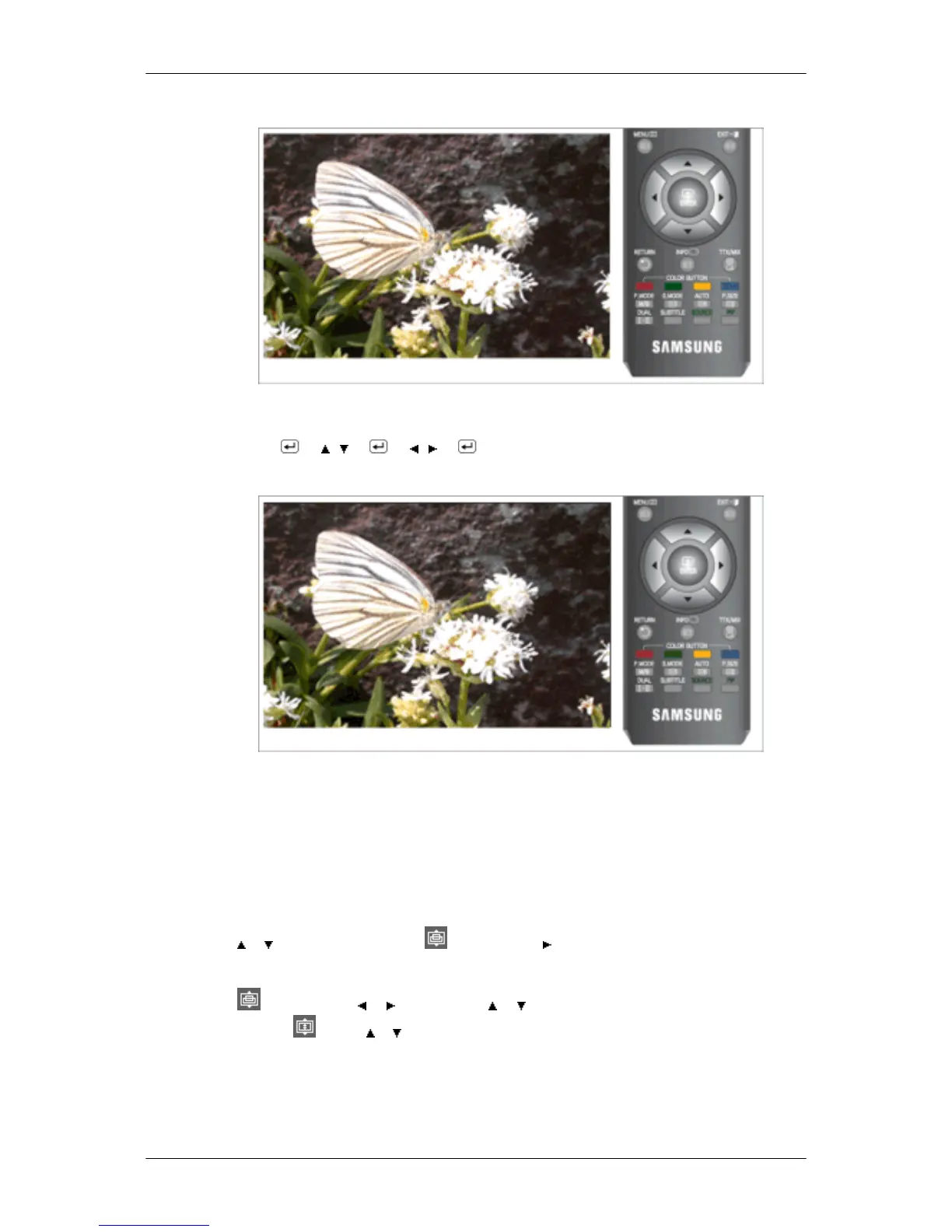
Backlight
Adjust the screen brightness by adjusting the LCD backlight.
MENU → → , → → , → → MENU,EXIT
Size
You can switch the Size.
The direct button on the remote control is 'P.SIZE' button.
• Auto Wide - Automatically adjusts the picture size to the "16:9" aspect ratio.
• 16:9 - A full screen is displayed regardless of the screen aspect ratio of the input signals.
• Wide Zoom - Magnify the size of the picture more than 4:3. (Move the screen up/donw using the
or button after selecting the by pressing the or ENTER button.)
• Zoom - Magnifies the 16:9 wide picture (in the vertical direction) to fit the screen size. (Select
by pressing the or button. Use the or button to move the picture up and down. After
selecting
, use the or button to magnify or reduce the picture size in the vertical direction.)
• 4:3 - Sets the picture to 4:3 normal mode.
• Just Scan - Use the function to see the original image where its part being cut-off minimized with
HDMI (720p/ 1080i / 1080p), Component (1080i / 1080p) input signals.
Adjusting the Monitor










 To Next Page