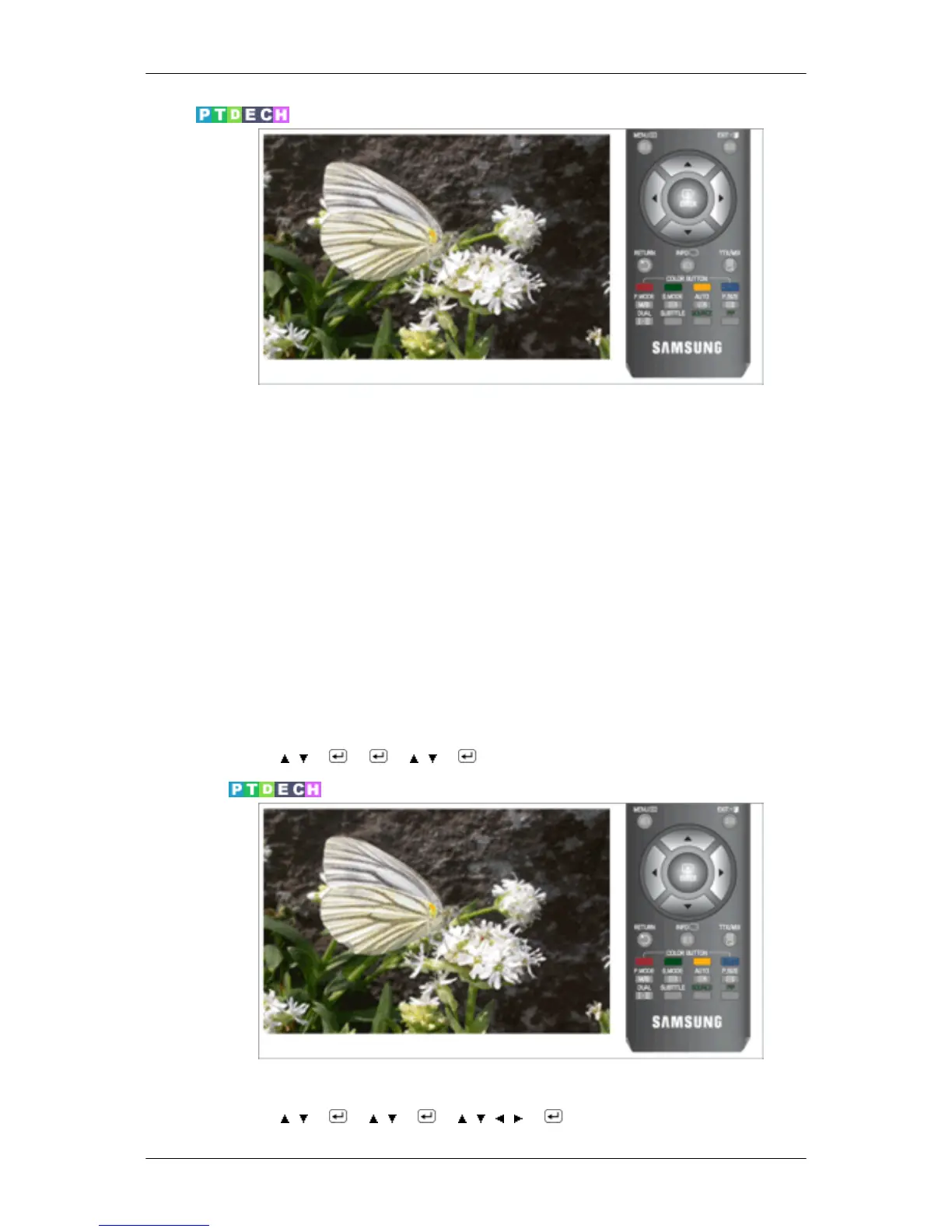
Mode
The Monitor has a built-in high fidelity stereo amplifier.
• Standard
Choose Standard for the standard factory settings.
• Music
Choose Music when watching music videos or concerts.
• Movie
Choose Movie when viewing movies.
• Speech
Choose Speech when watching a show that is mostly dialogue (i.e., news).
• Custom
Choose Custom if you want to adjust the settings according to personal preference.
MENU →
, → → → , → → MENU,EXIT
Equalizer
You can adjust the left and right sound balance and the low or high volume as you want.
MENU → , → → , → → , , , → → MENU,EXIT
Adjusting the Monitor










 To Next Page