4-1 Installing the Software
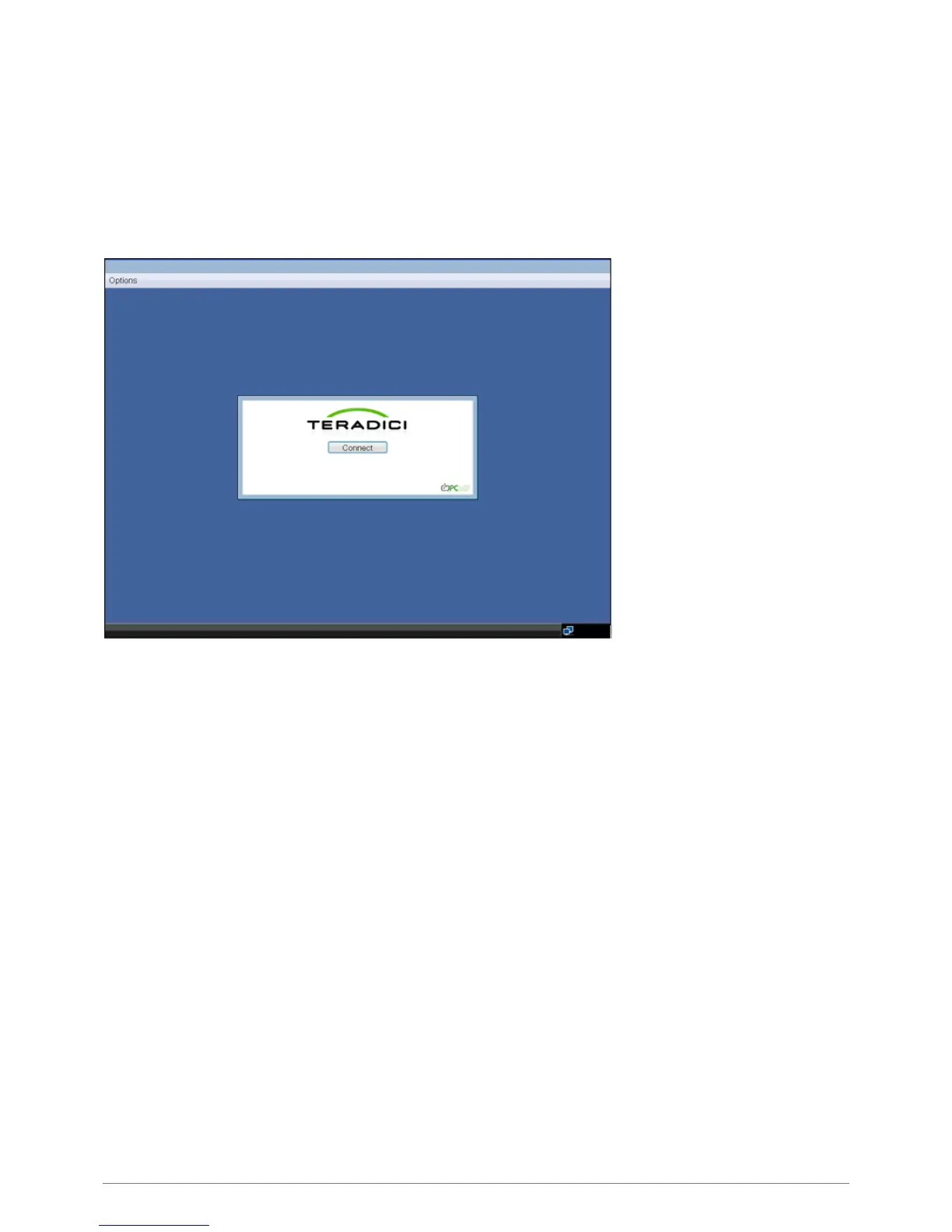
Connect Screen
The Connect Screen is shown on startup except when the Portal has been configured for a managed start-up or auto-reconnect.
The logo displayed above the <Connect> button can be changed by uploading a replacement image via the Administrative Web
Interface.
Figure 2-1: OSD Connect Screen
Connect Button
Selecting the Connect button initiates a PCoIP or RDP session, depending on the session settings. While the PCoIP
connection is pending, the OSD local GUI will display a “Connection Pending” message. When the connection is established,
the OSD local GUI will disappear and be replaced with the session image.













 To Next Page