Installing the Software 4-1
characters.
The screen-screen saver is a simple black screen with the screen-saver text jumping randomly.
<Screen-Saver Timeout>
The <Screen-Saver Timeout> field allows the administrator to configure the screen-saver timeout. The timeout can be
configured in seconds, up to 9999 seconds. A setting of 0 seconds disables the screen-saver.
<Reset> Tab
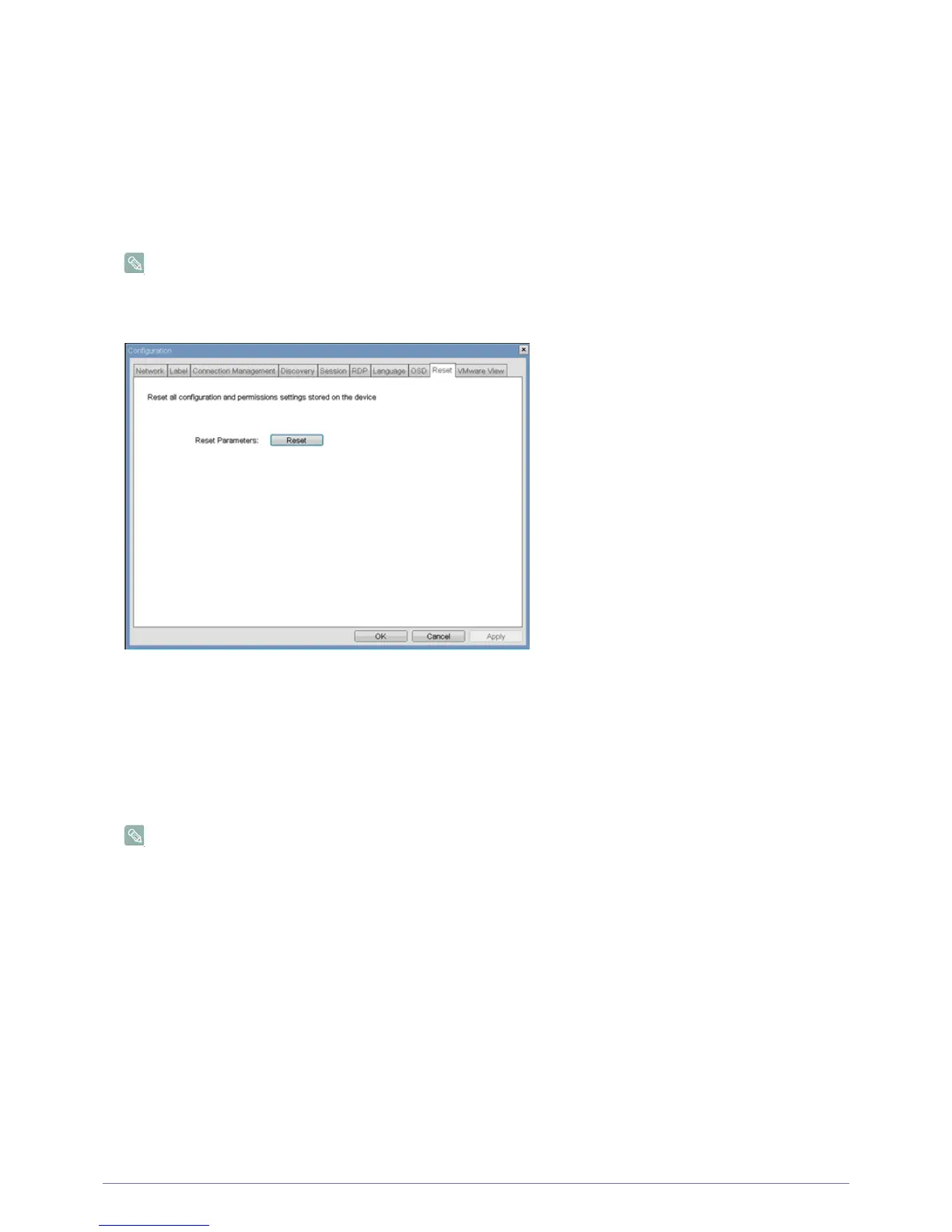
The <Reset> tab allows the administrator to reset all the configurable parameters stored in flash.
The Reset can also be initiated using the Webpage Administration Interface.
Figure : <Reset>
<Reset Parameters>
The <Reset Parameters> <Reset> button resets all configuration and permissions to factory default values. When this button
is selected, the OSD will prompt the administrator for confirmation to prevent accidental resets.
<VMware View> Tab
The <VMware View> tab allows configuration for use with a VMware View Connection Server.
The VMware View parameters can also be configured using the Webpage Administration Interface.
Figure : <VMware View> Configuration
2-12
2-13













 To Next Page