Installing the Software 4-1
• <Old Password>
The <Old Password> field must match the current administrative password for the change to take place.
• <New Password>
The <New Password> field will be the new administrative password for both the web interface and the local OSD GUI.
• <Confirm New Password>
The <Confirm New Password> field must match the <New Password> field for the change to take place.
•<Reset>
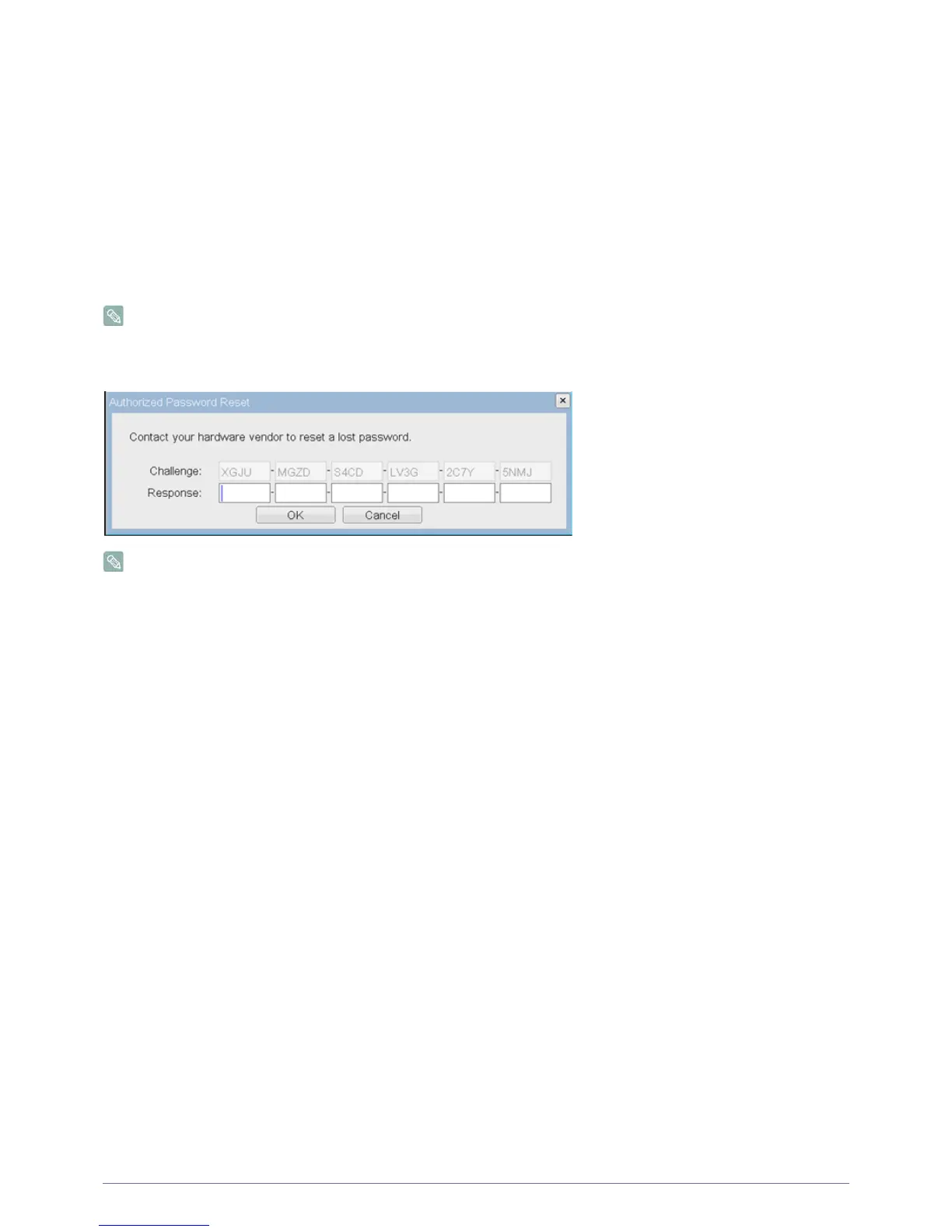
In the unlikely event that a Portal password is lost, the <Reset> button allows an administrator to request a Response code
from their vendor. The Challenge code can be sent to the vendor. The vendor will qualify the request and return a Response
code if authorized.
Once the Response code is correctly entered, the Portal's password is reset to an empty string and the administrator is
prompted to enter a new password.
Contact the Portal vendor for more information when an authorized password reset is required.
Figure : <Authorized Password Reset>
Details on how to use PCoIP are subject to change. To view the latest information, visit the Teradici website.
(http://www.teradici.com)
2-23













 To Next Page