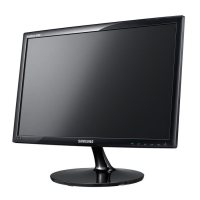
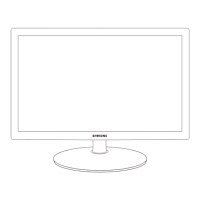
2-2 Installing the Product
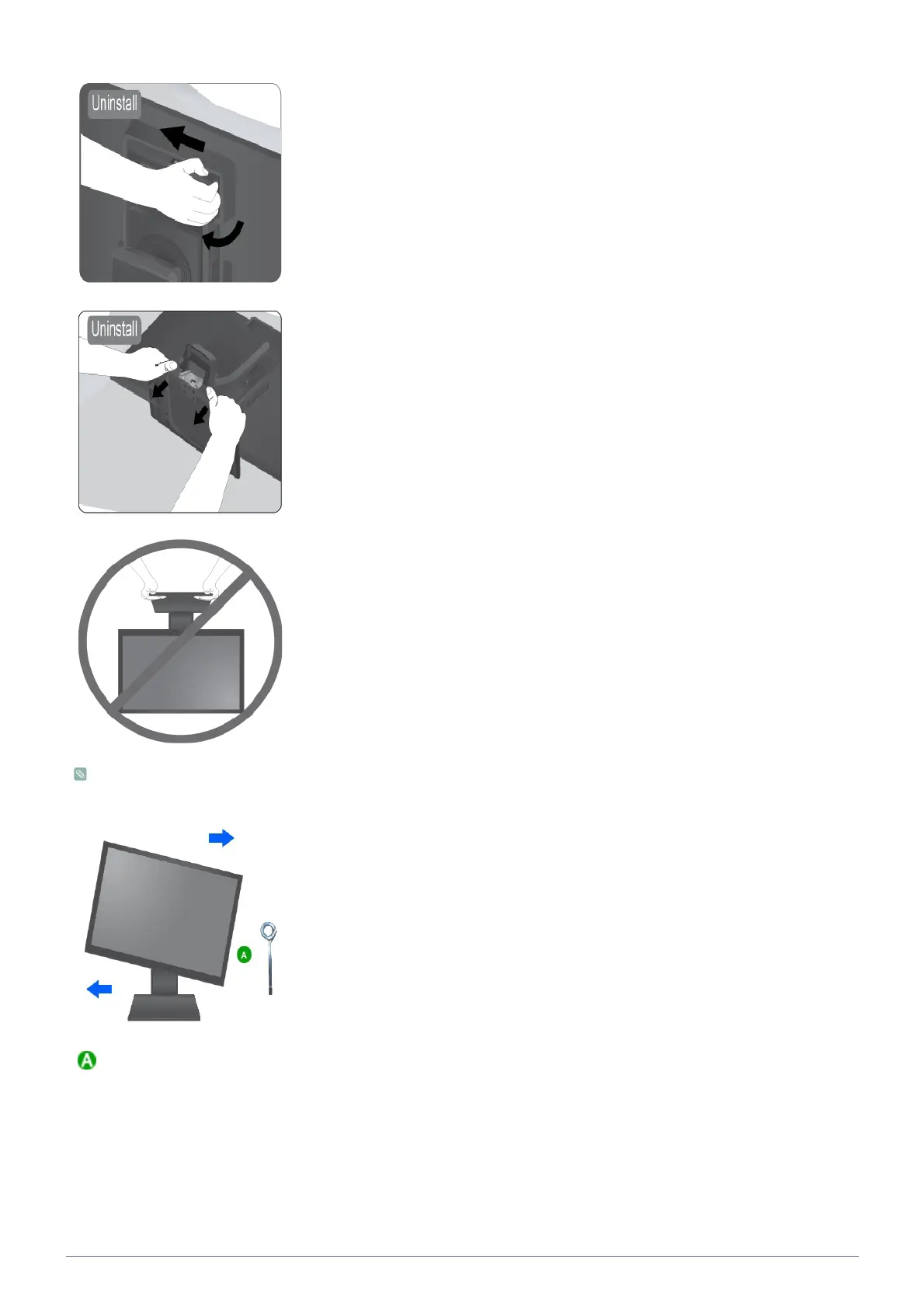
Disassembly is in the reverse order of the assembly.
Push the adapter forward and then rotate following the arrow to get it out.
Hold the base and thumbs press the stand body then pull out the base following the
arrow.
- Caution
Avoid lifting the product holding only the stand.
When pivot the monitor from horizontal to vertical,tilt the monitor backward to maxium
first.
. Stand Stopper






 To Next Page