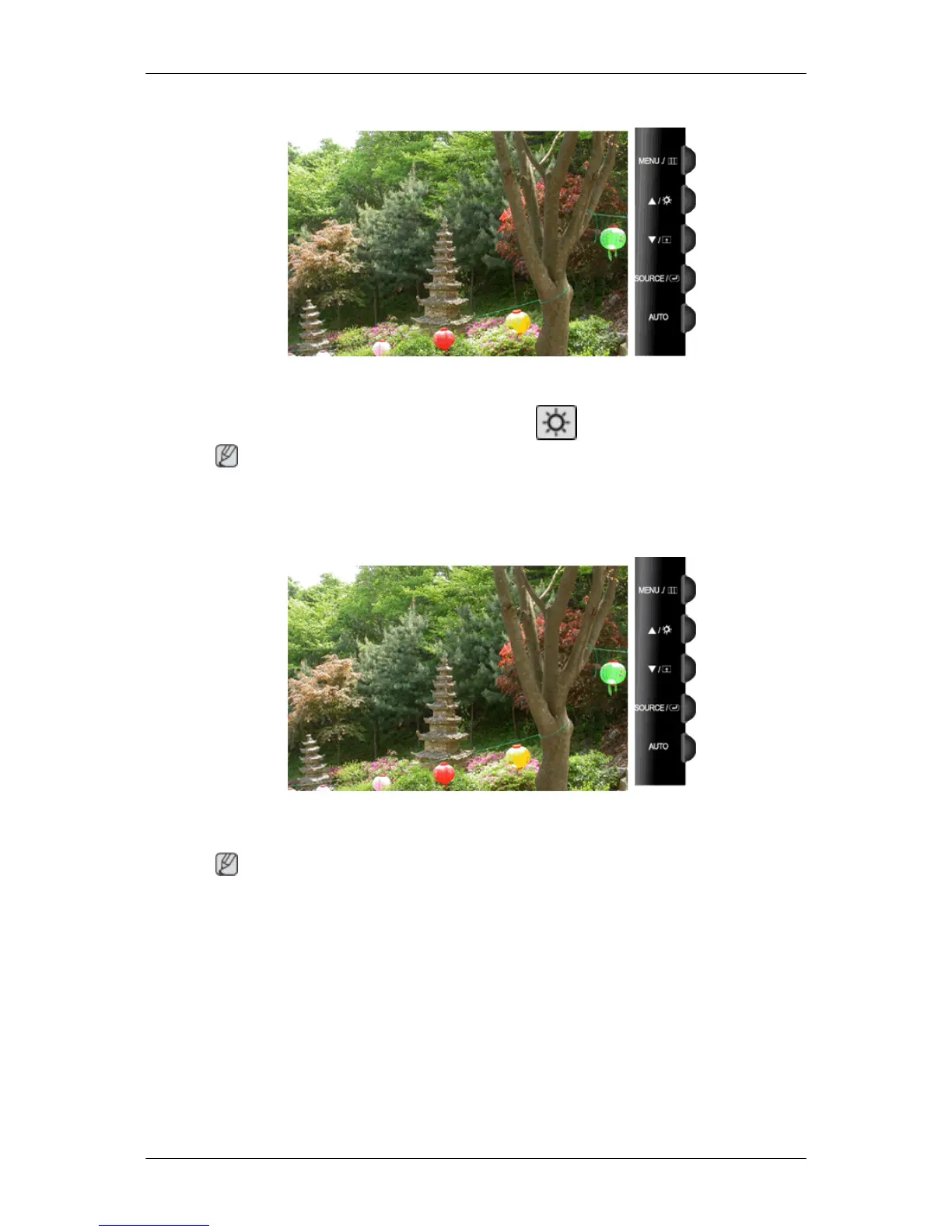
Brightness
When OSD is not on the screen, push the Brightness ( ) button to adjust brightness.
Note
If an AV signal is input in HDMI/DVI mode, the Volume is adjusted. If a PC signal is input, the
Brightness is adjusted.
Volume
When OSD is not on the screen, push the button to adjust volume.
Note
If an AV signal is input in HDMI/DVI mode, the Volume is adjusted. If a PC signal is input, the
Brightness is adjusted.
Adjusting the Monitor













 To Next Page