Note
• It can only be selected if an external input is connected to the HDMI terminal and the 'AV Mode'
is set to 'On'.
• Signals not available in the standard mode table are not supported.
• If the wide screen which is the optimal resolution for the monitor is set on your PC, this function
is not performed.
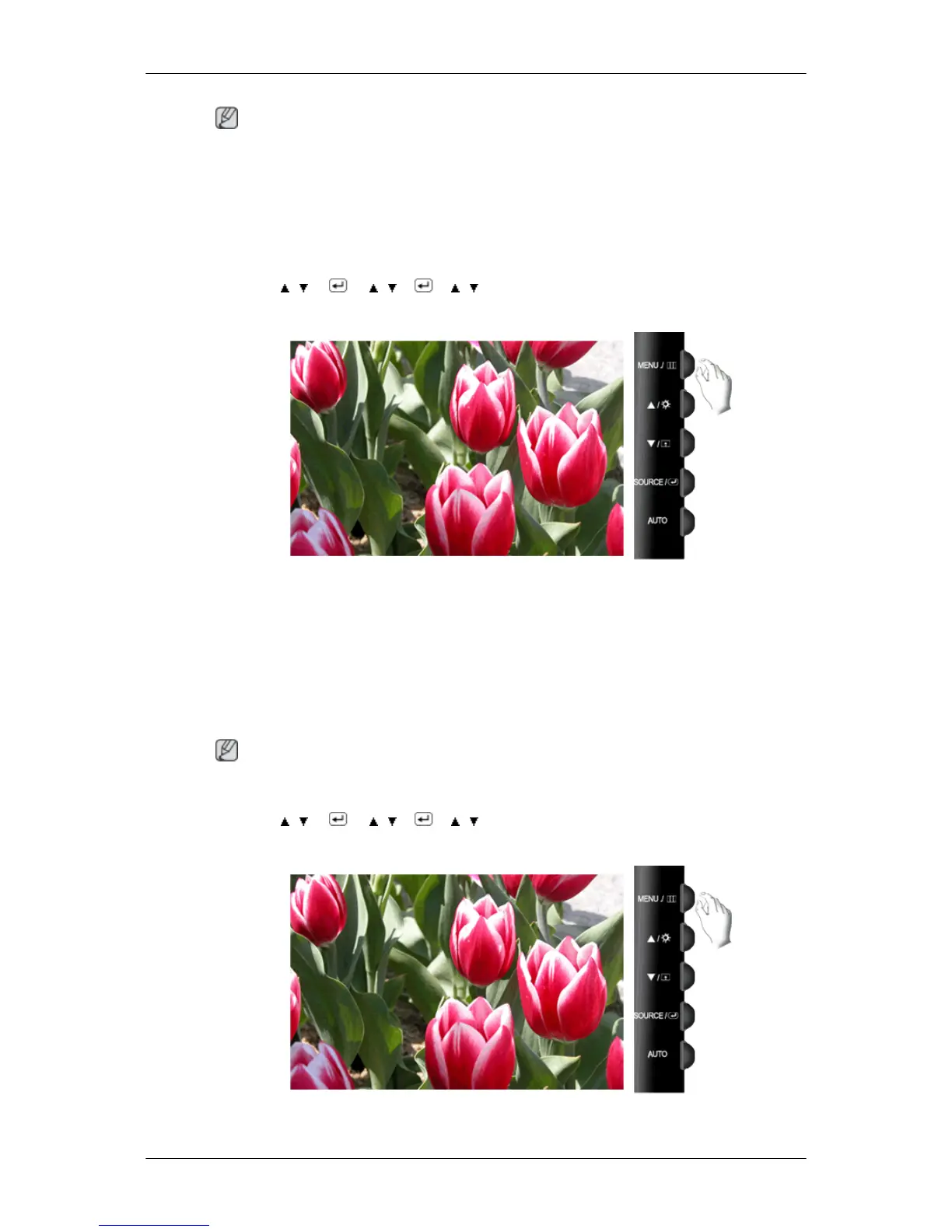
MENU →
, → → , → → , → MENU
AV Mode
This function allows the screen to be displayed at the optimal quality in accordance with the size of
the screen when a 480P, 576P, 720P, 1080i, or 1080P video signal is input in HDMI/DVI mode.
Set to Off when connected to a PC, Set to On when connected to an AV device.
If not set to On, the screen may not be displayed normally.
(Unavailable in Analog mode)
Note
Defaults: DVI mode - Off, HDMI mode - On
MENU → , → → , → → , → MENU
HDMI Black Level
Adjusting the Monitor













 To Next Page