When a DVD or set-top box is connected to your TV via HDMI, it may cause a degradation in the
screen quality, such as an increase in the black level, a low contrast, or discoloration, etc., depending
on the external device connected. In this case, adjust the screen quality of your TV by configuring the
HDMI black level.
(This function is active only when the external input connects to HDMI (RGB signals))
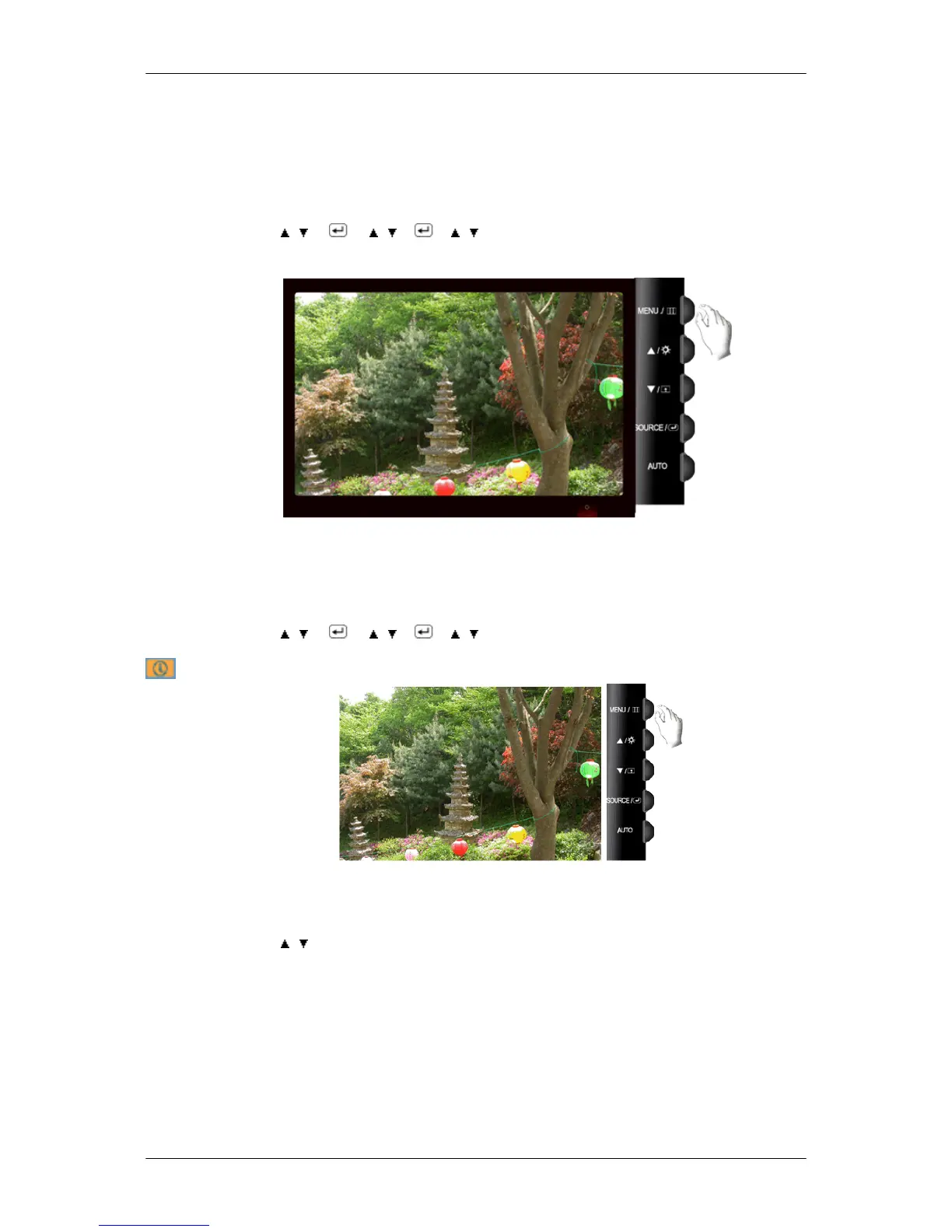
MENU → , → → , → → , → MENU
LED Brightness
Adjusts the brightness of the Power LED.
• Off • On
MENU → , → → , → → , → MENU
Information
Shows a video source, display mode on the OSD screen.
MENU → , →MENU
Adjusting the Monitor













 To Next Page