V-Position
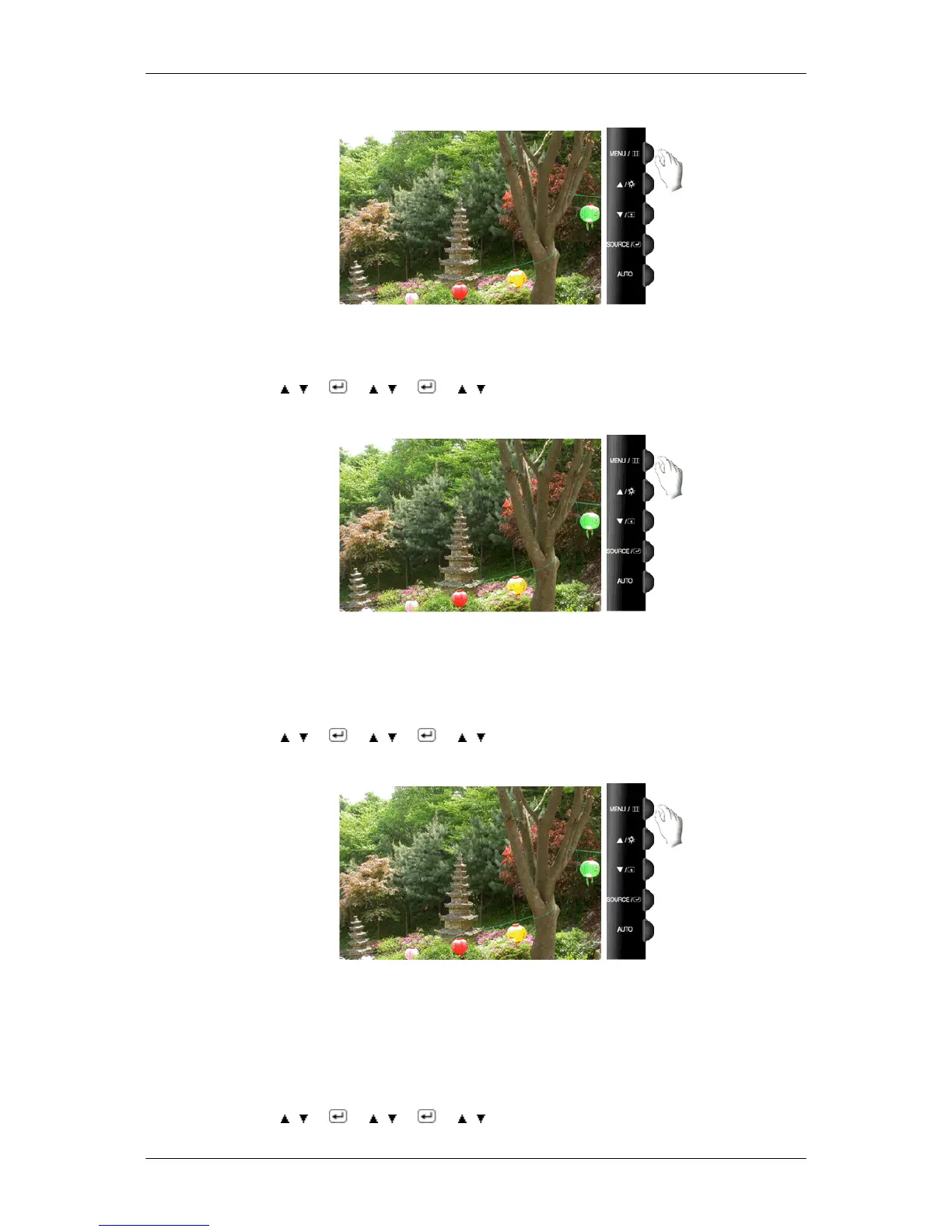
You can change the vertical position where the OSD menu appears on your monitor.
MENU → , → → , → → , → MENU
Transparency
Change the transparency of the background of the OSD.
• Off • On
MENU → , → → , → → , → MENU
Display Time
The menu will be automatically turned off if no adjustments are made for a certain time period.
You can set the amount of time the menu will wait before it is turned off.
• 5 sec • 10 sec • 20 sec • 200 sec
MENU → , → → , → → , → MENU
Adjusting the Monitor













 To Next Page