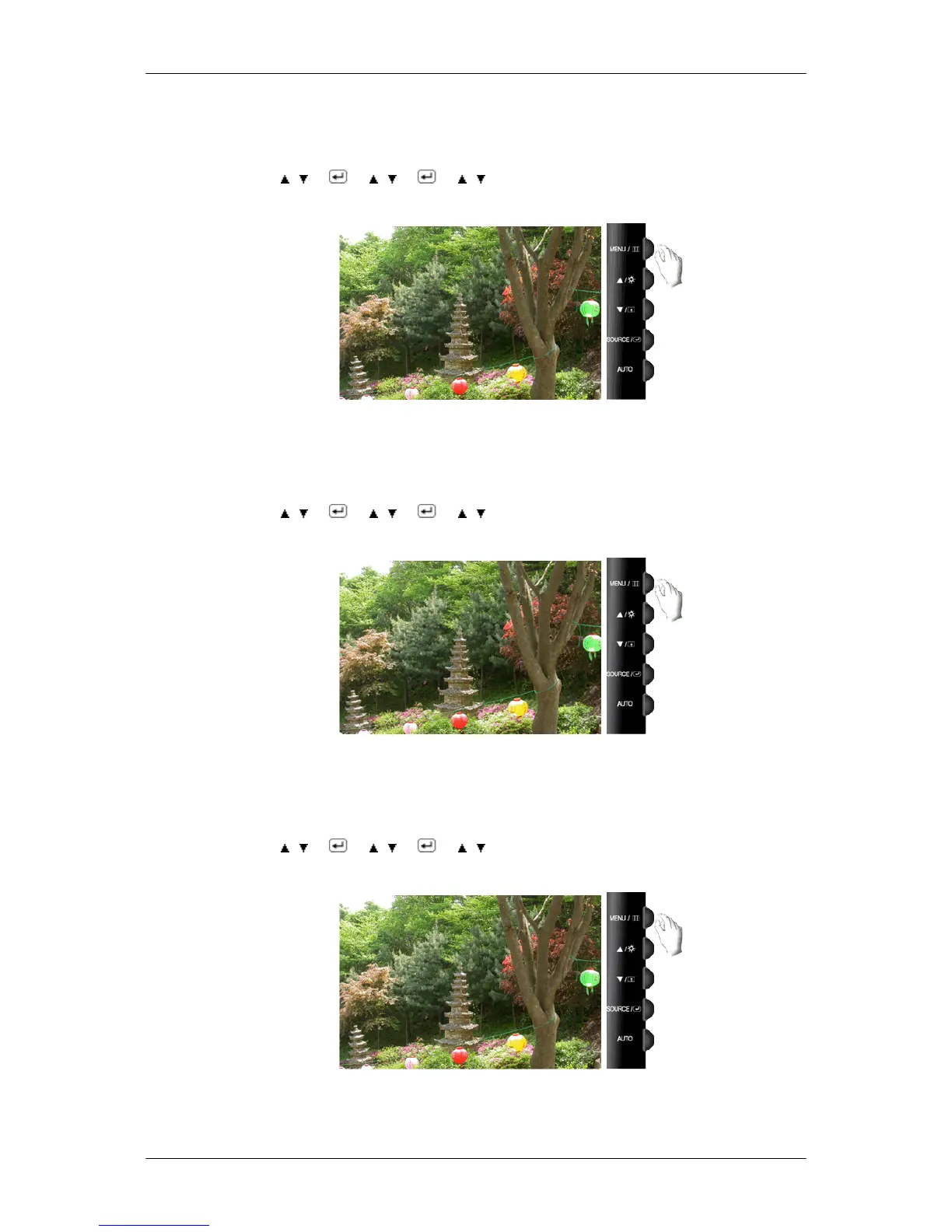
If the noise persists even after Fine tuning, repeat it after adjusting the frequency (clock speed).
(Available in Analog mode only)
MENU →
, → → , → → , → MENU
Sharpness
Changes the clearance of image.
( Not available in MagicColor mode of Full and Intelligent. )
MENU → , → → , → → , → MENU
H-Position
Changes the horizontal position of the monitor's entire display.
(Available in Analog mode only)
MENU → , → → , → → , → MENU
V-Position
Changes the vertical position of the monitor's entire display.
Adjusting the Monitor













 To Next Page