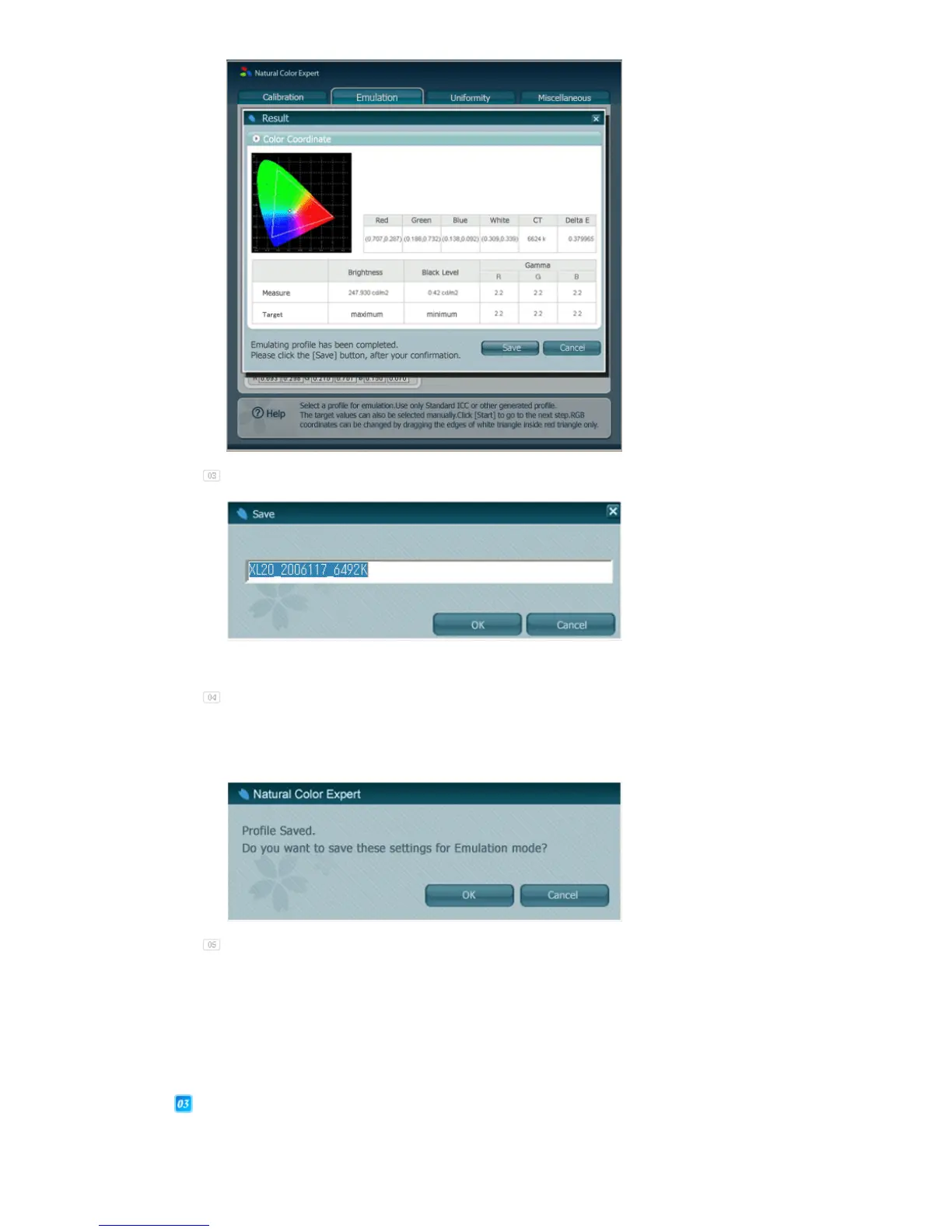
s to your monitor. To save, click the
OK button. It will take some time to save these settin
s saved in the
monitor are saved as the emulation mode which constitutes a part of the color mode of your
monitor. From now on, your monitor will be displayed with the saved settings whenever
emulation mode is selected.
When finished, click the Exit button.
When exiting the program after saving the changed settings as the emulation mode, the
color mode of your monitor will change to the just saved current emulation mode. If the
program is not exited normally because communication to the monitor is disconnected, the
"Color Calibration" message will appear when pressing the OSD. If this occurs, run the
program again and exit it normally.
| Calibration | Emulation | Uniformity | Miscellaneous |
Uniformity













 To Next Page