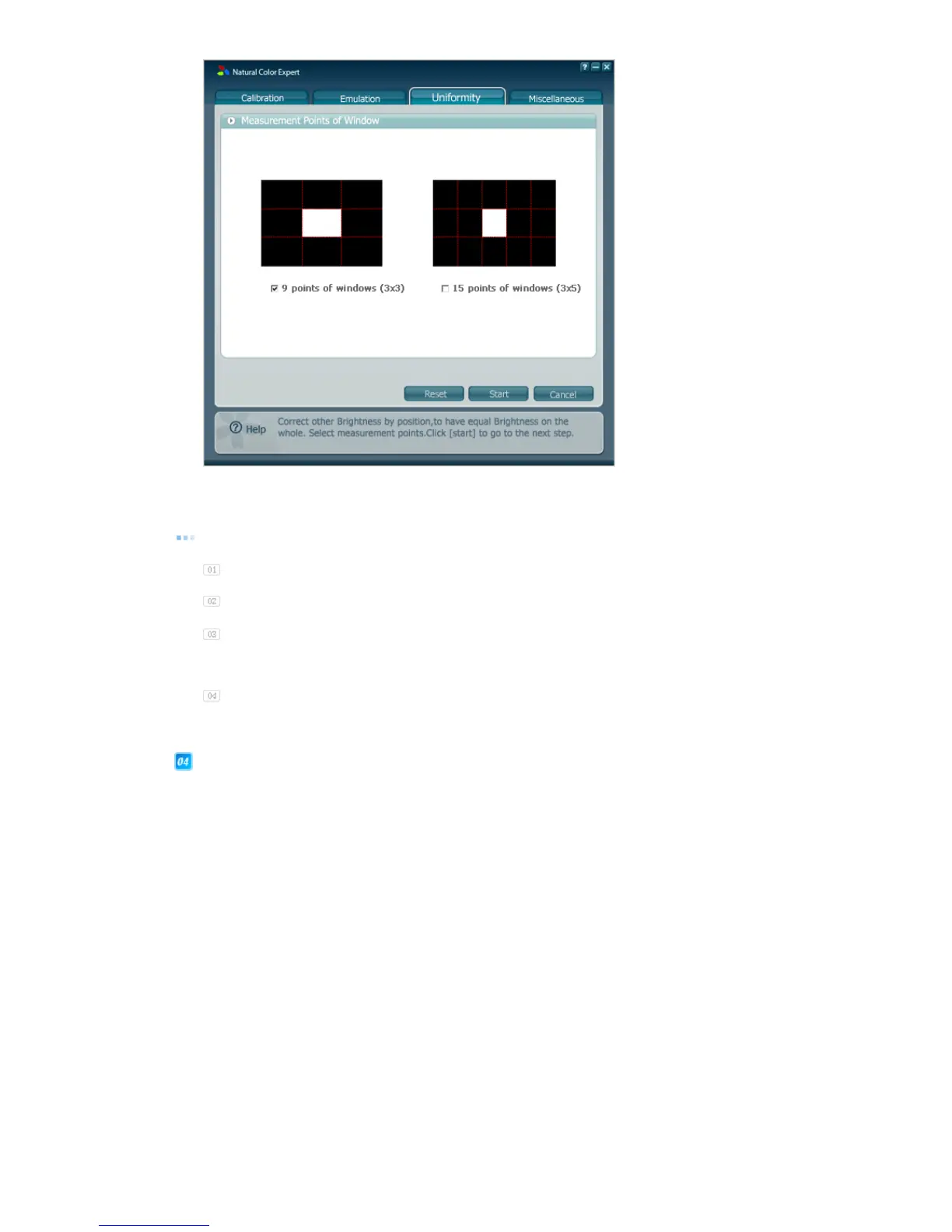
Using the Uniformity tab, you can improve the uniformity of your Edison monitor. This tab
measures and improves the uniformity for your monitor.
How to use
Select a number of points of the window you want to measure and click the Start button.
These processes are the same as steps 2 and 3 of Calibration.
the uniformity for the center window, move and attach your Calibrator from
the top left to the right of your monitor whenever a message appears and measure the
uniformity for each location.
When finished, the program will automatically improve the uniformity of your monitor.
| Calibration | Emulation | Uniformity | Miscellaneous |
Miscellaneous













 To Next Page