56
Chapter 3.
Using the computer
This is only supported for models that support a TV output •
port (HDMI).
When a TV provides more than one HDMI port, connect •
the computer to the DVI IN port.
When connecting the computer to a TV, switch the •
external input mode of the TV to HDMI.
2
Select Charms menu > Devices
> Second Screen.
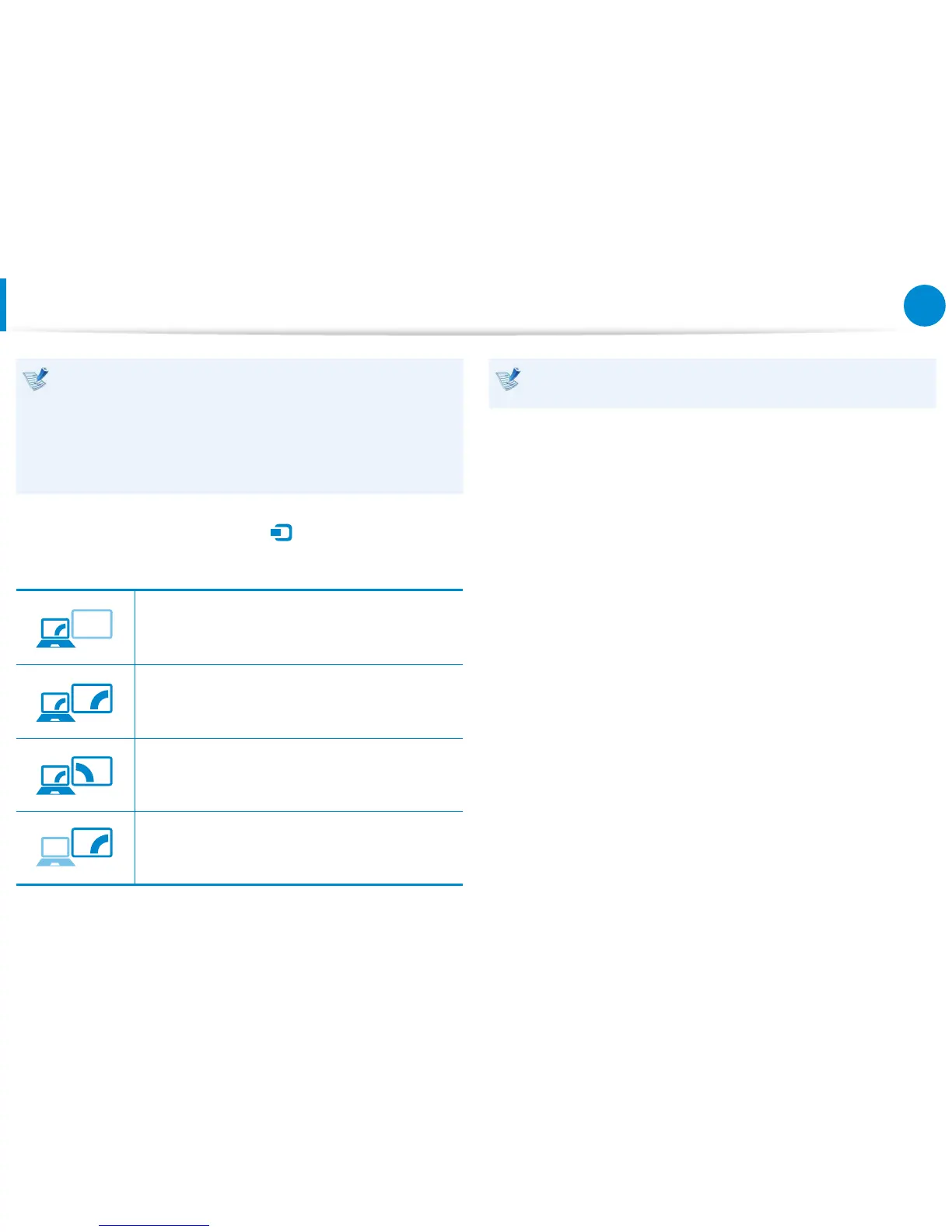
Select a desired monitor mode.
PC screen only
The contents are only displayed on the PC
monitor (current device).
Duplicate
The contents of the current device are displayed
on the external device as well.
Extend
The screen of the current device is expanded to
the external device.
Second screen only
The contents are displayed only on the screen of
the external device.
External Monitor / TV is not supported in the DOS Command
Prompt window.
Connecting an External Display Device









 To Next Page