Using the S Note app
(S Note, Optional, for corresponding models only)
Sending a note via email
1
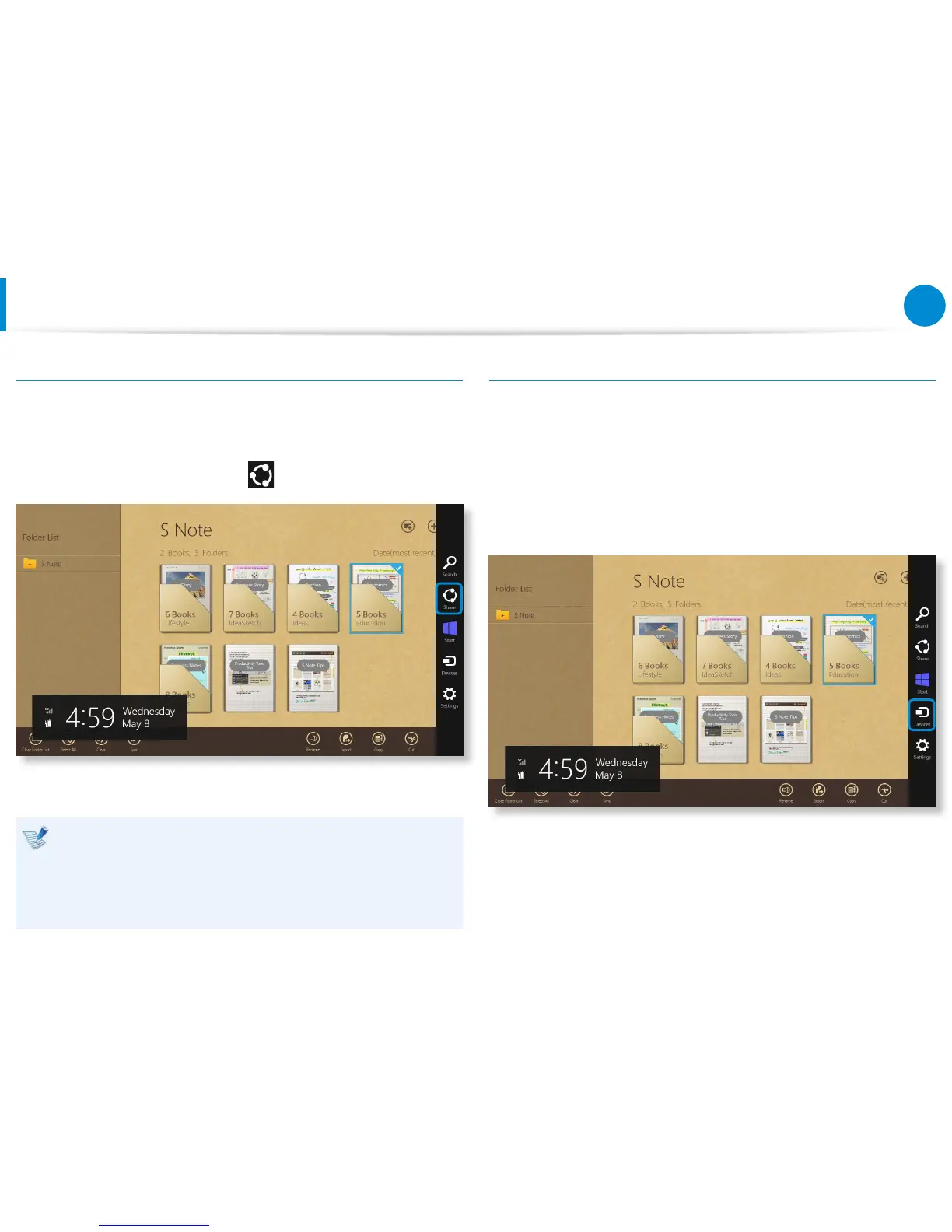
Slightly drag the note to be sent via email downward in the
folder. The note is selected.
2
Select Charm menu > Share > Email.
3
Send an email according to the instructions below.
You need a Microsoft account to use the email app.•
To register a note to an app other than the email app, •
select Charm menu > Settings > Change PC Settings >
Sharing and set the App to be used for sharing option to
On.
Printing a note
1
Slightly drag the note to be printed downward in the folder.
The note is selected.
2
Select Appbar > More > Print.
Alternatively, select Charm menu > Device and select a
printing device.
3
Print the note according to the instructions.









 To Next Page