Computer Connection
This SMART TV has the following computer connection ports:
●
HDMI
●
HDMI-to-DVI
For the highest picture quality, connect the computer to the HDMI/DVI port. Not all computers are
HDMI-enabled. In this case, use an HDMI-to-DVI cable to connect the computer to the TV. Refer to the
"Display Resolution" for information on the resolution settings supported by the TV.
HDMI Connection
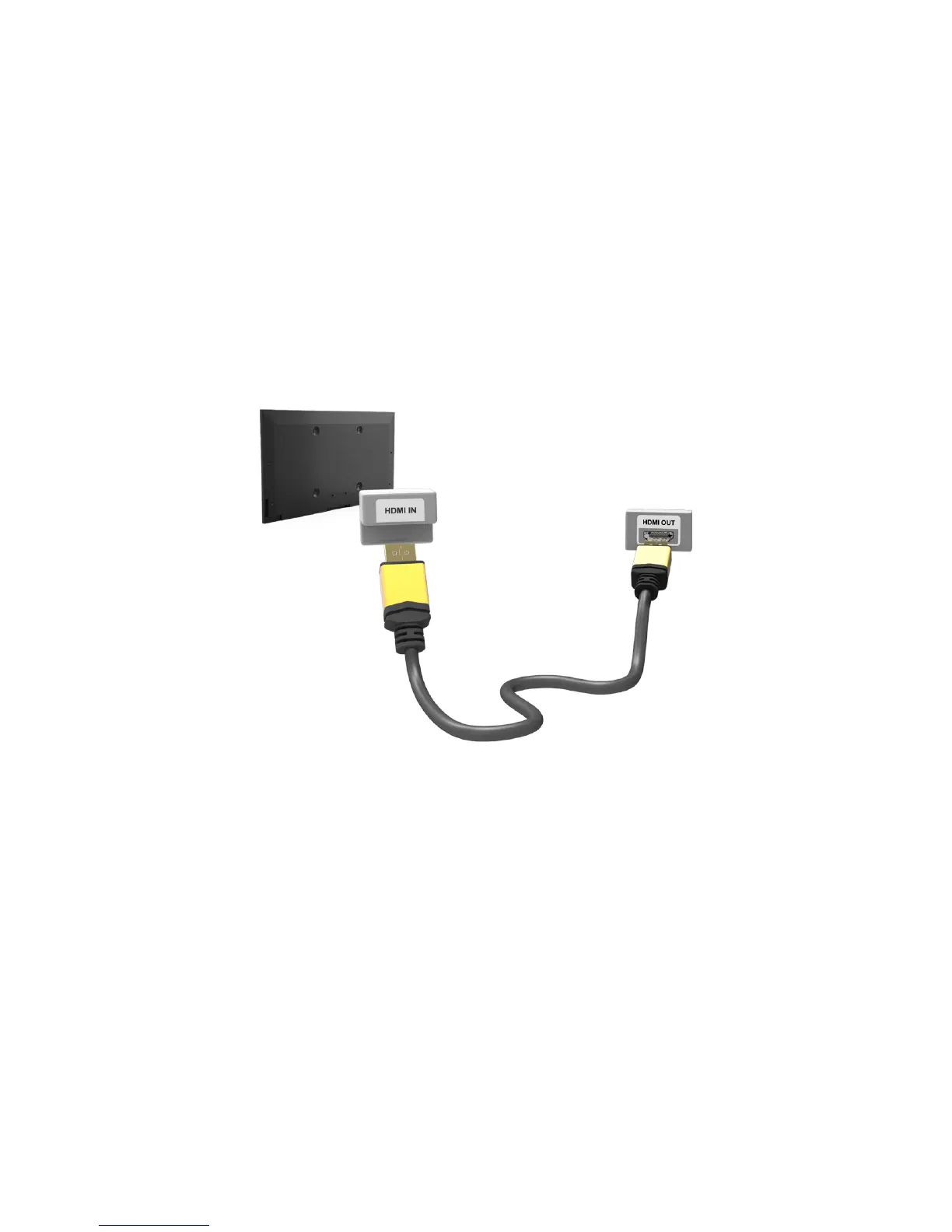
Refer to the diagram and connect the HDMI cable to the TV's HDMI input port and the computer's
HDMI output port.



 To Next Page