E-
40
INSTALLING THE INDOOR UNIT
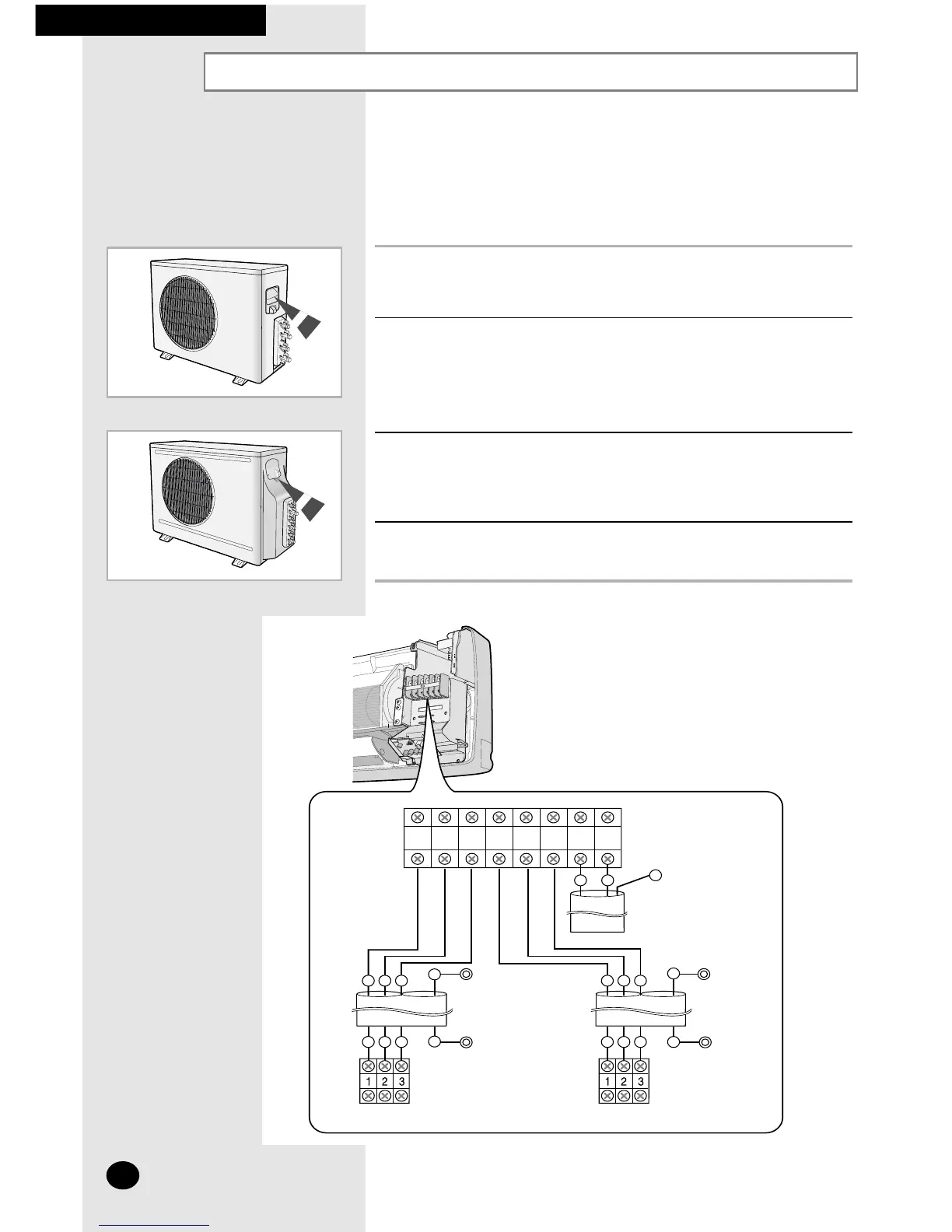
Connecting the Cables to the Outdoor Unit
One electric cable must be connected to the outdoor unit:
◆ The assembly cable connecting the indoor unit to the outdoor unit
1 Remove the terminal board cover on the side of the outdoor unit.
2 Connect the assembly cable to terminals as shown in the figure.
➢ Each wire is labelled with the corresponding terminal number.
3 Connect the earth wires to the earth terminals.
➢ Refer to the page 42 for further details on how to check
that earthing is correct.
4 Replace the terminal board cover, carefully tightening the screw.
UD18B1C2
UD26B1C2



 To Next Page