8
SAMSUNG Video Wall Kit Setup Guide 2. Installation
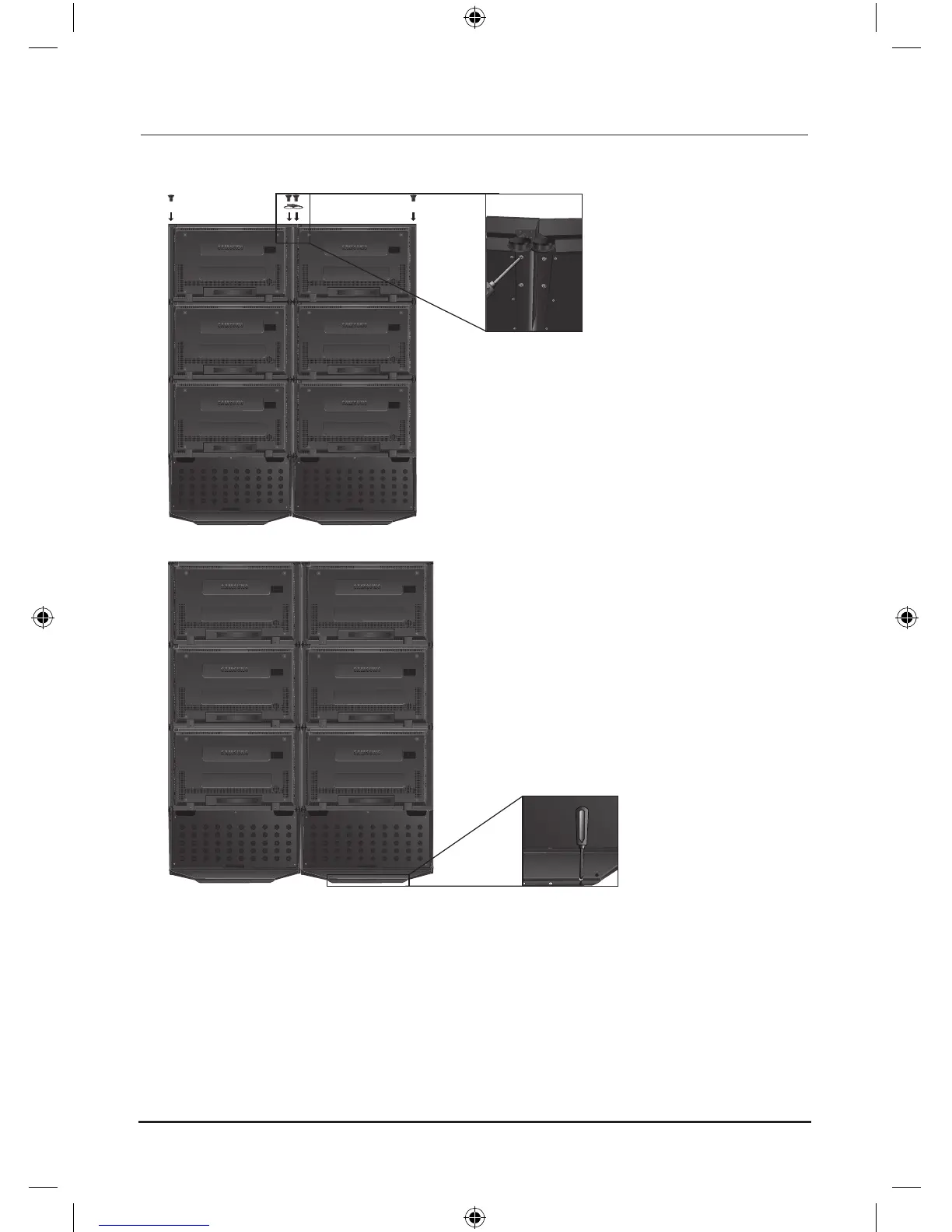
6. Assemble all the monitors (up to 4 monitors in a column) according to the same procedures, install the Top
Bracket-Link, and then fasten all the screws of the connecting parts.
7. When the arrangement is complete, fix it to the floor with the screws.
The parts used for the product assembly are as follows. N
ex) When monitors are constructed in a 2x3 stack.







 To Next Page