10
SAMSUNG Video Wall Kit Setup Guide 2. Installation
Connecting and Arranging the Cables
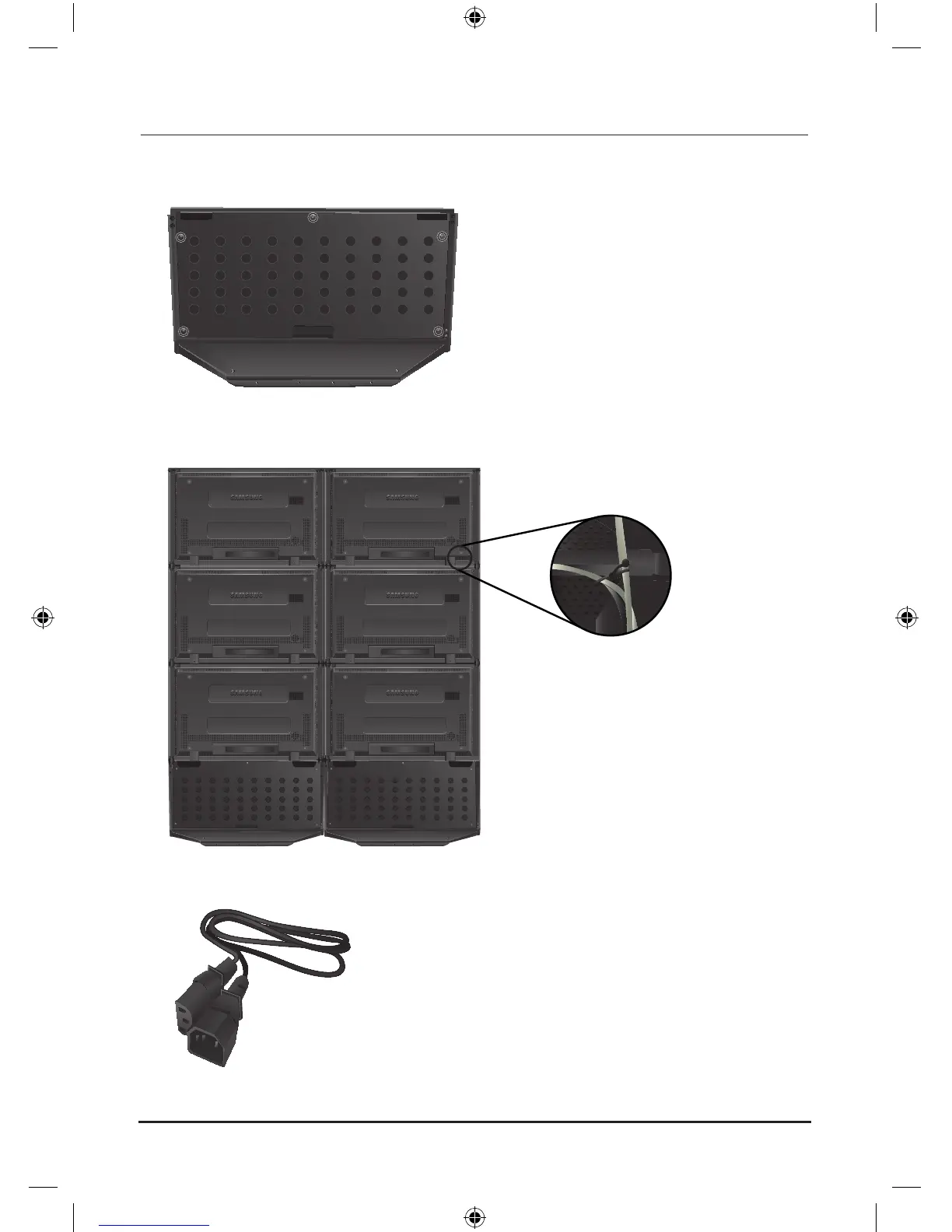
1. Remove the 6 screws from the back of the product and separate the back cover.
2. Arrange the cables and hubs in the arrangement space and close the cover.
3. Connect the cables with the relevant devices.
4. Tie the cables firmly using the arrangement hook at the back of each monitor.
5. If the number of stacked monitors in a column is equal to or greater than 3, the power cable may be too
short. In this case, connect the power using a power extension cable.
Power Extension Cable (Optional)






 To Next Page