EasyManua.ls Logo

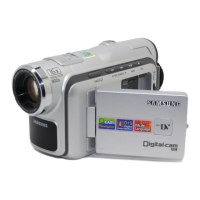
Samsung VP-D190MS - User Manual

Samsung VP-D190MS
99 pages
Print Icon
To Next Page IconTo Next Page
Loading...
ENGLISH
SAMSUNG
SAMSUNG
SAMSUNG
SAMSUNG
START/
STOP
SELF
TIMER
COUTER
RESET
ZERO
RETURN
DISPLAY
STILL
WIDE
TELE
STILL
X2
SLOW
F.ADV
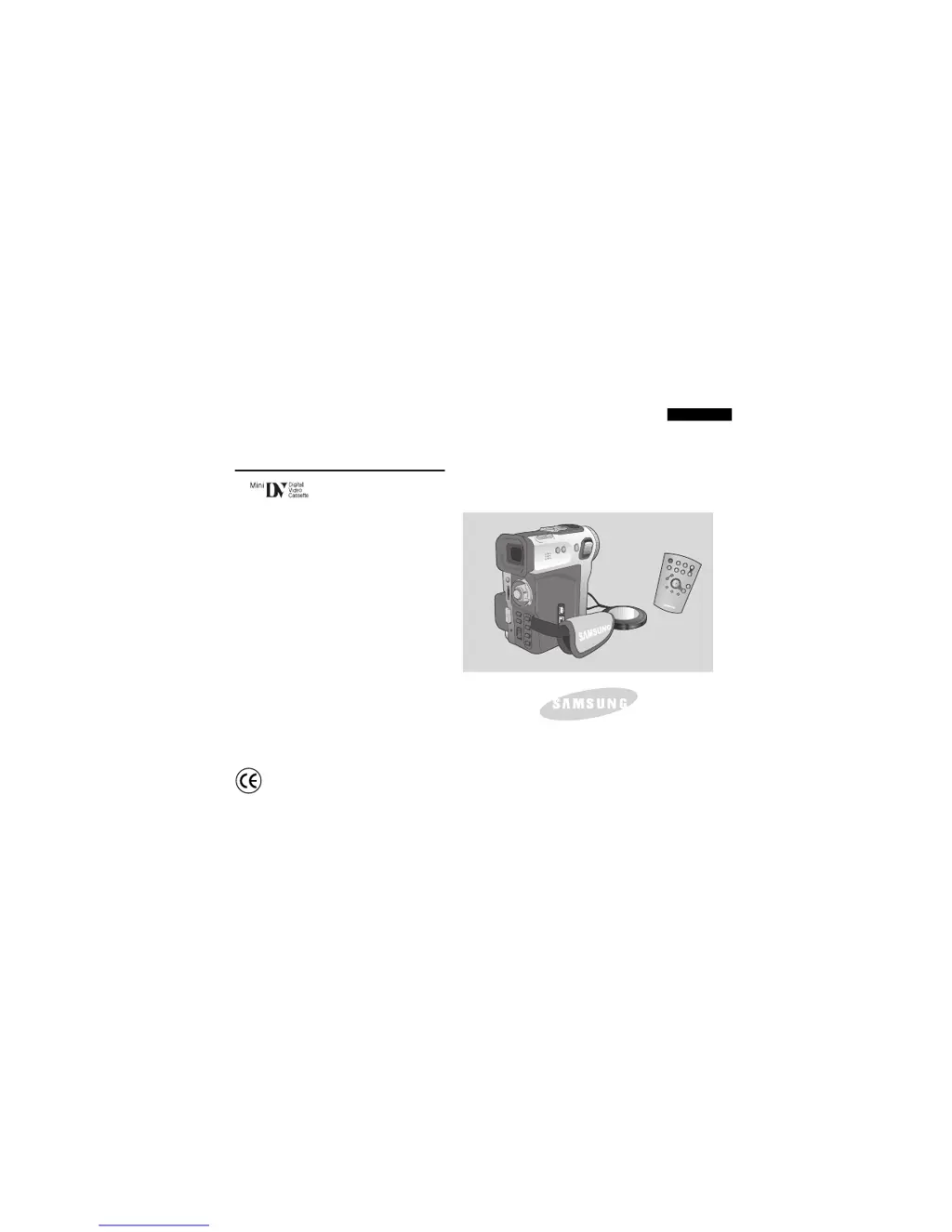
Digital Video Camcorder
Owner’s Instruction Book
Before operating the unit, please read this
instruction book thoroughly, and retain it for
future reference.
AF Auto Focus
CCD Charge Coupled Device
LCD Liquid Crystal Display
VP-D190MS/D190MSi
ELECTRONICS
This product meets the intent of
Directive 89/336 CEE, 73/23 CEE, 93/68 CEE.

Table of Contents

Questions and Answers

  • J
    James McdonaldAug 15, 2025
    What to do if auto focus does not work on Samsung VP-D190MS Camcorder?
    • H
      Heidi FoxAug 15, 2025
      If the auto focus isn't working on your Samsung Camcorder, check the M.FOCUS menu. Auto focus is disabled in Manual Focus mode.
  • D
    Diane SinghAug 18, 2025
    How to fix the blurred image in the viewfinder of my Samsung Camcorder?
    • B
      Brian TaylorAug 18, 2025
      If the image in the viewfinder of your Samsung Camcorder is blurred, adjust the viewfinder control lever until the indicators displayed on the viewfinder come into sharp focus.
  • K
    Kelsey DukeAug 21, 2025
    Why does a vertical stripe appear on the screen when recording a dark background with my Samsung VP-D190MS?
    • M
      miguel34Aug 21, 2025
      If you notice a vertical stripe when recording a dark background with your Samsung Camcorder, it's likely due to high contrast between the subject and background. To resolve this, brighten the background to reduce the contrast, or use the BLC function while recording.
  • R
    Rachel CruzAug 25, 2025
    Why is the battery pack quickly exhausted on my Samsung VP-D190MS Camcorder?
    • A
      Amber WhiteAug 26, 2025
      If your Samsung Camcorder's battery drains quickly, it could be due to a few reasons: the atmospheric temperature might be too low, or the battery pack may not have been fully charged. If the battery pack is completely dead and cannot be recharged, try using another battery pack.
  • B
    Brandon ReedAug 28, 2025
    What to do if START/STOP button does not operate while recording on Samsung VP-D190MS Camcorder?
    • P
      Peter ParkerAug 28, 2025
      If the START/STOP button isn't working while recording on your Samsung Camcorder, make sure the POWER switch is set to CAM. Also, check if you've reached the end of the cassette or if the record protection tab on the cassette is enabled.
  • M
    Mrs. Annette BarnettAug 31, 2025
    What to do if Play, FF or REW button does not work on Samsung VP-D190MS?
    • M
      Mary SanchezAug 31, 2025
      If the Play, FF, or REW button isn't working on your Samsung Camcorder, verify that the POWER switch is set to VCR. Also, check if you've reached the beginning or end of the cassette.
  • H
    herbertcastilloSep 3, 2025
    Why does my Samsung Camcorder go off automatically?
    • S
      Shelly JonesSep 3, 2025
      If your Samsung Camcorder turns off automatically, it might be because it was left in STBY mode for more than 5 minutes without use, or the battery pack is fully exhausted.
  • K
    Kevin ThomasSep 7, 2025
    What to do if I see a blue screen during playback on my Samsung Camcorder?
    • R
      Ronald MatthewsSep 7, 2025
      If you see a blue screen during playback on your Samsung Camcorder, the video heads may be dirty. Clean the head with a cleaning tape.
  • M
    Michael ReyesSep 10, 2025
    What to do if I see a broken block image during the EDIT SEARCH on my Samsung VP-D190MS Camcorder?
    • M
      Margaret PalmerSep 10, 2025
      If you see a broken block image during the EDIT SEARCH on your Samsung Camcorder, this is normal operation and not a failure or defect.

Samsung VP-D190MS Specifications

General IconGeneral
TypeCamcorder
Recording MediaMiniDV
Optical Zoom34x
Digital Zoom1200x
Sensor TypeCCD
LCD Screen Size2.5 inches
Sensor1/6 inch CCD
LCD Screen2.5-inch color LCD
ViewfinderElectronic Viewfinder
Video FormatDV
InterfaceIEEE 1394 (FireWire)
Video Resolution720x576 (PAL)
Effective Pixels800, 000
Zoom34x optical zoom / 1200x digital zoom

Related product manuals