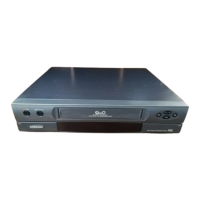
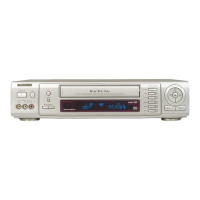
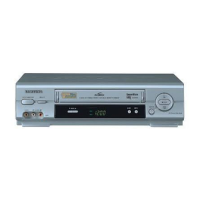
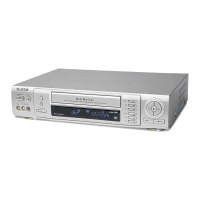
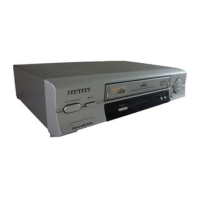
1
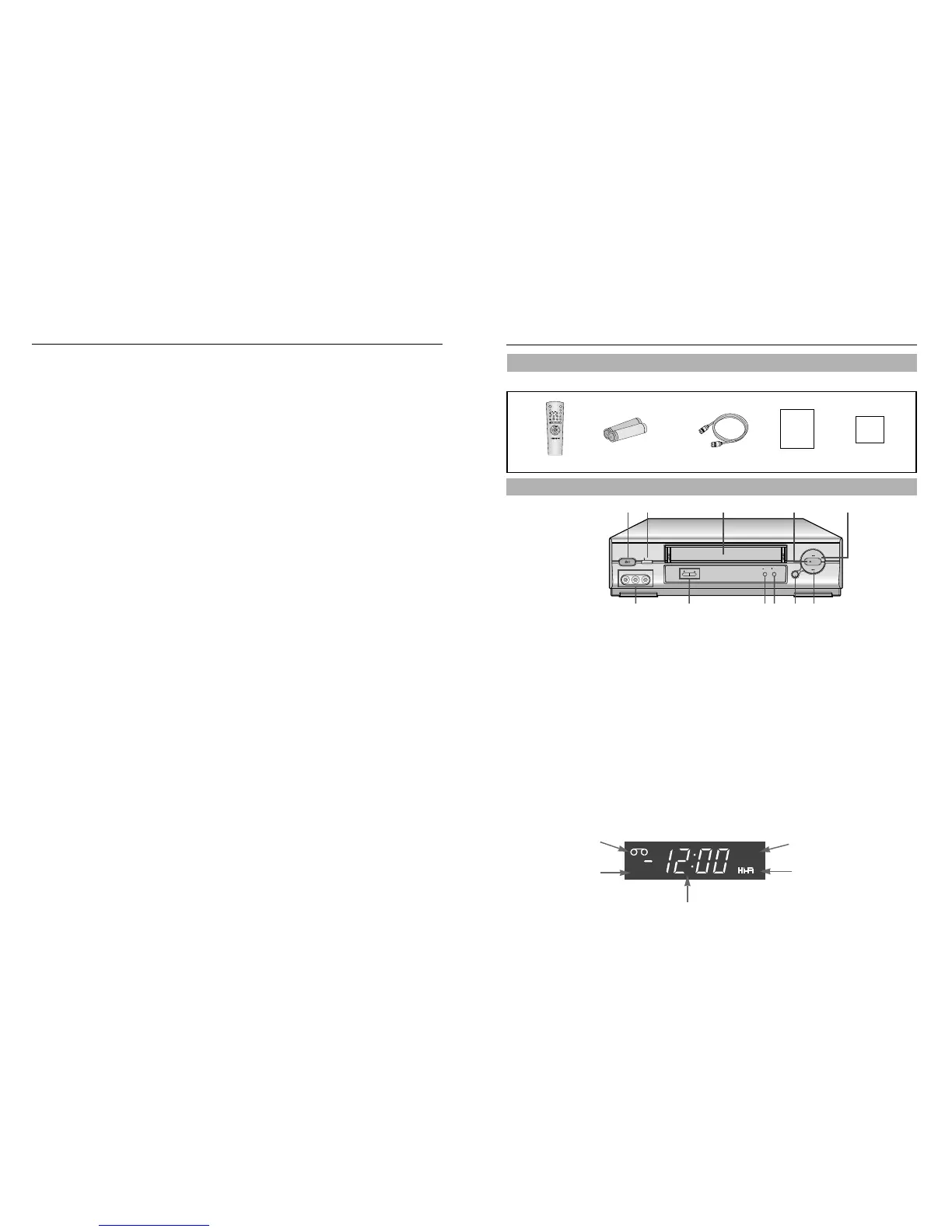
POWER
Press to turn the VCR on and off.
Power Save mode
The display on the VCR is turned off by pressing
POWER for about 5 seconds to save the power
consumption.
Press POWER again to turn the display on.
2
EJECT
Press to eject a tape or clear a timer program on the
menu screen.
3
CASSETTE COMPARTMENT
Insert a video cassette.
4
PLAY
Press to play tape.
5
F.F (FAST FORWARD)
Press to fast forward in stop mode or forward search
in play mode.
6
REW (REWIND)
Press to rewind in stop mode or reverse search in
play mode.
7
MENU
Press to display or clear the menu screen.
8
STOP
Press to stop tape.
9
RECORD
Press to record or press to move a cursor to the
left on the menu screen.
10
CHANNEL
▼▲
Press to change channels or press to move a
cursor up or down on the menu screen.
11
LINE IN
Input signal from another VCR or camcorder.
(Model VR5260 has only one AUDIO LINE IN
jack.)
Owner’s
Manual
Registration
Card
Remote Control
Batteries for remote(2AA) RF-Cable Owner’s Manual Registration Card
11 10 9 8 7 6
Table of Contents
Safety Instructions
Your New VCR
Accessories . . . . . . . . . . . . . . . . . . . . . . . . . . . . . . . . . . . . . . . . . . . .1
Front Panel and Display . . . . . . . . . . . . . . . . . . . . . . . . . . . . . . . . . . .1
Remote Control . . . . . . . . . . . . . . . . . . . . . . . . . . . . . . . . . . . . . . . . .2
VCR Setup
Rear Panel . . . . . . . . . . . . . . . . . . . . . . . . . . . . . . . . . . . . . . . . . . . . .3
Connections . . . . . . . . . . . . . . . . . . . . . . . . . . . . . . . . . . . . . . . . . . . .3
Plug and Play . . . . . . . . . . . . . . . . . . . . . . . . . . . . . . . . . . . . . . . . . . .5
Using Menus and the Remote Control . . . . . . . . . . . . . . . . . . . . . . . . .6
Selecting the On-Screen Language . . . . . . . . . . . . . . . . . . . . . . . . . . .6
Setting the Clock . . . . . . . . . . . . . . . . . . . . . . . . . . . . . . . . . . . . . . . .7
Setting the Channels . . . . . . . . . . . . . . . . . . . . . . . . . . . . . . . . . . . . .9
VCR Functions . . . . . . . . . . . . . . . . . . . . . . . . . . . . . . . . . . . . . . . . . .10
VCR Operation
Tape Controls . . . . . . . . . . . . . . . . . . . . . . . . . . . . . . . . . . . . . . . . . . .14
Using the DISPLAY Button . . . . . . . . . . . . . . . . . . . . . . . . . . . . . . . . .16
Recording . . . . . . . . . . . . . . . . . . . . . . . . . . . . . . . . . . . . . . . . . . . . . .17
One Touch Recording(OTR) . . . . . . . . . . . . . . . . . . . . . . . . . . . . . . . .17
Timer Recording . . . . . . . . . . . . . . . . . . . . . . . . . . . . . . . . . . . . . . . . .18
Copying or Dubbing a Video . . . . . . . . . . . . . . . . . . . . . . . . . . . . . . . .19
Care and Maintenance . . . . . . . . . . . . . . . . . . . . . . . . . . . . . . . . . . . . . . . .20
Troubleshooting . . . . . . . . . . . . . . . . . . . . . . . . . . . . . . . . . . . . . . . . . . . . . .21
Guide de reference rapide . . . . . . . . . . . . . . . . . . . . . . . . . . . . . . . . . . . . .22
VCR Operation . . . . . . . . . . . . . . . . . . . . . . . . . . . . . . . . . . . . . . . . . . . . . . .23
Specifications . . . . . . . . . . . . . . . . . . . . . . . . . . . . . . . . . . . . . . . . . . . . . . . .24
Warranty . . . . . . . . . . . . . . . . . . . . . . . . . . . . . . . . . . . . . . . . . . . . . . . . . . ..25



 To Next Page