EasyManua.ls Logo

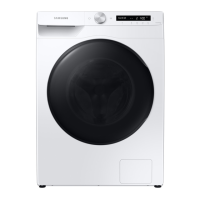
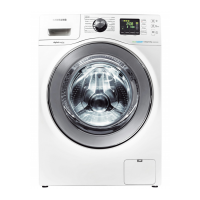
Samsung WD10K6 Series - User Manual

Samsung WD10K6 Series
64 pages
Print Icon
To Next Page IconTo Next Page
Loading...
Washing Machine
User manual
WD10K6***** / WD90K6***** / WD80K6*****
WD90K6410OX_03745E-02_EN.indd 1 2016/11/10 17:00:21

Questions and Answers

  • D
    Donald SwansonAug 9, 2025
    Why Samsung Washer does not start?
    • A
      Alexis VanceAug 9, 2025
      If your Samsung Washer doesn't start, there could be several reasons: * Ensure the washing machine is properly plugged in. * Verify that the door is completely closed. * Check that the water taps are open. * Press or tap the Start/Pause button to initiate the washing machine. * Confirm that the Child Lock feature is not activated. * Inspect the fuse or reset the circuit breaker.
  • H
    hevansAug 26, 2025
    What to do if Samsung WD10K6 Washer water supply is insufficient?
    • S
      Shannon MitchellAug 26, 2025
      If the water supply to your Samsung Washer is insufficient, consider the following: * Fully open the water tap. * Ensure the door is properly closed. * Check that the water supply hose is not frozen, kinked, or clogged. * Ensure there is sufficient water pressure.

Samsung WD10K6 Series Specifications

General IconGeneral
Spin Speed1400 rpm
Noise Level (Spinning)74 dB
AddWashYes
Steam WashYes
ColorWhite
Eco Bubble TechnologyYes
Drum TypeDiamond
Motor TypeDigital Inverter
Dimensions (HxWxD)850 x 600 x 650 mm

Related product manuals