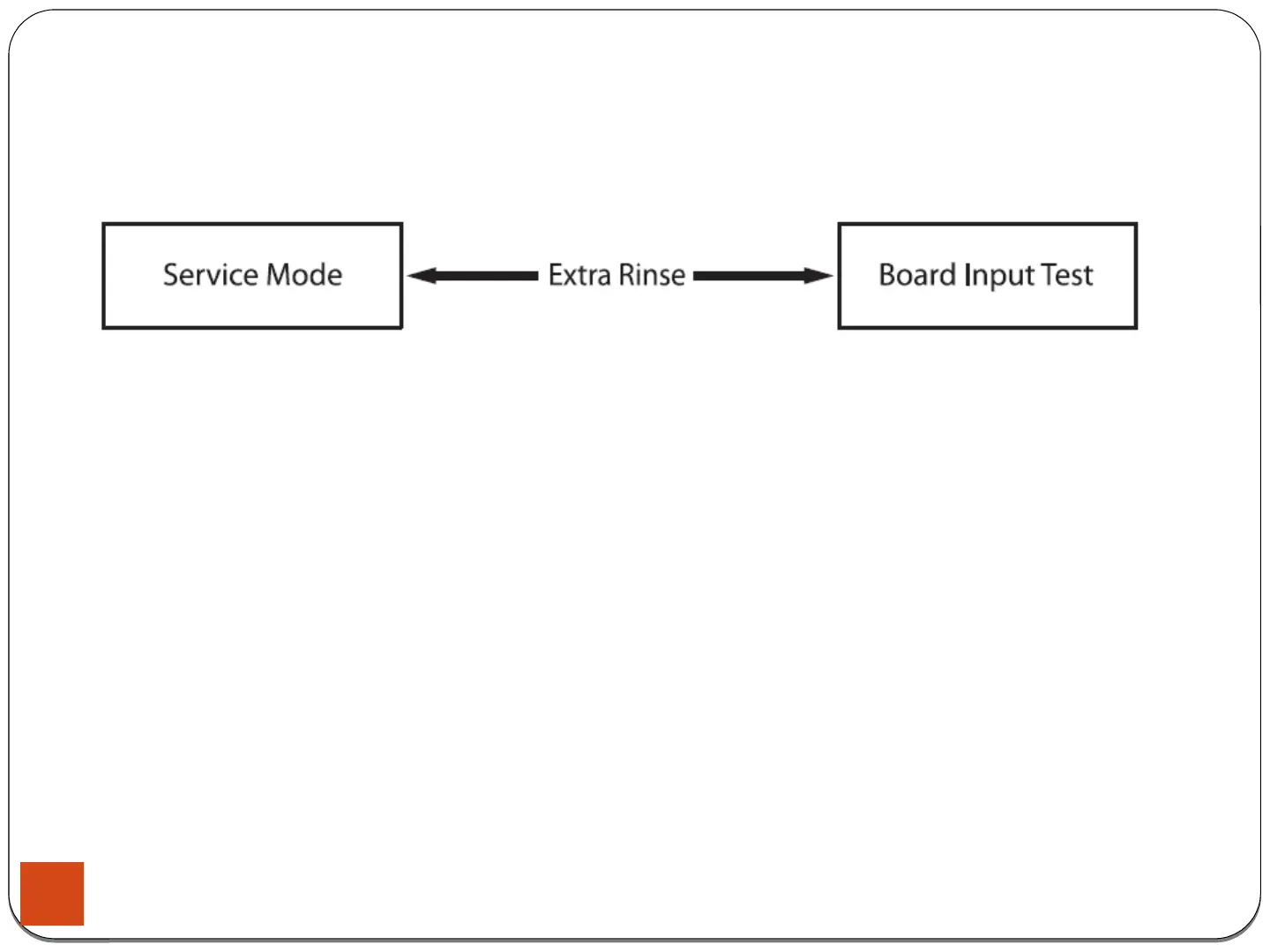
4-1-9. Board Input Test Mode
4. Test Mode & Error Check
How to Enter:
- To enter the Board Input Test Mode, press the Extra Rinse key during Service Mode.
Definition of Board Input Test Mode:
- Board Input Test Mode is to displays a specified input after a key press.
Board Input Test Mode:
1. Activate the Service Mode first.
2. Press the key to start Board Input Test.
3. Turn the Jog-Dial so that the normal course LED is turned on, and The Water Temperature will be displayed in
Celsius.
4. Turn the Jog-Dial so that the LED is turned on, The Water Temperature will be displayed in Fahrenheit.
5. Turn the Jog-Dial so that the LED is turned on, The door status will be displayed (OP if open, CL if closed).
6. Turn the Jog-Dial so that the LED is turned on, The Door Lock Switch status will be displayed (UL if unlocked, LO if
locked).
36





 To Next Page